
Zavedení
This manual provides detailed instructions for setting up, operating, and maintaining your Jamo Studio Series S 803 Compact 5.0 Home Theater System. This system is designed to deliver an immersive audio experience for movies, music, and more.

Image: A single Jamo Studio Series S 803 bookshelf speaker in white, showcasing its modern design with wood grain accents.
Co je v krabici
Your Jamo Studio Series S 803 HCS system includes the following components:
- 2 x S 803 Bookshelf Speakers (Front Left/Right)
- 2 x S 801 Speakers (Surround Left/Right)
- 1 x S 81 CEN Center Channel Speaker

Image: All five speakers of the Jamo Studio Series 5.0 Home Theater System arranged together, including two bookshelf speakers, two surround speakers, and one center channel speaker.
Nastavení
1. Umístění reproduktoru
Správné umístění reproduktorů je klíčové pro optimální zvukový výkon. Dodržujte následující pokyny:
- Front Left/Right Speakers (S 803): Place these speakers equidistant from your primary listening position and at ear level. They should be angled slightly inward towards the listener.
- Center Channel Speaker (S 81 CEN): Position the center speaker directly above or below your television, centered horizontally. Ensure it is as close to ear level as possible.
- Surround Left/Right Speakers (S 801): Place these speakers to the sides or slightly behind your main listening position, ideally at or slightly above ear level.

Obrázek: Detailní záběr zepředu view of the Jamo S 803 Bookshelf Speaker, highlighting the tweeter and woofer.

Obrázek: Detailní záběr zepředu view of the Jamo S 81 CEN Center Channel Speaker, showing its horizontal design with multiple drivers.
2. Connecting Speakers to Your Receiver
Use high-quality speaker wire to connect your speakers to your audio/video receiver. Ensure correct polarity (positive to positive, negative to negative) for each connection.
- Koncovky reproduktorů: The S 803 bookshelf speakers feature dual binding posts for 'MAIN' and 'HEIGHT' connections, allowing for Dolby Atmos compatibility with optional S 8 ATM modules. The S 801 surround speakers and S 81 CEN center channel speaker have single 'MAIN' binding posts.
- Banánové špunty: The binding posts are compatible with banana plugs for secure and easy connection.
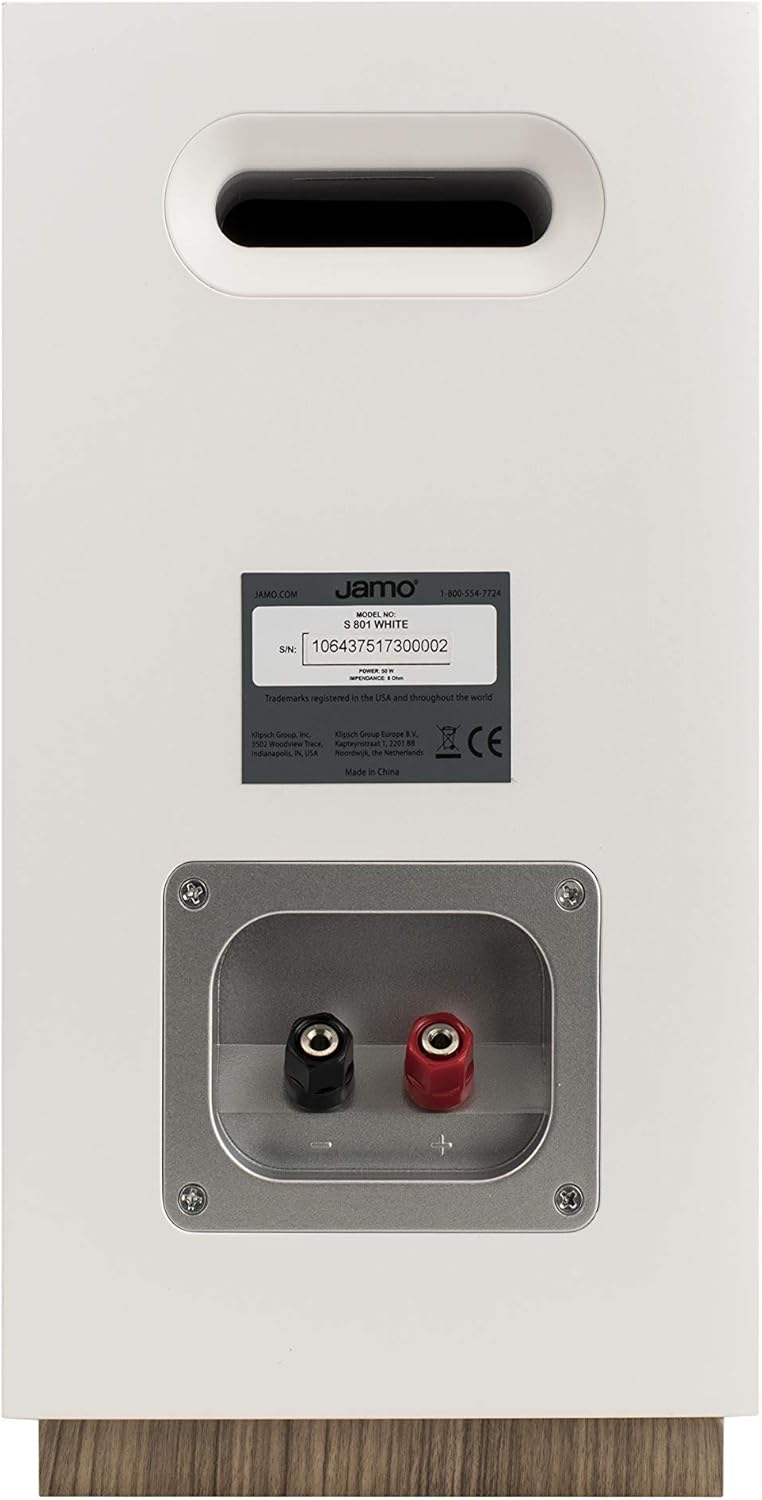
Obrázek: Zadní view of a Jamo S 803 Bookshelf Speaker, showing the 'MAIN' and 'HEIGHT' speaker terminals for connecting to an AV receiver.
3. Dolby Atmos Compatibility
The Jamo S 803 bookshelf speakers are Dolby Atmos ready. This means you can integrate optional Jamo S 8 ATM Dolby Atmos modules (sold separately) directly on top of the S 803 speakers. These modules reflect sound off the ceiling to create an overhead sound effect, enhancing the immersive experience without requiring in-ceiling speakers. Connect the S 8 ATM modules to the 'HEIGHT' terminals on the S 803 speakers and then connect the S 803 'MAIN' terminals to your Dolby Atmos-compatible AV receiver.
Video: Podrobný popisview of the Jamo Studio 8 S803 HCS system, covering build quality, speaker components, frequency response, power requirements, and Dolby Atmos compatibility.
Provoz vašeho systému
Once all speakers are connected to your AV receiver, follow your receiver's instructions for initial setup, including speaker calibration. This typically involves setting speaker sizes, distances, and levels to optimize sound for your listening environment.
- Zapnutí: Turn on your AV receiver and select the appropriate input source.
- Ovládání hlasitosti: Adjust the volume using your receiver's remote control. Start at a low volume and gradually increase it to a comfortable listening level.
- Zvukové režimy: Experiment with different sound modes on your receiver (e.g., Stereo, Dolby Digital, DTS) to find the best audio experience for your content.
Údržba
To ensure the longevity and optimal performance of your Jamo speakers, follow these maintenance tips:
- Čištění: Gently wipe the speaker cabinets with a soft, dry cloth. Avoid using abrasive cleaners or solvents.
- Grily: The speakers feature fully magnetic grilles. These can be removed for cleaning or for a different aesthetic preference. Clean grilles with a soft brush or vacuum with a brush attachment.
- Umístění: Avoid placing speakers in direct sunlight or near heat sources, as this can damage the cabinet finish and internal components.
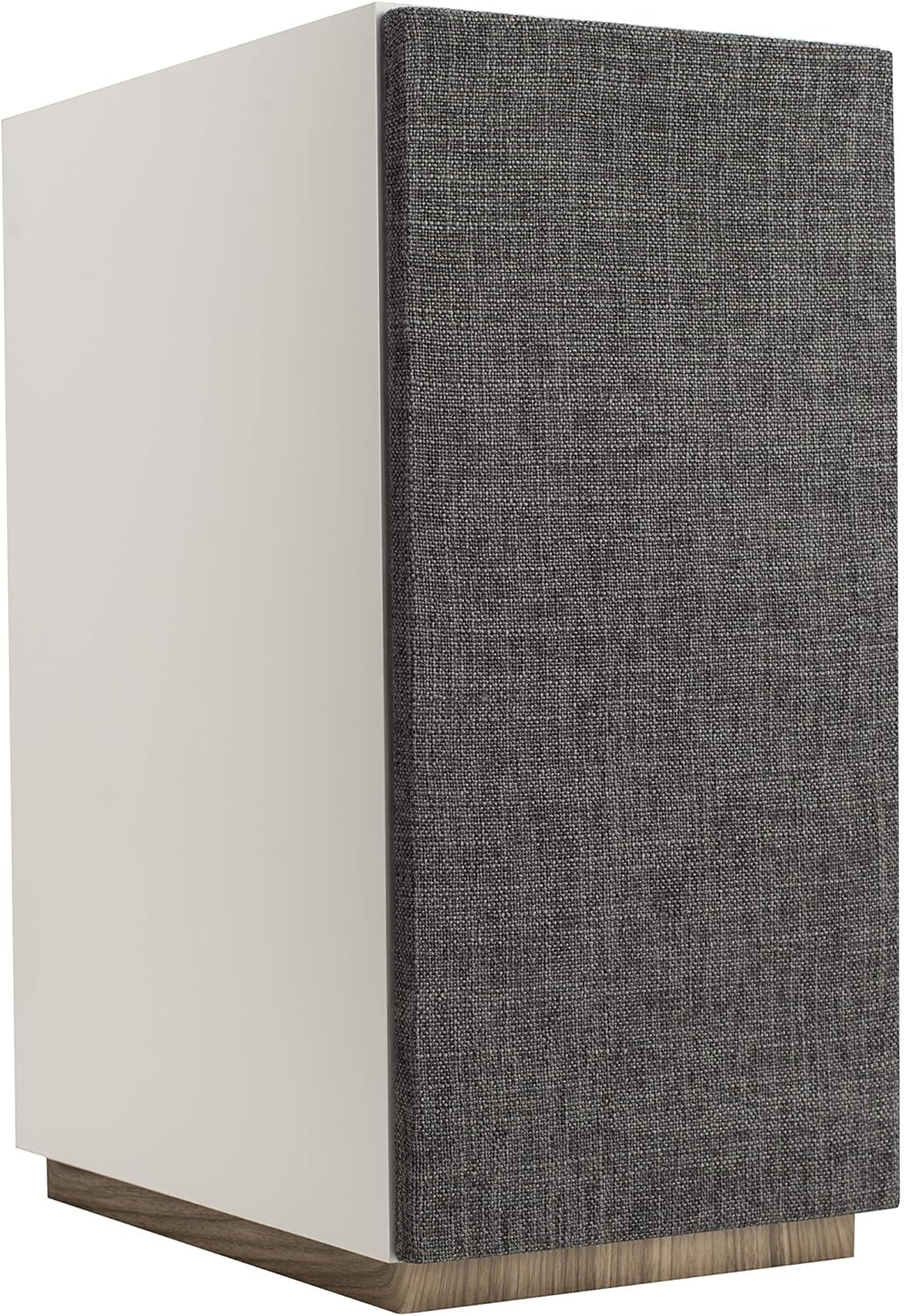
Image: A Jamo S 803 Bookshelf Speaker with its magnetic fabric grille attached, providing a clean and minimalist appearance.
Odstraňování problémů
| Problém | Možná příčina | Řešení |
|---|---|---|
| Žádný zvuk z reproduktorů | Incorrect wiring, receiver input not selected, volume too low. | Check all speaker wire connections for correct polarity. Ensure the correct input source is selected on your receiver. Increase volume. |
| Zkreslený zvuk | Přehnané amplifier, damaged speaker wire, incorrect speaker settings. | Reduce volume. Inspect speaker wires for damage. Check receiver's speaker settings (e.g., crossover frequencies). |
| Nedostatek basů | No subwoofer connected, subwoofer level too low, incorrect speaker size setting. | Ensure a subwoofer is connected and powered on. Adjust subwoofer volume. Set front speakers to "Small" in receiver settings to redirect bass to the subwoofer. |
Specifikace
| Funkce | Specifikace |
|---|---|
| Název modelu | S 803 HCS-WH |
| Typ reproduktoru | Bookshelf (S 803), Surround (S 801), Center (S 81 CEN) |
| Konfigurace kanálů prostorového zvuku | 5.0 |
| Speciální funkce | Dolby Atmos Enabled (S 803) |
| Doporučená použití | Domácí kino |
| Barva | Bílý |
| Hmotnost položky | 51.9 libry (celkové balení) |
| Výrobce | Jamo |
| Technologie připojení | Kabelové |
| Typ montáže | Policový držák |
Záruka a podpora
Jamo products are built with quality and reliability in mind. This product comes with a Full Warranty. For specific warranty terms, conditions, and duration, please refer to the warranty card included with your product or visit the official Jamo webmísto.
For technical support, troubleshooting assistance, or service inquiries, please contact Jamo Customer Support. Contact information can typically be found on the Jamo webna webu nebo v obalu vašeho produktu.
Můžete také navštívit Obchod Jamo na Amazonu pro více informací o produktu a zdroje podpory.