
Konec produktuview
The BLACK+DECKER EM036AB14 Digital Microwave Oven is designed for efficient and convenient cooking. Featuring a 1.4 Cu.ft capacity and 1000 watts of power, it offers versatile cooking options for various food items. Its sleek stainless steel design complements modern kitchen aesthetics.
Klíčové vlastnosti
- Pre-programmed buttons for popular food items: popcorn, potato, pizza, frozen vegetable, beverage, and dinner plate.
- 1000 Watts of cooking power with 10 adjustable power settings.
- Digital LED display with clock and kitchen timer functions.
- 30 Seconds Express Cooking feature for quick heating.
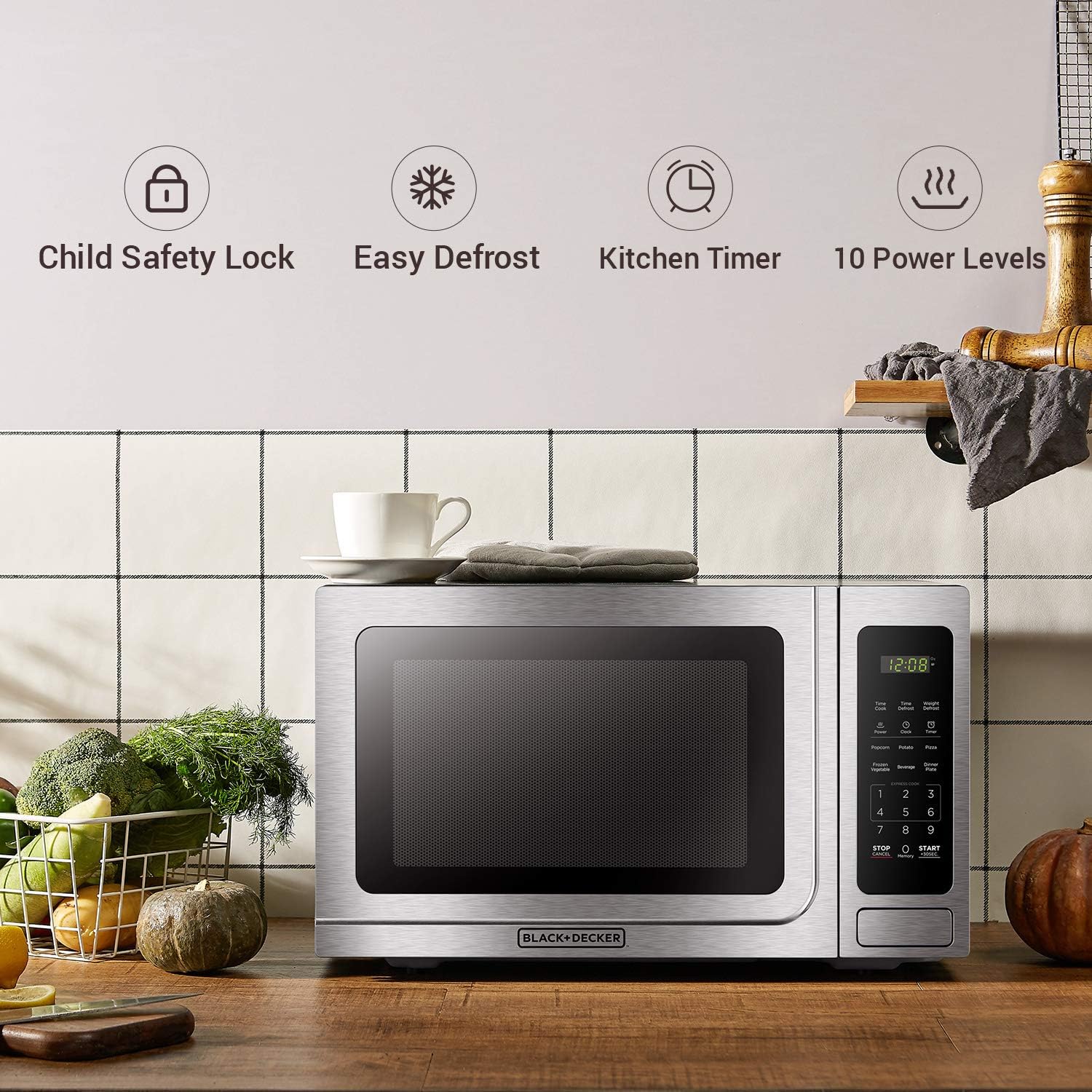
- Child safety lock for enhanced security.
- Vnitřní osvětlení pro lepší viditelnost během vaření.
- Removable 12.4-inch glass turntable for even heating and easy cleaning.
- Convenient push-button door release.
Nastavení a instalace
Vybalování
Carefully remove the microwave oven from its packaging. Inspect the unit for any damage. Retain the packaging materials for future transport or if service is required.
Umístění
Place the microwave on a flat, stable surface. Ensure adequate ventilation around the unit. A minimum clearance of 3.0 inches (7.5 cm) is required between the oven and any adjacent walls, with one side remaining open. Leave a minimum clearance of 12 inches (30 cm) above the oven to allow for proper heat dissipation.
Připojení napájení
Plug the microwave oven into a standard household outlet (110V). Ensure the voltage and frequency of the outlet match the rating label on the appliance. Do not install the oven over a range cooktop or other heat-producing appliance, as this may damage the unit and void the warranty.
Návod k obsluze
Konec ovládacího paneluview
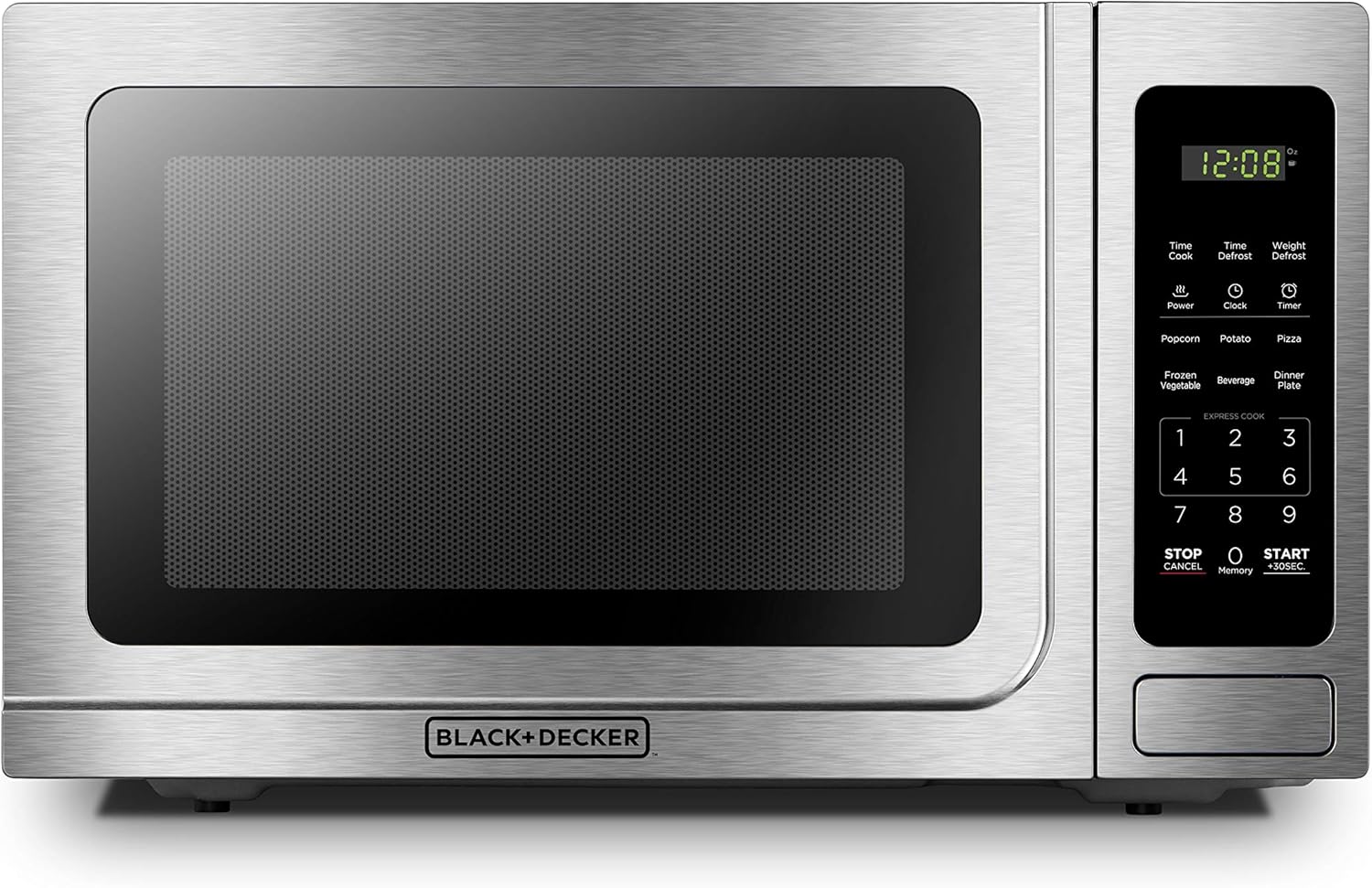
Přední view of the BLACK+DECKER EM036AB14 Digital Microwave Oven, highlighting the control panel with its digital display and various function buttons.
Předprogramované nastavení
The microwave features six convenient pre-programmed settings for common food items. Simply press the corresponding button to automatically set the optimal cooking time and power level.

Close-up of the microwave's control panel showing the six auto-cook presets for common food items like popcorn, potato, pizza, frozen vegetable, beverage, and dinner plate.
- Popcorn: Pro rychlou a snadnou přípravu popcornu.
- Brambor: Ideal for baking potatoes to perfection.
- Pizza: Reheat or cook pizza slices with ease.
- Mražená zelenina: Optimized for various frozen vegetables.
- Nápoj: Quickly heat drinks.
- Talíř: Reheat a full dinner plate evenly.
Time Cook and Power Level
To manually set cooking time and power level:
- Stiskněte tlačítko „Čas vaření“.
- Zadejte požadovaný čas vaření pomocí numerické klávesnice.
- Press the "Power" button.
- Enter the desired power level (1-10) using the number pad.
- Stiskněte tlačítko „Start“ pro zahájení vaření.
The microwave's interior with a rotating turntable, ensuring even cooking and heating of food.
Funkce rozmrazování
Mikrovlnná trouba nabízí dvě možnosti rozmrazování:
- Čas rozmrazování: Press "Time Defrost", enter the desired defrosting time, and press "Start".
- Rozmrazování váhy: Press "Weight Defrost", enter the weight of the food in ounces, and press "Start". The microwave will automatically calculate the defrosting time.

The microwave offers both Time Defrost and Weight Defrost options for versatile thawing.
Dětská pojistka
To prevent unintended operation, especially by children, activate the child safety lock:
- Aktivovat: Press and hold the "Stop/Cancel" button for 3 seconds until "LOC" appears on the display.
- Deaktivace: Press and hold the "Stop/Cancel" button for 3 seconds until "LOC" disappears from the display.

The control panel highlighting the child safety lock feature, which prevents unintended operation.
Péče a čištění
Čištění interiéru
Regularly clean the interior of the microwave with a soft, damp cloth and mild detergent. For stubborn food splatters, place a bowl of water with lemon slices inside and microwave for a few minutes to loosen residue. The glass turntable can be removed and washed with warm, soapy water or in a dishwasher.
Čištění exteriéru
Vnější povrchy otřete měkkým, damp cloth. For stainless steel finishes, use a specialized stainless steel cleaner to maintain its shine and prevent fingerprints. Avoid abrasive cleaners or scouring pads that could scratch the surface.
Průvodce řešením problémů
| Problém | Možná příčina | Řešení |
|---|---|---|
| Trouba se nespustí | Napájecí kabel není zapojen do zásuvky; Dvířka nejsou správně zavřená; Jistič se vypnul. | Ujistěte se, že je napájecí kabel bezpečně zapojený; Pevně zavřete dvířka; Resetujte jistič. |
| Jídlo se neohřívá | Cooking time/power level set incorrectly; Door not closed properly. | Check and adjust cooking settings; Ensure door is fully latched. |
| Gramofon se neotáčí | Turntable not placed correctly; Obstruction under turntable. | Ensure turntable is seated properly on its support; Remove any obstructions. |
| Neobvyklý hluk během provozu | Food container touching oven walls; Loose parts. | Adjust food container position; Contact customer support if noise persists. |
Specifikace produktu
| Specifikace | Detail |
|---|---|
| Číslo modelu | EM036AB14 |
| Kapacita | 1.4 kubických stop |
| Wattage | 1000 wattů |
| svtage | 110 voltů |
| Rozměry výrobku (Š x H x V) | 20.4 cm x 16.9 cm x 12.4 cm |
| Hmotnost položky | 12 uncí |
| Materiál | Nerezová ocel, sklo |
| Speciální funkce | Dětská pojistka |
| Typ instalace | Pracovní deska |
Záruka a podpora
For detailed warranty information, product registration, and customer support, please refer to the official user manual provided with your appliance or visit the manufacturer's webmísto.
Výrobce: ČERNÁ+DECKER
Uživatelská příručka (PDF): Stáhnout zde