
TP-Link Deco X20
TP-Link Deco X20 AX1800 Whole Home Mesh Wi-Fi System User Manual
Model: Deco X20
Zavedení
The TP-Link Deco X20 AX1800 Whole Home Mesh Wi-Fi System provides seamless Wi-Fi 6 coverage throughout your home. This system replaces traditional routers and Wi-Fi extenders, offering faster connections, increased capacity, and reduced latency for a superior online experience. It includes features like HomeCare for security and parental controls, and is compatible with Alexa for voice control.
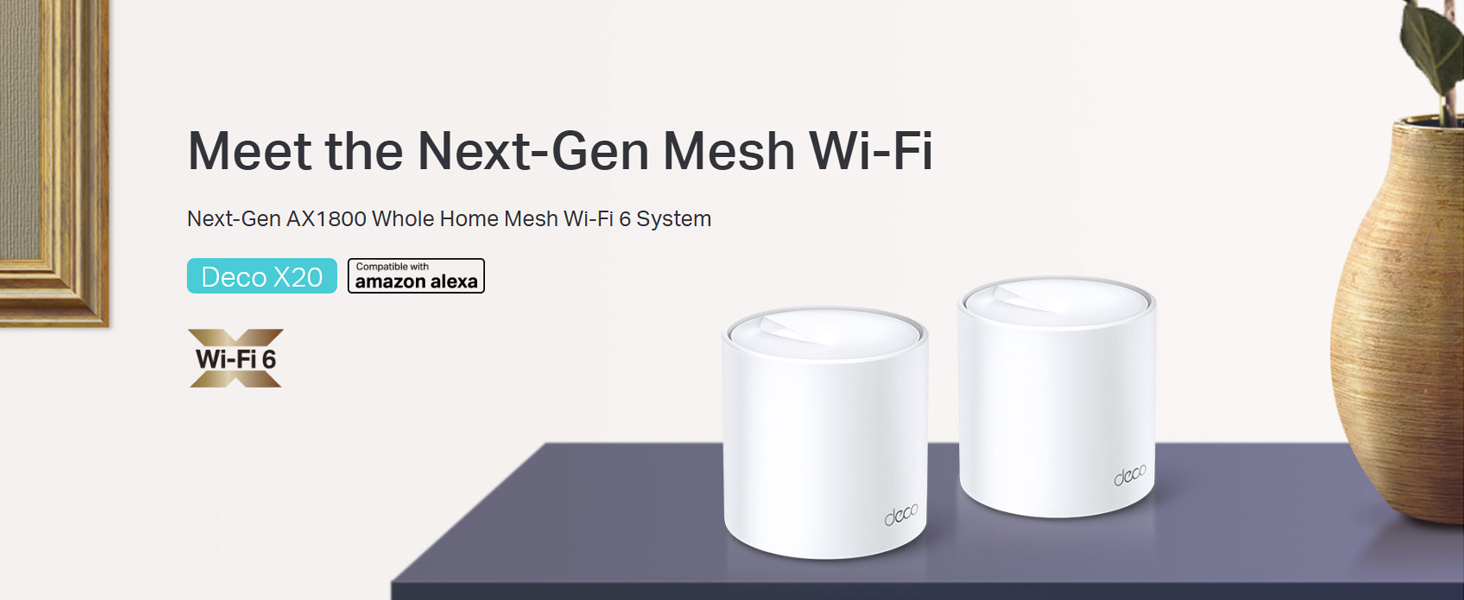
Image: Two TP-Link Deco X20 units on a table, showcasing design produktu.
Co je v krabici
The Deco X20 (2-Pack) system typically includes the following components:
- 2 x jednotky Deco X20
- 1 x ethernetový kabel RJ45
- 2 x napájecí adaptéry
- 1 x Průvodce rychlou instalací

Image: The TP-Link Deco X20 (2-Pack) retail box, displaying the included items.
Průvodce nastavením
Setting up your TP-Link Deco X20 system is designed to be straightforward using the Deco app. Follow these steps for initial installation:
- Stáhněte si aplikaci Deco: Hledat "TP-Link Deco" in the App Store (iOS) or Google Play Store (Android) and install the application on your smartphone or tablet.
- Připojení hlavní jednotky Deco:
- Vypněte modem.
- Připojte jednu jednotku Deco k modemu pomocí dodaného ethernetového kabelu.
- Zapněte modem a poté zapněte jednotku Deco. Počkejte, až LED dioda na jednotce Deco začne blikat modře.
- Spusťte aplikaci Deco: Open the Deco app and follow the on-screen instructions to create a TP-Link ID and set up your main Deco unit.
- Přidat další deko jednotky: Once the main unit is configured, the app will guide you through adding the remaining Deco units. Place them strategically around your home for optimal coverage.
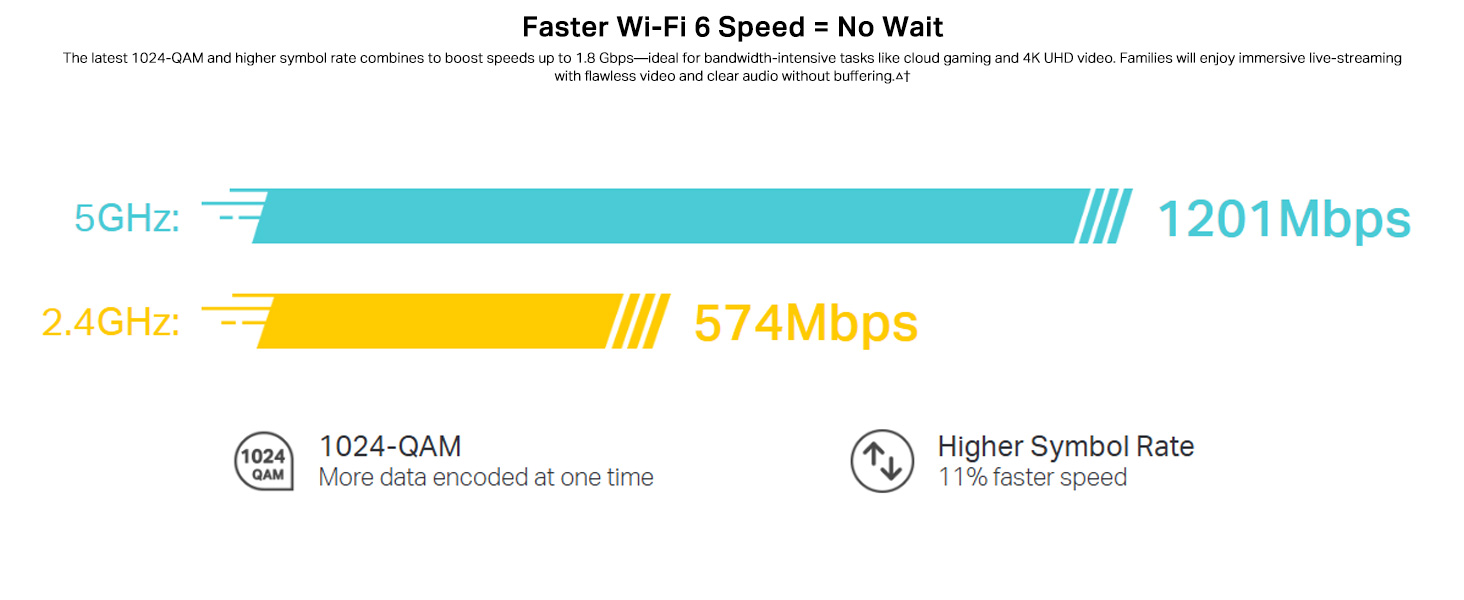
Image: Visual guide for setting up the Deco X20 system via the Deco mobile application.
Návod k obsluze
The TP-Link Deco X20 system operates as a unified network, providing seamless Wi-Fi coverage. Management is primarily done through the Deco mobile application.
Deco App Features:
- Správa sítě: View connected devices, prioritize network traffic (QoS), and manage guest networks.
- Rodičovská kontrola: Set time limits, block inappropriate content, and monitor online activity for family members.
- Antivirus (HomeCare/HomeShield): Protect your network and connected devices from malicious threats.
- Aktualizace firmwaru: The app facilitates easy firmware updates to ensure your system has the latest features and security enhancements.
- Hlasové ovládání: Integrate with Amazon Alexa for convenient voice commands to manage your Wi-Fi.

Obrázek: Rozhraní aplikace Deco demonstrující různé funkce ovládání a monitorování.
Bezproblémový roaming:
The Deco system creates a single Wi-Fi network name (SSID) throughout your home. As you move, your devices automatically connect to the Deco unit with the strongest signal, ensuring an uninterrupted connection.

Image: Comparison of seamless roaming with Deco versus a traditional router and extender setup.
Klíčové vlastnosti
- Wi-Fi 6 Technology (802.11ax): Provides faster speeds up to 1800 Mbps (1201 Mbps on 5GHz and 574 Mbps on 2.4GHz), increased capacity, and reduced network congestion.
- Whole Home Mesh Coverage: Eliminates Wi-Fi dead zones, covering up to 4000 sq ft with a 2-pack system.
- Připojení dalších zařízení: OFDMA and MU-MIMO technologies allow simultaneous data transmission to multiple devices, supporting over 150 connected devices without performance degradation.
- Ultra nízká latence: Enhances responsiveness for gaming and video calls.
- TP-Link HomeCare/HomeShield: Offers comprehensive network security, robust parental controls, and Quality of Service (QoS) for a safer and optimized online experience.
- Síť řízená umělou inteligencí: The system intelligently learns your network environment and user behavior to optimize Wi-Fi performance continuously.
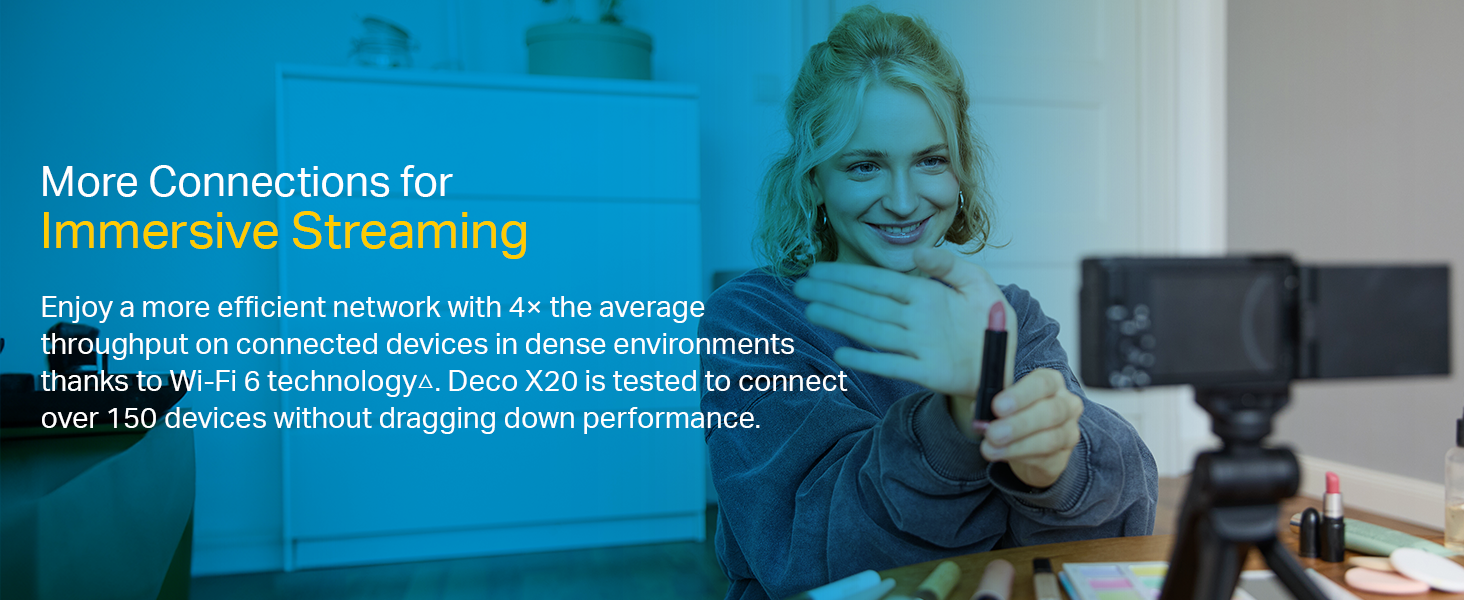
Image: Infographic highlighting the advantages of Wi-Fi 6, such as speed and efficiency.
Údržba
To ensure optimal performance and security of your Deco X20 system, consider the following maintenance practices:
- Pravidelné aktualizace firmwaru: Check the Deco app periodically for available firmware updates. Installing updates ensures you have the latest security patches and performance improvements.
- Optimální umístění: Ensure Deco units are placed in open areas, away from obstructions like large metal objects, thick walls, and other electronic devices that may cause interference.
- Čistota: Keep the Deco units clean and free from dust to prevent overheating and maintain proper airflow. Use a soft, dry cloth for cleaning.
- Sledování sítě: Use the Deco app to monitor network activity and identify any unusual behavior or unauthorized devices.
Odstraňování problémů
Pokud se se systémem Deco X20 setkáte s problémy, vyzkoušejte následující kroky pro řešení potíží:
- Žádné internetové připojení:
- Zkontrolujte, zda váš modem funguje správně.
- Ujistěte se, že je ethernetový kabel mezi hlavní jednotkou Deco a modemem bezpečně připojen.
- Restartujte modem a hlavní jednotku Deco.
- Slabý signál Wi-Fi nebo mrtvé zóny:
- Přemístěte jednotky Deco blíže k sobě nebo do oblastí se slabým signálem.
- Ensure there are no major physical obstructions (e.g., thick concrete walls) between Deco units.
- Consider adding another Deco unit if coverage is still insufficient.
- Stav LED diody Deco jednotky:
- Svítí zelená: Deco is working normally.
- Pulzující modrá: Deco je připraveno k nastavení.
- Svítí červená: Deco má problém (např. žádné připojení k internetu).
- Pulzující červená: Deco is disconnected from the main unit.
- Cannot Connect to Deco App:
- Ujistěte se, že je váš chytrý telefon připojen k Wi-Fi síti Deco.
- Restart the Deco app.
- Reinstall the Deco app if the issue persists.
Pro další pomoc se obraťte na podporu TP-Link webnebo kontaktujte zákaznický servis.
Specifikace
| Funkce | Detail |
|---|---|
| Značka | TP-Link |
| Název modelu | Deco X20 |
| Bezdrátové Standardní | 802.11ax (Wi-Fi 6) |
| Třída frekvenčního pásma | Dvoupásmové (2.4 GHz a 5 GHz) |
| Rychlost přenosu dat (max.) | 1800 Mb/s (1201 Mb/s na 5 GHz, 574 Mb/s na 2.4 GHz) |
| Krytí | Up to 4000 sq ft (2-pack) |
| Počet portů | 2 Gigabit Ethernet ports per Deco unit |
| Bezpečnostní protokol | WPA-PSK, WPA2-PSK, WPA3 |
| Kontrolní metoda | Deco App, Amazon Alexa |
| Rozměry (D x Š x V) | 11L x 11W x 11.4H centimetrů |
| Operační systém | RouterOS (interní) |
| Nainstalovaná paměť RAM | 16 GB (Note: This value is from the provided product data and may refer to flash storage or a specific component, as typical router RAM is lower.) |
Záruka a podpora
Informace o záruce:
The TP-Link Deco X20 comes with a 3-letá záruka. For any product quality related issues, it is recommended to reach out to TP-Link's customer service support for resolution.
Zákaznická podpora:
For technical support, warranty claims, or general inquiries, please contact TP-Link customer service:
- Zdarma: 1800-209-4168
- E-mail: support.in@tp-link.com
- Adresa výrobce: TP-Link Systems Inc. 10 Mauchly, Irvine, CA 92618, USA or TP-Link India Private Limited Office No.1, Tower 2, Level 2, Raiaskaran Tech Park, Andheri Kurla Road, M.V Road, Andheri East-400072
Please retain your proof of purchase for warranty services.
Důležité bezpečnostní informace
- Nevystavujte zařízení vodě ani vlhkosti.
- Nepokoušejte se zařízení sami rozebírat nebo opravovat.
- Používejte pouze dodané napájecí adaptéry.
- Ensure proper ventilation around the Deco units to prevent overheating.
Ask a question about this manual
Ask about setup, troubleshooting, compatibility, parts, safety, or missing instructions. Manuals+ will review the question and use this page’s manual context to help answer it.