
1. Úvod
This manual provides detailed instructions for the safe and effective use of your comiso X26 Bluetooth Speaker. Please read this manual thoroughly before operating the device and retain it for future reference. The comiso X26 is a portable, waterproof Bluetooth speaker designed to deliver 360° HD surround sound with enhanced bass, offering wireless dual pairing and extended playtime for various indoor and outdoor environments.

Image 1.1: Comiso X26 Bluetooth Speaker (White)
2. Konec produktuview
2.1 Klíčové vlastnosti
- 360° HD Surround Sound: Equipped with two precision acoustic drivers and a passive bass radiator for rich, full-bodied audio.
- IPX4 Vodotěsnost: Splashproof, dustproof, and sandproof design suitable for various environments.
- Skutečné bezdrátové stereo (TWS) párování: Connect two X26 speakers for a synchronized, enhanced stereo sound experience.
- Prodloužená hrací doba: Up to 24 hours of continuous music playback on a full charge (at medium volume).
- Ultra přenosný design: Compact and lightweight, designed for easy carrying.
- Vestavěný mikrofon: Podporuje handsfree volání.
- Možnost bezdrátového připojení: Bluetooth 5.0 with a range of up to 10 meters (33 feet).
2.2 Součásti a ovládací prvky reproduktorů

Image 2.1: Comiso X26 Speaker Controls and Ports Diagram
- Tlačítko zapnutí/vypnutí napájení: Stisknutím a podržením zapnete nebo vypnete.
- Tlačítko Přehrát/Pozastavit: Stisknutím spustíte nebo pozastavíte zvuk.
- Tlačítko pro snížení hlasitosti / Předchozí skladba: Stisknutím snížíte hlasitost; stisknutím a podržením přejdete na předchozí skladbu.
- Tlačítko párování TWS: Stisknutím spusťte párování True Wireless Stereo.
- Tlačítko pro zvýšení hlasitosti / další skladbu: Stisknutím zvýšíte hlasitost; stisknutím a podržením přejdete na další skladbu.
- Kontrolka: Zobrazuje napájení, nabíjení a stav Bluetooth.
- Mikrofon (mikrofon): Pro hands-free hovory.
- Nabíjecí port: Micro USB vstup pro nabíjení.
- Resetovací tlačítko: Malá dírka pro reset do továrního nastavení.
3. Nastavení
3.1 Počáteční nabíjení
Before first use, fully charge the speaker. Connect the provided Micro USB cable to the charging port on the speaker and the other end to a USB power adapter (not included) or a computer's USB port. The indicator light will show charging status. A full charge typically takes approximately 6 hours.
3.2 Zapnutí/vypnutí
- Zapnutí: Press and hold the Power ON/OFF button for approximately 3 seconds until the indicator light illuminates and you hear an audible prompt.
- Vypnutí: Press and hold the Power ON/OFF button for approximately 3 seconds until the indicator light turns off and you hear an audible prompt.
4. Návod k obsluze
4.1 Párování Bluetooth
- Ensure the speaker is powered on and in pairing mode (the indicator light will flash).
- Na svém zařízení (chytrém telefonu, tabletu atd.) povolte Bluetooth a vyhledejte dostupná zařízení.
- Select "COMISO X26" from the list of devices.
- Once connected, the indicator light will become solid, and you will hear a confirmation sound.

Obrázek 4.1: Připojení Bluetooth 5.0
4.2 Párování s pravým bezdrátovým stereo (TWS) systémem
To achieve a stereo sound experience with two comiso X26 speakers:
- Ujistěte se, že oba reproduktory X26 jsou zapnuté a nejsou připojeny k žádnému jinému zařízení Bluetooth.
- On one speaker (this will be the master speaker), press the TWS Pairing button. The indicator light will flash rapidly.
- The two speakers will automatically connect to each other. Once connected, you will hear a confirmation sound, and the indicator light on the master speaker will flash slowly, while the other speaker's light will be solid.
- Now, connect your device to the master speaker via Bluetooth as described in Section 4.1.
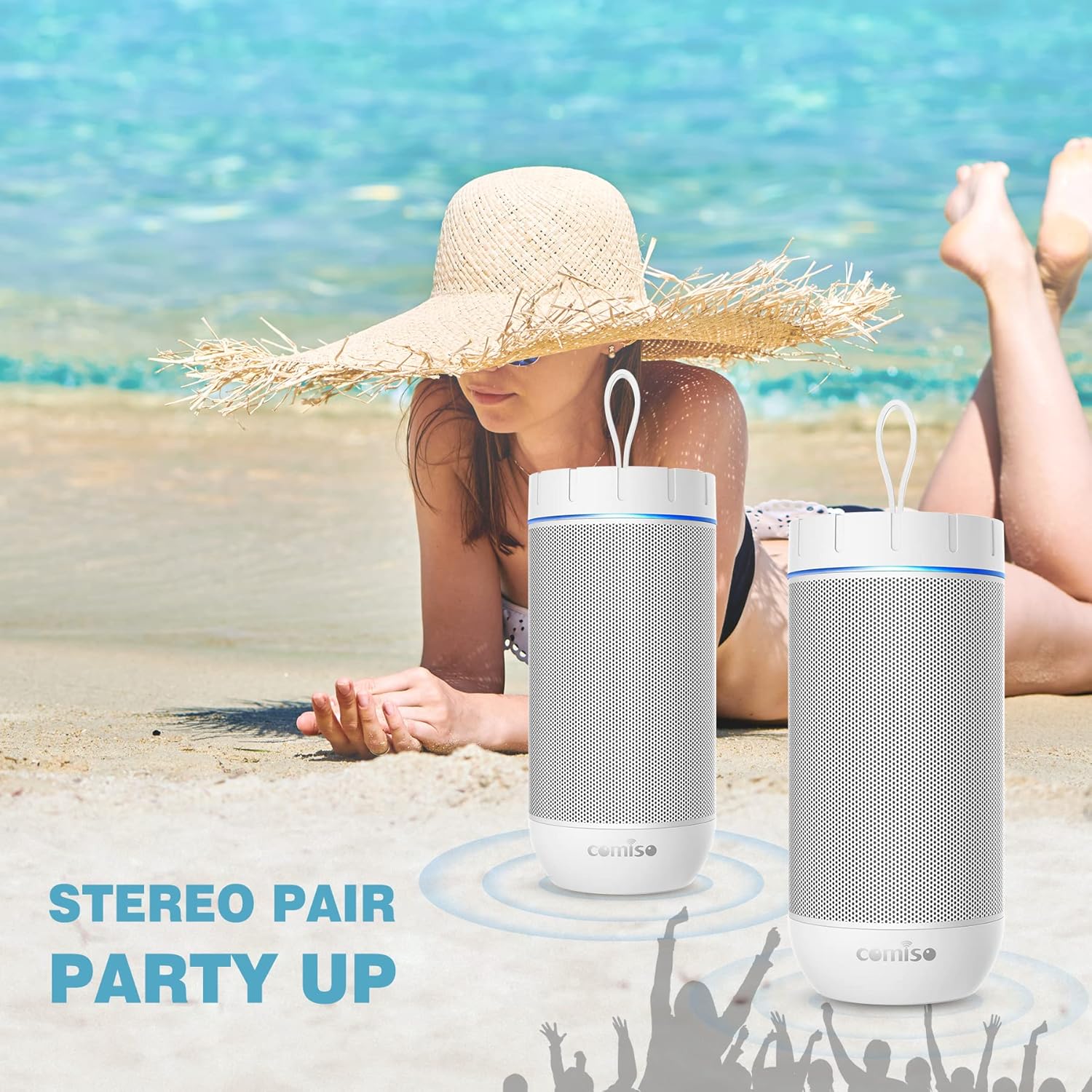
Image 4.2: Two Comiso X26 Speakers in TWS Pairing Mode
4.3 Přehrávání zvuku
- Přehrát/pozastavit: Stiskněte tlačítko Přehrát/Pozastavit.
- Zvýšení/Snížení hlasitosti: Stiskněte tlačítko pro zvýšení hlasitosti (+) nebo snížení hlasitosti (-).
- Další skladba: Stiskněte a podržte tlačítko pro zvýšení hlasitosti (+).
- Předchozí skladba: Stiskněte a podržte tlačítko pro snížení hlasitosti (-).
4.4 Volání bez použití rukou
When connected to your smartphone via Bluetooth, the built-in microphone allows for hands-free calls.
- Přijmout hovor: Stiskněte jednou tlačítko Přehrát/Pozastavit.
- Ukončit hovor: Během hovoru stiskněte jednou tlačítko Přehrát/Pozastavit.
- Odmítnout hovor: Stiskněte a podržte tlačítko Přehrát/Pozastavit.

Image 4.3: Hands-Free Calling Feature
5. Údržba
5.1 Čištění
The comiso X26 speaker is IPX4 waterproof, meaning it is resistant to splashing water from any direction. To clean the speaker, gently wipe it with a soft, damp cloth. Do not use harsh chemicals or abrasive cleaners. Ensure the charging port cover is securely closed before exposing the speaker to water.
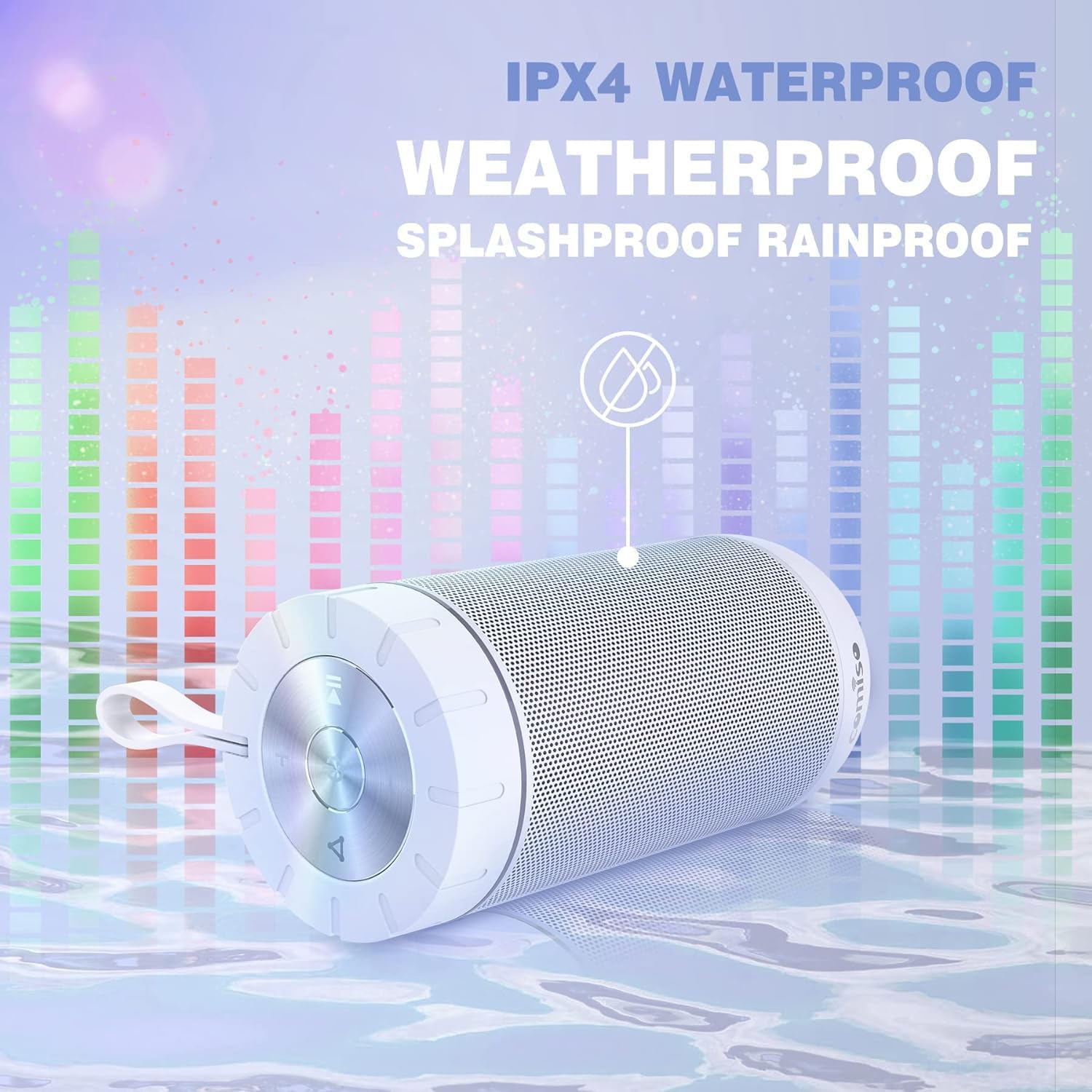
Image 5.1: IPX4 Waterproof Feature
5.2 Péče o baterii
- Vyhněte se častému úplnému vybíjení baterie.
- Reproduktor pravidelně nabíjejte, i když jej nepoužíváte, aby se zachovala jeho životnost.
- Pokud reproduktor delší dobu nepoužíváte, skladujte jej na chladném a suchém místě.
6. Řešení problémů
| Problém | Možná příčina | Řešení |
|---|---|---|
| Reproduktor se nezapne. | Slabá baterie. | Plně nabijte reproduktor. |
| Nelze spárovat přes Bluetooth. | Reproduktor není v režimu párování; Bluetooth zařízení je vypnuté; zařízení je příliš daleko od reproduktoru. | Ensure speaker is in pairing mode (flashing indicator light). Turn on Bluetooth on your device. Move device closer to speaker (within 10m). |
| Žádný zvuk. | Příliš nízká hlasitost; reproduktor není připojen; problém se zdrojem zvuku. | Increase speaker and device volume. Re-pair Bluetooth. Check audio source playback. |
| Párování TWS selhalo. | Reproduktory jsou již připojeny k jinému zařízení. | Před zahájením párování TWS odpojte oba reproduktory od všech ostatních zařízení Bluetooth. |
| Speaker unresponsive. | Softwarová závada. | Use a small pin to press the Reset button located near the charging port. |
7. Specifikace
| Funkce | Specifikace |
|---|---|
| Název modelu | X26 |
| Značka | comiso |
| Technologie připojení | Bluetooth 5.0 |
| Dosah Bluetooth | Až 10 metrů (33 stop) |
| Typ reproduktoru | Prostorový zvuk |
| Režim zvukového výstupu | Stereo |
| Maximální výstupní výkon reproduktoru | 20 wattů |
| Úroveň odolnosti proti vodě | IPX4 (odolné proti stříkající vodě) |
| Kapacita baterie | 2200 XNUMX mAh |
| Prázdno | Až 24 hodin (při střední hlasitosti) |
| Doba nabíjení | Přibližně 6 hodiny |
| Rozměry produktu | 2.7"H x 2.7"Š x 5.9"V |
| Hmotnost položky | 13.6 unce |
| Speciální funkce | Built-in Microphone, True Wireless Stereo (TWS) |
8. Záruka a podpora
8.1 Informace o záruce
The comiso X26 Bluetooth Speaker comes with a limited warranty. For specific details regarding warranty coverage, terms, and conditions, please refer to the warranty card included with your product or contact comiso customer support directly.
8.2 Zákaznická podpora
If you encounter any issues or have questions not covered in this manual, please contact comiso customer support. Contact information can typically be found on the official comiso webmístě nebo na obalu produktu.