
Zavedení
The NEC E436 is a 43-inch direct-lit, commercial-grade LED backlit display designed for various applications including education, corporate environments, and digital signage. This display features LED backlighting for reduced power consumption, a thinner profile, and lighter weight. It offers Full HD resolution for clear image quality and includes an integrated ATSC/NTSC tuner and built-in speakers for broadcast capabilities. Additionally, the E436 incorporates a USB player for displaying video, audio, or JPEG image files.
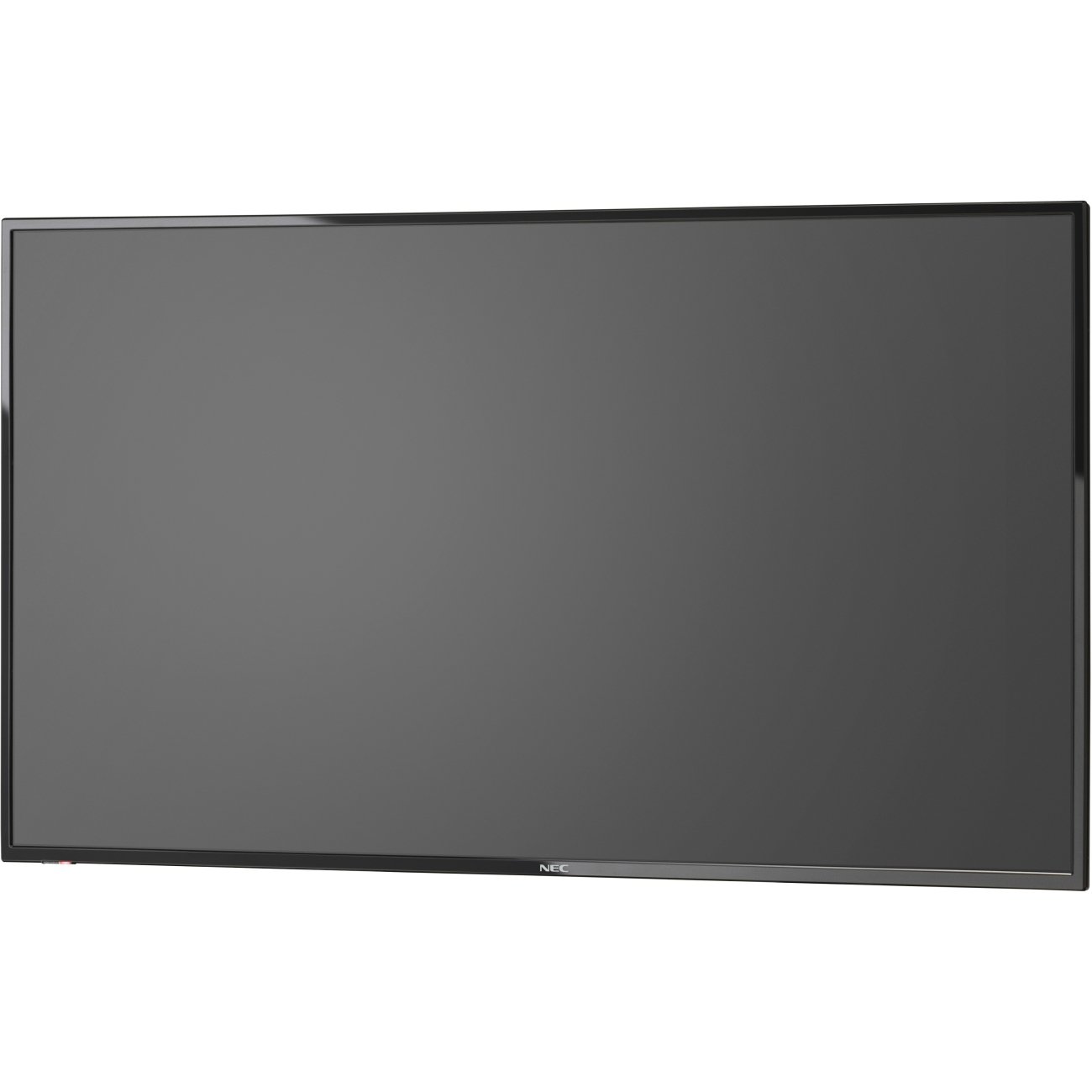
Obrázek 1: Přední strana view of the NEC E436 43-inch LED Backlit Display with its stand, showcasing a vibrant beach landscape on the screen.
Nastavení
1. Unpacking the Display
Carefully remove the display and all components from the packaging. Ensure all items listed below are present:
- NEC E436 43" LED Backlit Display
- Napájecí kabel
- Dálkové ovládání (pokud je součástí dodávky)
- Uživatelská příručka (tento dokument)
- Komponenty stojanu (pokud existují)
2. Fyzická instalace
The display can be installed using its included stand or mounted on a VESA-compatible wall mount or stand.
Stand Assembly (if applicable)
- Place the display face down on a soft, clean surface to prevent screen damage.
- Attach the stand base to the display using the provided screws. Ensure it is securely fastened.
- Carefully lift the display and place it on a stable, level surface.
Montáž na stěnu VESA
The NEC E436 supports VESA 200 x 200mm mounting. Use M6 x 16mm screws for attachment. Consult your wall mount's instructions for proper installation. Ensure the mounting surface can support the display's weight (approximately 20 pounds).
3. Propojovací kabely
Connect the necessary cables to the display's input ports.
- Napájecí kabel: Připojte napájecí kabel k napájení displeje a poté k uzemněné elektrické zásuvce.
- Kabel HDMI: For video and audio input from a source device (e.g., computer, media player), connect an HDMI cable to the display's HDMI port and the source device's HDMI output.
- Zařízení USB: To use the integrated multimedia player, insert a USB flash drive containing your media files into the display's USB port.
- Anténa/kabel: To utilize the integrated ATSC/NTSC tuner, connect an antenna or cable TV feed to the RF input port.
4. Počáteční zapnutí
After connecting all cables, press the power button on the display or remote control to turn on the unit. Follow any on-screen prompts for initial setup, such as language selection or channel scanning for the integrated tuner.
Návod k obsluze
1. Základní ovládací prvky
The display can be controlled using the buttons on the unit itself or via the remote control.
- Moc: Zapíná a vypíná displej.
- Vstup/zdroj: Selects the desired input source (HDMI, TV, USB).
- Zvýšení/Snížení hlasitosti: Adjusts the audio output level from the built-in 10W speakers.
- Menu: Přístup k nabídce OSD (On-Screen Display) pro pokročilá nastavení.
- Navigační tlačítka: Používá se k navigaci v možnostech nabídky.
- OK/Enter: Potvrzuje výběry v nabídce.
2. Using the Integrated Tuner
To watch broadcast television, ensure an antenna or cable feed is connected to the RF input.
- Stiskněte tlačítko Vstup/zdroj button and select "TV".
- Access the menu and navigate to the "Channel" or "Setup" section.
- Select "Auto Scan" or "Channel Search" to find available channels.
- Once scanning is complete, use the Channel Up/Down buttons to browse channels.
3. Using the USB Multimedia Player
The integrated USB player allows playback of video, audio, and JPEG image files přímo z paměťového zařízení USB.
- Vložte USB flash disk s médii files into the display's USB port.
- Stiskněte tlačítko Vstup/zdroj a vyberte možnost „USB“.
- The display will typically open a file browser. Navigate to your desired media file (video, audio, or image).
- Vyberte file zahájíte přehrávání.
- Use the remote control for playback functions such as play, pause, stop, next, and previous.
4. Úprava nastavení zobrazení
Access the OSD menu to customize picture, sound, and other display settings.
- Nastavení obrazu: Adjust brightness, contrast, color, sharpness, and picture mode (e.g., Standard, Dynamic, Movie).
- Nastavení zvuku: Adjust bass, treble, balance, and sound mode.
- Nastavení času: Set the current time, sleep timer, or auto power-off.
- Nastavení systému: General display options, including language, factory reset, and software updates.
Údržba
1. Čištění displeje
To maintain optimal picture quality, clean the display regularly.
- Obrazovka: Jemně otřete obrazovku měkkým hadříkem, který nepouští vlákna. V případě odolných skvrn lehceamphadřík vodou nebo specializovaným čističem obrazovek. Ne stříkejte tekutinu přímo na obrazovku.
- Skříň: Wipe the display's frame and back with a soft, dry cloth.
- Pozor: Always unplug the display from the power outlet before cleaning. Avoid using abrasive cleaners, waxes, or solvents.
2. Obecná péče
- Neumísťujte displej na přímé sluneční světlo nebo do blízkosti zdrojů tepla.
- Zajistěte dostatečné větrání kolem displeje, aby nedošlo k jeho přehřátí.
- Protect the display from moisture and extreme temperatures.
- Nezakrývejte ventilační otvory.
Odstraňování problémů
Než kontaktujete podporu, vyzkoušejte následující řešení běžných problémů:
| Problém | Možné řešení |
|---|---|
| Žádná síla |
|
| Žádný signál/Žádný obraz |
|
| Obraz je zkreslený nebo nejasný |
|
| Žádný zvuk |
|
Specifikace
| Funkce | Detail |
|---|---|
| Značka | NEC |
| Číslo modelu | E436 |
| Velikost obrazovky | 43 palce |
| Typ zobrazení | LED podsvícení |
| Rezoluce | Full HD (1920 x 1080) |
| Poměr stran | 16:9 |
| Obnovovací frekvence | 60 Hz |
| Doba odezvy | 8 milisekund |
| Kontrastní poměr | 2000:1 |
| Konektivita | 1x HDMI, 1x USB (USB 3.0) |
| Integrovaný tuner | ATSC/NTSC |
| Zvuk | Vestavěné 10W reproduktory |
| Typ montáže | VESA 200 x 200mm (M6 x 16mm) |
| Hmotnost položky | 20 libry |
Záruka a podpora
Informace o záruce
The NEC E436 display comes with a 3-letá záruka. This warranty covers defects in materials and workmanship under normal use. Please retain your proof of purchase for warranty claims. For specific terms and conditions, refer to the warranty card included with your product or visit the official NEC webmísto.
Zákaznická podpora
For technical assistance, troubleshooting beyond this manual, or warranty service, please contact NEC customer support. Contact details can typically be found on the official NEC webwebu nebo v dokumentaci dodané s nákupem.
When contacting support, please have your model number (E436) and serial number ready.