
Zavedení
Welcome to your new Targus Compact Wireless Mouse. This manual provides essential information for proper setup, operation, and maintenance of your device. Please read these instructions carefully before use.
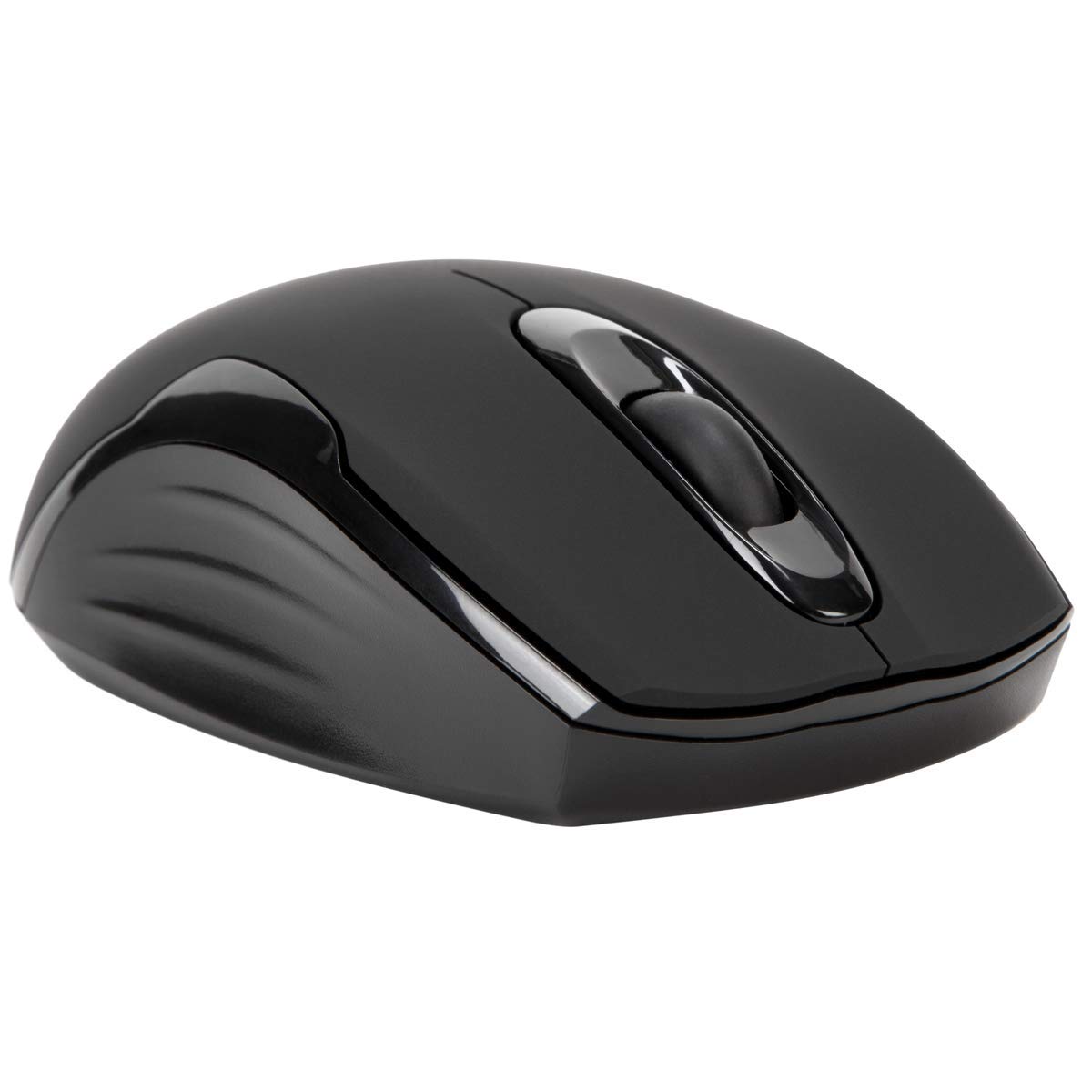
Obsah balení
- Targus Compact Wireless Mouse
- USB přijímač
- 1 x AA baterie
- Návod k použití (tento dokument)
Nastavení
1. Vložte baterii
Locate the battery compartment on the underside of the mouse. Insert the provided 1 x AA battery, ensuring correct polarity (+/-). Close the battery compartment cover securely.

2. Connect USB Receiver
Remove the USB receiver from its storage compartment, typically located near the battery. Plug the USB receiver into an available USB port on your computer.


3. Zapnout
Turn on the mouse using the power switch, usually located on the underside. The mouse should automatically connect to the receiver, and you can begin using it.
Operace
Základní funkce
- Levé kliknutí: Use for primary selection, opening items, and activating functions.
- Klikněte pravým tlačítkem myši: Access contextual menus and additional options.
- Rolovací kolečko: Procházet dokumenty a web pages vertically. Pressing the scroll wheel typically functions as a middle-click.
Blue Trace Technology
The Targus Compact Wireless Mouse features Blue Trace Technology, which allows it to track accurately on a wider variety of surfaces compared to standard optical mice, including glass, granite, and wood.
Citlivost DPI
The mouse is equipped with a 1,600 DPI (Dots Per Inch) optical sensor, providing a precise and responsive cursor movement for various tasks.
Údržba
Výměna baterie
When the mouse performance degrades or if it stops responding, it may be time to replace the AA battery. The average battery life is approximately 6 months, but this can vary based on usage.
Čištění
K čištění myši použijte měkký, suchý hadřík. V případě odolných nečistot použijte lehceamp cloth can be used, ensuring no moisture enters the internal components. Avoid using harsh chemicals, solvents, or abrasive cleaners, as these can damage the mouse's surface or internal parts.
Úložiště USB přijímače
For convenient transport or storage, the USB receiver can be securely stored inside a dedicated compartment within the mouse itself. This helps prevent loss of the small receiver.
Odstraňování problémů
Myš nereaguje
- Ujistěte se, že je myš zapnutá pomocí vypínače na její spodní straně.
- Zkontrolujte stav baterie a v případě potřeby vyměňte baterii AA.
- Verify that the USB receiver is securely plugged into a working USB port on your computer.
- Zkuste zapojit USB přijímač do jiného USB portu na počítači.
- Restart your computer to refresh the connection.
Nepravidelný pohyb kurzoru
- Optický senzor na spodní straně myši očistěte měkkým, suchým hadříkem.
- Ensure the surface you are using the mouse on is clean, flat, and suitable for optical tracking. Avoid highly reflective or transparent surfaces.
- Move the mouse closer to the USB receiver to reduce potential wireless interference.
Problémy s připojením
The mouse uses 2.4 GHz wireless technology designed for stable connection. If you experience persistent connectivity issues, try to minimize other wireless devices operating in close proximity that might cause interference.
Specifikace
| Značka | Targus |
| Název modelu | AMW575TT |
| Technologie připojení | USB (Wireless 2.4 GHz) |
| Detekce pohybu | Optical (Blue Trace Technology) |
| Množství tlačítek | 3 |
| Orientace rukou | Obouruký |
| Kompatibilní zařízení | Universal (Windows® 10/8.1/8/7/Vista/XP/2000, Mac OS® X 10.6-10.12.4) |
| Zdroj napájení | Battery Powered (1 AAA battery required, included) |
| Mouse Maximum Sensitivity | 1600 Dots per Inch (DPI) |
| Bezdrátové Dosah | 33.0 stop (10 metrů) |
| Průměrná životnost baterie | 6 měsíců |
| Hmotnost položky | 0.14 libry |
| Rozměry položky (D x Š) | 4.4"D x 2.3"Š |
| Materiál pouzdra | Plast |
| Další funkce | 128-bit AES-CCM encryption |
Záruka a podpora
Informace o záruce
This Targus product is covered by a 1-letá záruka výrobceUschovejte si prosím doklad o koupi pro případné reklamace. Záruka se vztahuje na vady materiálu a zpracování při běžném používání.
Zákaznická podpora
For further assistance, technical support, or to inquire about warranty services, please visit the official Targus website or contact their customer service department. Contact information can typically be found on the Targus webmísto.
Poznámka: Varování podle návrhu 65: Tento produkt může obsahovat chemikálie, o kterých je ve státě Kalifornie známo, že způsobují rakovinu a vrozené vady nebo jiné reprodukční poškození.