
1. Úvod
The Rocketek TFU3R is a compact and portable USB 3.0 card reader designed for Micro SD (TF) cards. It allows for high-speed data transfer between your Micro SD card and USB-enabled devices such as laptops and tablets. This device supports plug-and-play functionality and hot-swapping, making it convenient for various applications.
Klíčové vlastnosti:
- Malý a přenosný: Designed for easy portability, fitting conveniently in a wallet or pocket.
- Plug and Play: Pro většinu operačních systémů nejsou potřeba žádné ovladače.
- Hot swapping: Allows insertion and removal of the device without restarting the computer.
- Napájení přes USB: Operates without external power or batteries.
- Superrychlé USB 3.0: Offers data transfer speeds up to 5 Gbps, backward compatible with USB 2.0/1.1.
- Odolný design: Constructed with an aluminum case for enhanced durability and efficient heat dissipation.
2. Pokyny k nastavení
Follow these steps to set up and begin using your Rocketek TFU3R Micro SD Card Reader.
2.1 Vložení Micro SD karty
- Locate the Micro SD card slot on the Rocketek TFU3R card reader.
- Gently insert your Micro SD (TF) card into the slot until it clicks into place. Ensure the card is oriented correctly to avoid damage.
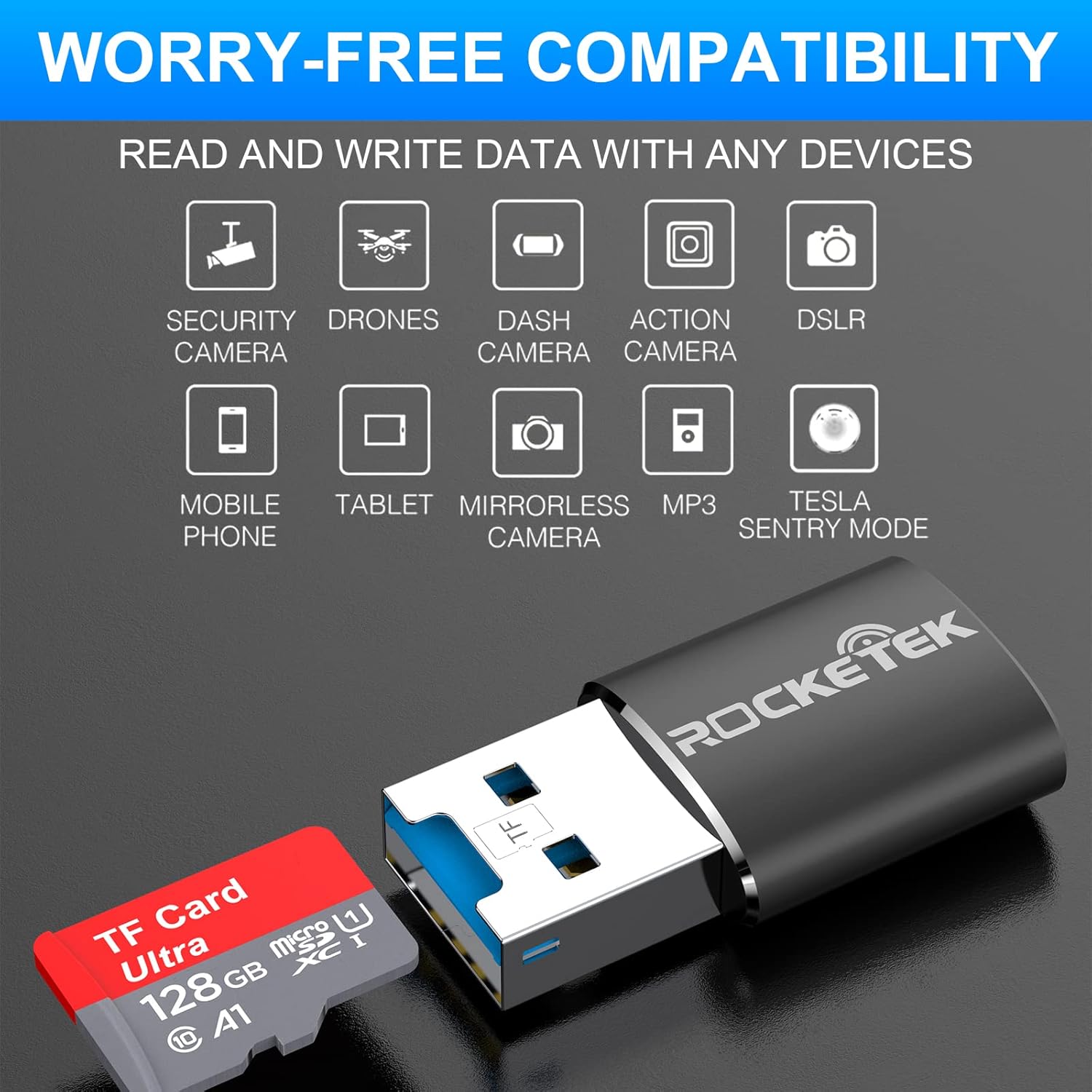
Image: Hands inserting a Micro SD card into the Rocketek TFU3R USB 3.0 card reader.
2.2 Připojení k vašemu zařízení
- Locate an available USB 3.0 or USB 2.0 port on your computer, laptop, or tablet.
- Plug the Rocketek TFU3R card reader, with the Micro SD card inserted, into the USB port.
- The device is plug-and-play; your operating system should automatically detect it and install any necessary generic drivers.
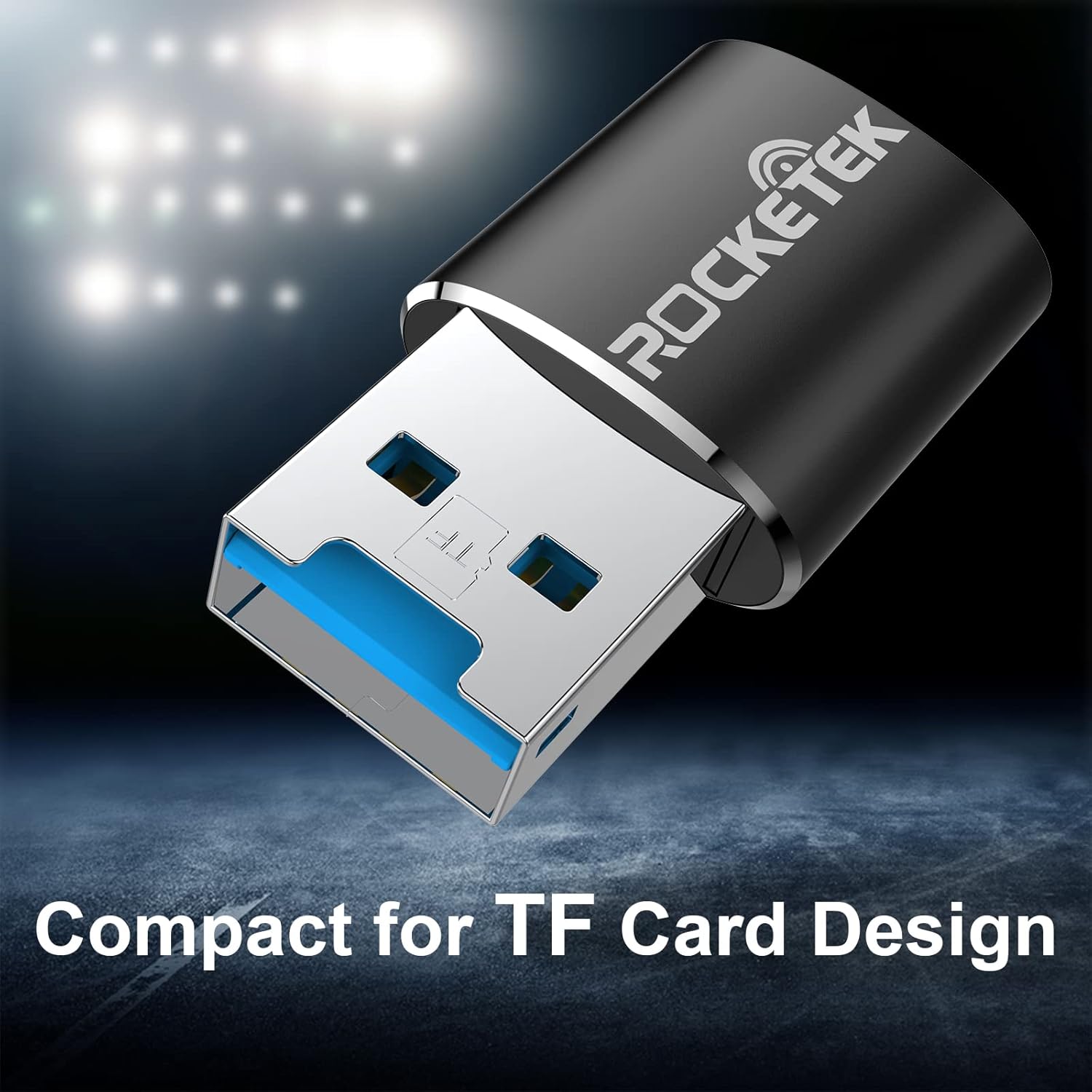
Image: Rocketek TFU3R USB 3.0 card reader plugged into a laptop's USB port, displaying 'Plug & Play'.
Video: A short demonstration showing how to insert a TF card into the Rocketek reader and connect it to a laptop for immediate use, highlighting its portability and plug-and-play functionality.
3. Návod k obsluze
Once connected, the Rocketek TFU3R functions like any standard external storage device.
3.1 Přenos dat
- After connecting the card reader to your device, open your computer's file explorer (Windows) or Finder (Mac OS).
- The Micro SD card will appear as a removable drive.
- Nyní můžete přetahovat files to and from the Micro SD card, or use copy/paste functions to transfer data.
- The USB 3.0 interface provides SuperSpeed data transfer up to 5 Gbps, ensuring quick transfers of large files.
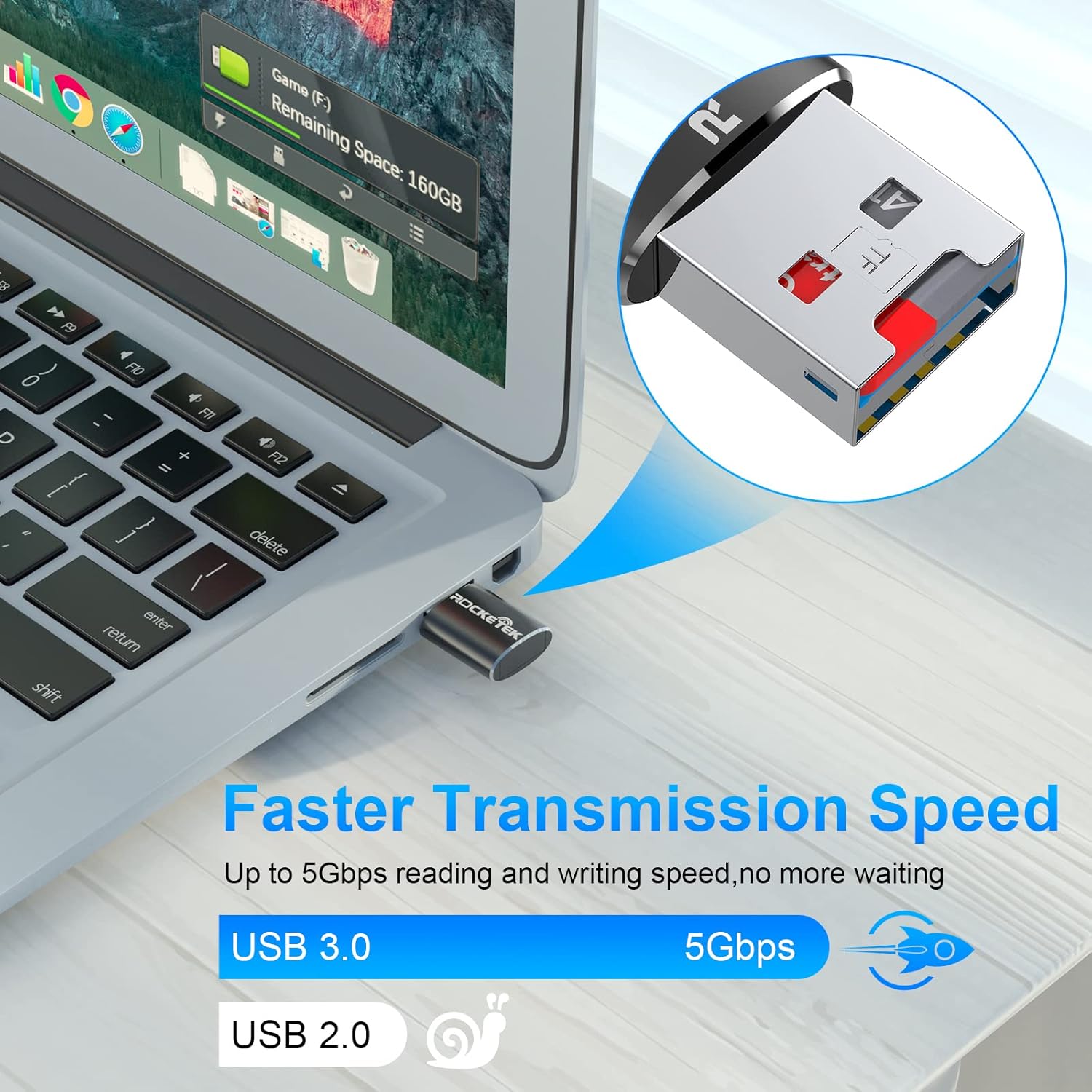
Image: Laptop screen showing file transfer with the Rocketek TFU3R plugged in, indicating 'Faster Transmission Speed' and 'USB 3.0 5Gbps'.
3.2 Bezpečné odstranění
To prevent data corruption, always safely remove the card reader before unplugging it from your computer.
- Windows: Right-click on the drive icon in 'This PC' or the taskbar's 'Safely Remove Hardware' icon, then select 'Eject'.
- Operační Systém Mac: Přetáhněte ikonu disku do koše nebo klikněte na tlačítko Vysunout vedle názvu disku ve Finderu.
4. Kompatibilita
The Rocketek TFU3R card reader offers broad compatibility with various devices and operating systems.
4.1 Podporovaná zařízení
- Notebooky
- Tablety
- Stolní počítače
- Other USB-enabled devices

Image: Diagram illustrating the Rocketek TFU3R's compatibility with tablets and laptops, showing a Micro SD card being inserted.
4.2 Podporované operační systémy
- Windows 7 / 8 / 8.1 / 10+
- Mac OS
- Linux

Image: The Rocketek TFU3R is compatible with a wide range of devices, including security cameras, drones, dash cameras, action cameras, DSLRs, mobile phones, tablets, mirrorless cameras, MP3 players, and for Tesla Sentry Mode.
5. Specifikace
| Funkce | Detail |
|---|---|
| Číslo modelu | TFU3R (RT-TFU3R-B) |
| Značka | Rocketek |
| Typ média | Micro SD (TF) |
| Technologie připojení | USB |
| Hardwarové rozhraní | USB 3.0 (zpětně kompatibilní s USB 2.0/1.1) |
| Rychlost přenosu dat | Až 5 gigabitů za sekundu (USB 3.0) |
| Slot Count | 1 (for Micro SD/TF cards) |
| Speciální funkce | Portable, Plug & Play, Hot Swapping |
| Materiál | Hliníkové pouzdro |
| Kompatibilita operačního systému | Windows 7/8/8.1/10+, Mac OS, Linux |
6. Řešení problémů
If you encounter issues with your Rocketek TFU3R, refer to the following common troubleshooting steps.
6.1 Zařízení nebylo rozpoznáno
- Zkontrolujte připojení: Ensure the card reader is fully inserted into the USB port.
- Zkuste jiný port USB: Connect the card reader to a different USB port on your computer.
- Zkuste jiné zařízení: Test the card reader on another computer or compatible device to rule out a port issue.
- Check Micro SD Card: Ensure the Micro SD card is properly inserted into the card reader and is not damaged. Test the Micro SD card in another device if possible.
- Restartujte počítač: Někdy může problémy s detekcí vyřešit jednoduchý restart.
6.2 Slow Data Transfer Speed
- Použití portu USB 3.0: For optimal speeds (up to 5 Gbps), ensure the card reader is plugged into a USB 3.0 port (often identified by a blue interior). Connecting to a USB 2.0 port will result in slower speeds.
- Check Micro SD Card Speed Class: The actual transfer speed is also limited by the speed class of your Micro SD card. Use a high-speed card for better performance.
- Vyhněte se jiným zařízením USB: Disconnect other high-bandwidth USB devices if you are experiencing unusually slow speeds.
6.3 Card Not Reading
- Znovu vložte kartu: Remove and reinsert the Micro SD card, ensuring it is seated correctly.
- Vyčistit kontakty: Gently clean the metal contacts on the Micro SD card with a soft, dry cloth.
- Check Card Format: Ensure the Micro SD card is formatted in a file system compatible with your operating system (e.g., FAT32, exFAT, NTFS).
7. Údržba
Proper care and maintenance will extend the lifespan of your Rocketek TFU3R card reader.
- Udržujte v suchu: Nevystavujte zařízení vlhkosti nebo tekutinám.
- Jemně čistěte: K čištění vnějšího povrchu používejte měkký, suchý hadřík. Nepoužívejte agresivní chemikálie ani abrazivní materiály.
- Správně skladujte: Pokud čtečku karet nepoužíváte, skladujte ji na chladném a suchém místě mimo dosah přímého slunečního záření a extrémních teplot.
- Zacházejte opatrně: Zabraňte pádu zařízení nebo jeho vystavení silným nárazům.
8. Záruka a podpora
Rocketek stands behind the quality of its products.
8.1 Informace o záruce
The Rocketek TFU3R USB 3.0 Micro SD Card Reader comes with a hassle-free 24-month warranty od data nákupu. Tato záruka se vztahuje na výrobní vady a zajišťuje spolehlivý výkon při běžném používání. Uschovejte si prosím doklad o koupi pro případné reklamace.
8.2 Zákaznická podpora
For technical assistance, warranty claims, or any questions regarding your Rocketek TFU3R, please contact our customer support team:
- E-mail: support@rocketek.com (Napřampe-mail, kontaktní údaje naleznete na obalu produktu)
- Webmísto: Visit the official Rocketek webweb s častými dotazy a dalšími zdroji.