
1. Úvod
This manual provides detailed instructions for the assembly, operation, and maintenance of your FLEXISPOT EB2W Electric Height Adjustable Desk Frame. Please read this manual thoroughly before installation and use to ensure proper function and safety. Keep this manual for future reference.
2. Bezpečnostní informace
Abyste předešli zranění nebo poškození, dodržujte následující bezpečnostní opatření:
- Před použitím se ujistěte, že jsou všechny součásti bezpečně upevněny.
- Do not overload the desk frame beyond its specified weight capacity (100 kg dynamic, 125 kg static).
- Během provozu držte děti a domácí zvířata v dostatečné vzdálenosti od stolu.
- Avoid placing objects that could be damaged by movement under the desk.
- Před čištěním nebo údržbou odpojte napájení.
- Do not operate the desk if any parts are damaged or missing. Contact customer support for assistance.
3. Obsah balení
Verify that all parts are present before beginning assembly. If any parts are missing or damaged, contact FLEXISPOT customer service.
- Nohy stolu (2)
- Příčníky (2)
- Boční držáky (2)
- Ovládací skříňka (1)
- Handset (1)
- Napájecí kabel (1)
- Montážní materiál (šrouby, imbusové klíče atd.)

Image: All components of the FLEXISPOT EB2W electric height adjustable desk frame, including the legs, crossbars, and control panel.
4. Nastavení a montáž
Follow these steps to assemble your desk frame. It is recommended to have two people for assembly.
- Připevnění bočních konzol: Secure the side brackets to the desk legs using the provided screws.
- Connect Crossbars: Insert the adjustable crossbars between the two leg assemblies. Ensure they are aligned correctly.
- Instalace ovládací jednotky: Mount the control box to the designated area on the frame, typically under the crossbar.
- Connect Handset and Motors: Plug the handset cable and motor cables into the control box. Refer to the wiring diagram in your separate assembly guide for specific port locations.
- Attach Desktop (Sold Separately): Place your chosen desktop onto the assembled frame. Align and secure it using appropriate screws (ensure screw length is suitable for your desktop to avoid piercing through).
- Správa kabelů: Use cable ties or clips (not included) to organize and secure all cables to prevent snagging during height adjustments.

Image: Illustration of the dual motor system and key specifications including load capacity, energy saving, speed, and noise level.

Image: Diagram showing the adaptable desktop sizes for the FLEXISPOT EB2W frame, ranging from 120cm to 180cm in length and 60cm to 80cm in width.
5. Návod k obsluze
5.1 Počáteční zapnutí a reset
After connecting the power cable, the desk may require an initial reset. Press and hold the 'Down' arrow button until the desk reaches its lowest position and slightly retracts, then releases. This calibrates the system.
5.2 Nastavení výšky
- Tlačítka nahoru/dolů: Stiskněte a podržte Up or Dolů arrow buttons on the handset to raise or lower the desk to your desired height. The LED display will show the current height.
5.3 Předvolby paměti
The handset features four programmable memory presets for quick height adjustments.
- Nastavte stůl do požadované výšky pomocí tlačítek Nahoru/Dolů.
- Stiskněte tlačítko M. button (or 'Set' button, if applicable) once. The display will flash.
- Stiskněte jedno z očíslovaných tlačítek předvoleb (1, 2, 3 nebo 4) within 3 seconds. The current height is now saved to that preset.
- Chcete-li vyvolat uloženou výšku, jednoduše stiskněte odpovídající očíslované tlačítko předvolby. Stůl se automaticky přesune do uložené polohy.

Image: Close-up of the desk's control panel, highlighting the Up/Down buttons, LED display, and four memory preset buttons.

Image: A desk set up in a home office, demonstrating the adjustable height feature, allowing users to switch between sitting and standing positions. The adjustable height range is 70-119 cm.
5.4 Protikolizní systém
The desk frame is equipped with an anti-collision system. If the desk encounters an obstruction during movement, it will automatically stop and reverse slightly to prevent damage. This feature ensures safety during operation.

Image: Visual representation of the anti-collision function, showing the desk stopping and reversing when an obstruction is detected during height adjustment.
6. Údržba
- Čištění: Rám stolu otřete měkkým hadříkemamp cloth. Avoid abrasive cleaners or solvents. Ensure the power is disconnected before cleaning.
- Inspekce: Pravidelně kontrolujte všechny šrouby a vruty, zda jsou pevně utažené. V případě potřeby je dotáhněte.
- Správa kabelů: Regularly inspect cables for any signs of wear or damage. Ensure they are properly routed and not pinched.
7. Řešení problémů
If you encounter issues with your FLEXISPOT EB2W desk frame, refer to the following common problems and solutions:
| Problém | Možná příčina | Řešení |
|---|---|---|
| Stůl se nehýbe. | No power, loose cable, or system error. | Check power connection. Ensure all cables are securely plugged into the control box. Perform a system reset (see Section 5.1). |
| Stůl se pohybuje nerovnoměrně nebo vydává neobvyklé zvuky. | Uneven load, loose components, or motor issue. | Ensure weight is evenly distributed. Check all screws and bolts for tightness. Perform a system reset. If problem persists, contact support. |
| Error code (e.g., E22, E23) displayed. | Overload, motor overheating, or sensor issue. | Reduce load on the desk. Disconnect power for 10-15 minutes to allow motors to cool down, then reconnect and perform a system reset. If the error persists, contact customer support. |
| Protikolizní systém se aktivuje příliš snadno. | Sensitivity setting or minor obstruction. | Check for any minor obstructions. Some models allow adjustment of anti-collision sensitivity (refer to specific control panel instructions if available). |
8. Specifikace
- Model: FLEXISPOT EB2W (E2W)
- Rozsah nastavení výšky: 70 cm - 119 cm
- Dynamická únosnost: 100 kg
- Kapacita statického zatížení: 125 kg
- Lift Speed: 2.5 cm/s
- motory: Duální motorový systém
- Spotřeba energie v pohotovostním režimu: < 0.5 W
- Hladina hluku: Pod 50 dB
- Compatible Desktop Length: 120 cm - 180 cm
- Compatible Desktop Width: 60 cm - 80 cm
- Materiál: Legovaná ocel
- Rozměry produktu (D x Š x V): 80 x 180 x 119 cm (fully extended with max desktop)
- Hmotnost položky: 23.6 kg
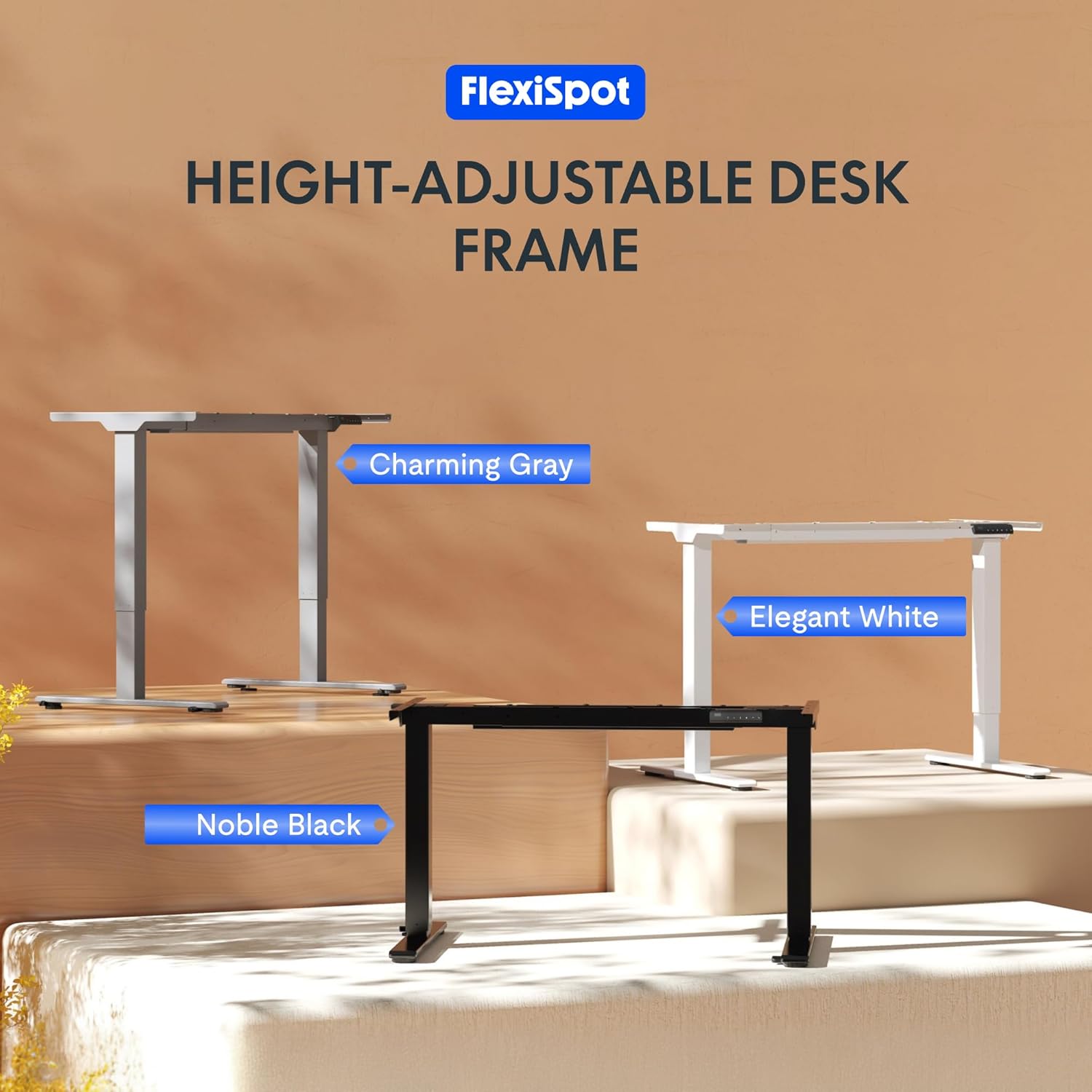
Image: Diagram illustrating the desk's large height range (70-119 cm), anti-collision system, and durability with over 20,000 test cycles.
9. Záruka a podpora
FLEXISPOT stands behind the quality of its products. Your EB2W desk frame comes with the following warranty:
- Controllers and Motors: 3-letá záruka
- Desk Frame: 5-letá záruka
For technical support, warranty claims, or replacement parts, please contact FLEXISPOT customer service through their official website or the retailer where you purchased the product. Please have your model number (E2W) and purchase date available when contacting support.

Image: Graphic detailing the warranty periods: 3 years for controllers and motors, and 5 years for the desk frame.