
1. Úvod
The Tenda SG108 is an unmanaged 8-Port Gigabit Ethernet Switch designed to expand your network with high-speed wired connections. This device offers a simple plug-and-play solution, requiring no configuration or software installation. It is suitable for various environments, including home, surveillance systems, school dormitories, and small businesses, providing stable and lossless data transmission.
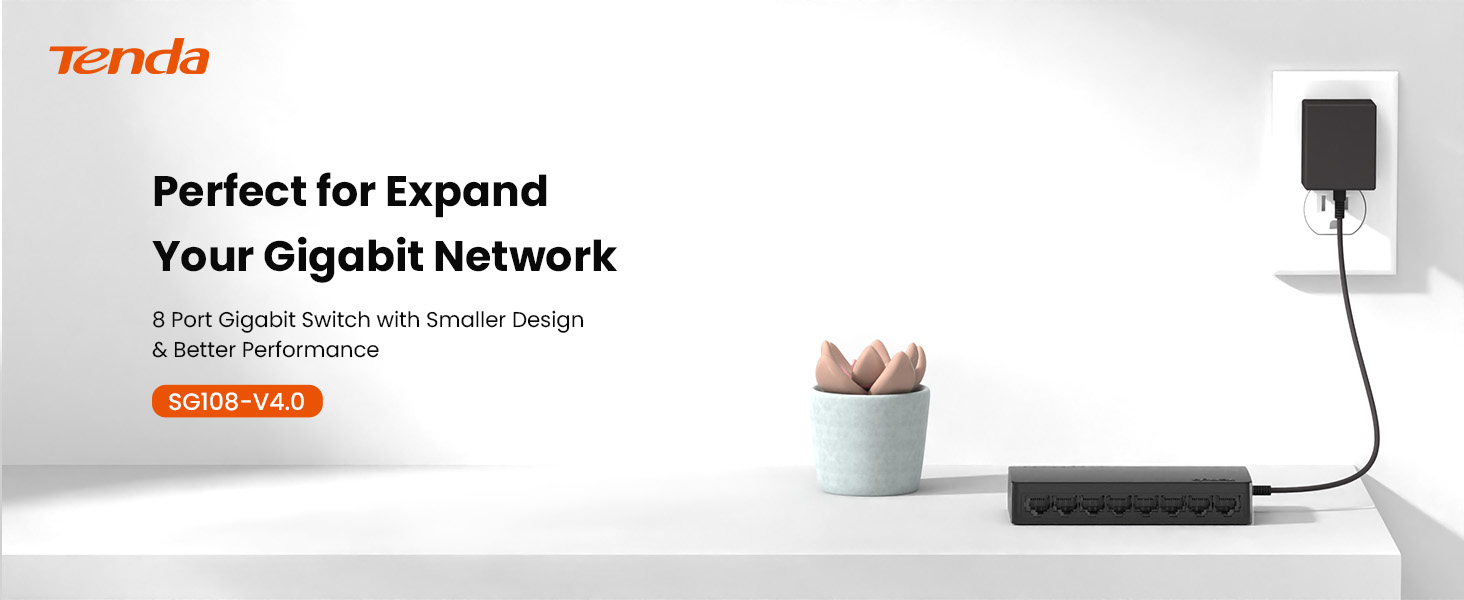
Image 1.1: Tenda SG108 8-Port Gigabit Ethernet Switch, highlighting its role in expanding a gigabit network.
2. Konec produktuview
2.1 Klíčové vlastnosti
- Plug and Play: Easy setup with no configuration or software required.
- Gigabitová rychlost: Provides 8 10/100/1000Mbps adaptive ports for wire-speed forwarding up to 1000 megabits per second.
- Stable Lossless Transmission: Adopts store-and-forward mode, automatically learns and updates MAC addresses, ensuring stable data transmission for 7x24 hours without dropping connections.
- Rozšíření sítě: Offers additional wired connections for devices like laptops, gaming consoles, and printers.
- Inteligentní rozpoznávání: Ports automatically identify parallel and intersecting lines, simplifying network setup.
- Kompaktní design: Small form factor suitable for desktop or wall-mount installation.

Image 2.1: The Tenda SG108 switch highlighting its stable connection, high speed, stylish design, and power-saving features.
2.2 Obsah balení
Ověřte, zda váš balíček obsahuje následující položky:
- 1 x Tenda SG108 8-Port Gigabit Ethernet Switch
3. Pokyny k nastavení
The Tenda SG108 switch is designed for easy installation. Follow these steps to set up your device:
3.1 Připojení napájecího adaptéru
- Connect the provided power adapter to the power input port on the rear panel of the SG108 switch.
- Zapojte druhý konec napájecího adaptéru do standardní elektrické zásuvky.
- The power LED indicator on the switch will illuminate, indicating that the device is powered on.

Image 3.1: Easy setup guide for the Tenda SG108, illustrating power and device connections.
3.2 Připojení síťových zařízení
- Connect an Ethernet cable from your router or modem to any of the 8 RJ45 ports on the SG108 switch. This port will automatically function as the uplink.
- Connect your network devices (e.g., computers, gaming consoles, IP cameras, printers) to the remaining RJ45 ports using Ethernet cables.
- The corresponding LED indicators for each connected port will light up, indicating an active connection.

Image 3.2: Illustrates how to connect various devices to the Tenda SG108 switch to expand your network.
3.3 Možnosti montáže
The SG108 supports both desktop placement and wall-mounting.
- Umístění na počítači: Simply place the switch on a flat, stable surface. Ensure adequate ventilation around the device.
- Montáž na zeď: The switch features mounting slots on its underside. Use appropriate screws (not included) to secure the switch to a wall.

Image 3.3: The Tenda SG108 switch demonstrating both desktop and wall-mounted installation options.
4. Návod k obsluze
The Tenda SG108 is an unmanaged switch, meaning it operates automatically without requiring user configuration. Once powered on and connected to your network devices, it will begin functioning immediately.
4.1 LED indikátory
The front panel of the SG108 features LED indicators for each port, providing visual feedback on network activity:
- Svítí zelená: Indicates a stable link connection at Gigabit speed.
- Blikající zelená: Indikuje datovou aktivitu na portu.
- Vypnuto: Není připojeno žádné zařízení nebo je připojené zařízení vypnuté.

Image 4.1: The Tenda SG108 is designed for continuous, stable operation, ensuring connectivity for 7x24 hours.
4.2 Automatické funkce
- Automatické MDI/MDIX: Eliminates the need for crossover cables. The switch automatically detects the cable type.
- Automatické vyjednávání: Each port automatically detects the link speed of a connected network device (10, 100, or 1000 Mbps) and intelligently adjusts for compatibility and optimal performance.
- Full-Duplex/Half-Duplex: Supports full-duplex mode for 2000Mbps data transfer per port.
5. Údržba
To ensure optimal performance and longevity of your Tenda SG108 switch, follow these maintenance guidelines:
- Umístění: Place the switch in a cool, dry, and well-ventilated area. Avoid direct sunlight, heat sources, and areas with high humidity.
- Čištění: K čištění vnější strany spínače použijte měkký, suchý hadřík. Nepoužívejte tekuté ani aerosolové čisticí prostředky.
- Větrání: Ensure that the ventilation holes on the device are not blocked to prevent overheating.
- Napájení: Používejte pouze napájecí adaptér dodaný se zařízením.
- Správa kabelů: Organize network cables to prevent strain on the ports and ensure proper airflow.
6. Řešení problémů
If you encounter issues with your Tenda SG108 switch, refer to the following common troubleshooting steps:
6.1 Bez napájení
- Ujistěte se, že je napájecí adaptér bezpečně připojen k přepínači a k funkční elektrické zásuvce.
- Ověřte funkčnost elektrické zásuvky zapojením jiného zařízení.
6.2 No Link/Activity LED
- Check that the Ethernet cable is securely plugged into both the switch port and the connected device.
- Ujistěte se, že připojené zařízení je zapnuté a funguje správně.
- Try using a different Ethernet cable to rule out cable defects.
- Vyzkoušejte to s jiným portem na přepínači.
6.3 Pomalá rychlost sítě
- Ujistěte se, že všechna připojená zařízení a kabely podporují gigabitový Ethernet (pro gigabitové rychlosti se doporučují kabely Cat5e nebo vyšší).
- Zkontrolujte, zda ve vaší síti neběží nadměrný síťový provoz nebo aplikace náročné na šířku pásma.
- Restartujte přepínač a připojená zařízení.
7. Specifikace
| Funkce | Specifikace |
|---|---|
| Značka | Tenda |
| Číslo modelu | SG108 |
| Počet portů | 8 |
| Typ přepínače | Neřízená |
| Rozhraní | RJ45 |
| Rychlost přenosu dat | 2000 Megabits Per Second (Full-Duplex) |
| svtage | 9 voltů |
| Aktuální hodnocení | 5 Amps |
| Hodnocení vyšší teploty | 40 stupňů Celsia |
| Typ materiálu pouzdra | Plast |
| Hmotnost položky | 159 gramů |
| Kompatibilní zařízení | Router, Mesh, IP devices, Laptop, gaming console, printer, etc. |
8. Záruka a podpora
8.1 Informace o záruce
The Tenda SG108 8-Port Gigabit Ethernet Switch comes with a 3letá záruka výrobce.
8.2 Technická podpora
Tenda provides FREE lifetime 24/7 dedicated technical support. For assistance, please contact Tenda's support team via phone or email.