
1. Úvod
DOOM returns as a challenging modern-day shooter experience, developed by id Software, pioneers of the first-person shooter genre. This manual provides essential information for setting up, playing, and understanding the various features of DOOM on PlayStation 4.
Engage in intense, first-person combat against relentless demons with impossibly destructive guns and fast, fluid movement. Whether you are navigating the single-player campaign through the depths of Hell or competing in numerous multiplayer modes, this guide will assist you.
Additionally, explore the creative possibilities of DOOM SnapMap, a game editor designed for creating, playing, and sharing custom content.
2. Nastavení
2.1 Systémové požadavky
- Platforma: Konzole PlayStation 4
- Skladování: Minimum required hard drive space (refer to game packaging for exact details)
- Připojení k internetu: Required for multiplayer and DOOM SnapMap features, and for game updates.
2.2 Instalace
- Ensure your PlayStation 4 console is powered on and connected to a display.
- Insert the DOOM game disc into the disc drive of your PlayStation 4.
- The system will automatically begin the installation process. Follow any on-screen prompts.
- Once the installation is complete, the game icon will appear on your PlayStation 4 home screen.
- Any available game updates will download automatically if your console is connected to the internet. It is recommended to install all updates for optimal performance.
3. Operating Instructions: Gameplay
3.1 Core Combat Mechanics
DOOM emphasizes aggressive, fast-paced combat. There is no cover system or regenerating health by hiding. Players must constantly move, engage enemies, and utilize various combat mechanics to survive.
- Glory Kills: When an enemy is staggered and flashing, perform a Glory Kill to instantly defeat them and gain health and ammo drops. This is crucial for survival.
- motorová pila: The Chainsaw is a powerful weapon that instantly kills most enemies and provides a large amount of ammo drops. It requires fuel to operate.
- Zařízení: Utilize grenades and other tactical equipment to control crowds and deal additional damage.
- Hnutí: Maintain constant movement, including double jumps and dashes, to avoid enemy attacks and navigate environments.

Image: First-person view of a player engaging a demon with a shotgun in a futuristic facility.
3.2 Weapons and Upgrades
An arsenal of futuristic and iconic guns is available. Each weapon can be upgraded with various modifications to enhance its effectiveness. Weapon upgrades are found throughout the game world or earned through combat.

Image: Player aiming a shotgun at a Cacodemon and other demons in a dark, industrial setting.
3.3 Single-Player Campaign
The single-player campaign takes you through the UAC facility on Mars and into the depths of Hell. Progress through levels, defeat demon hordes, and uncover the narrative.
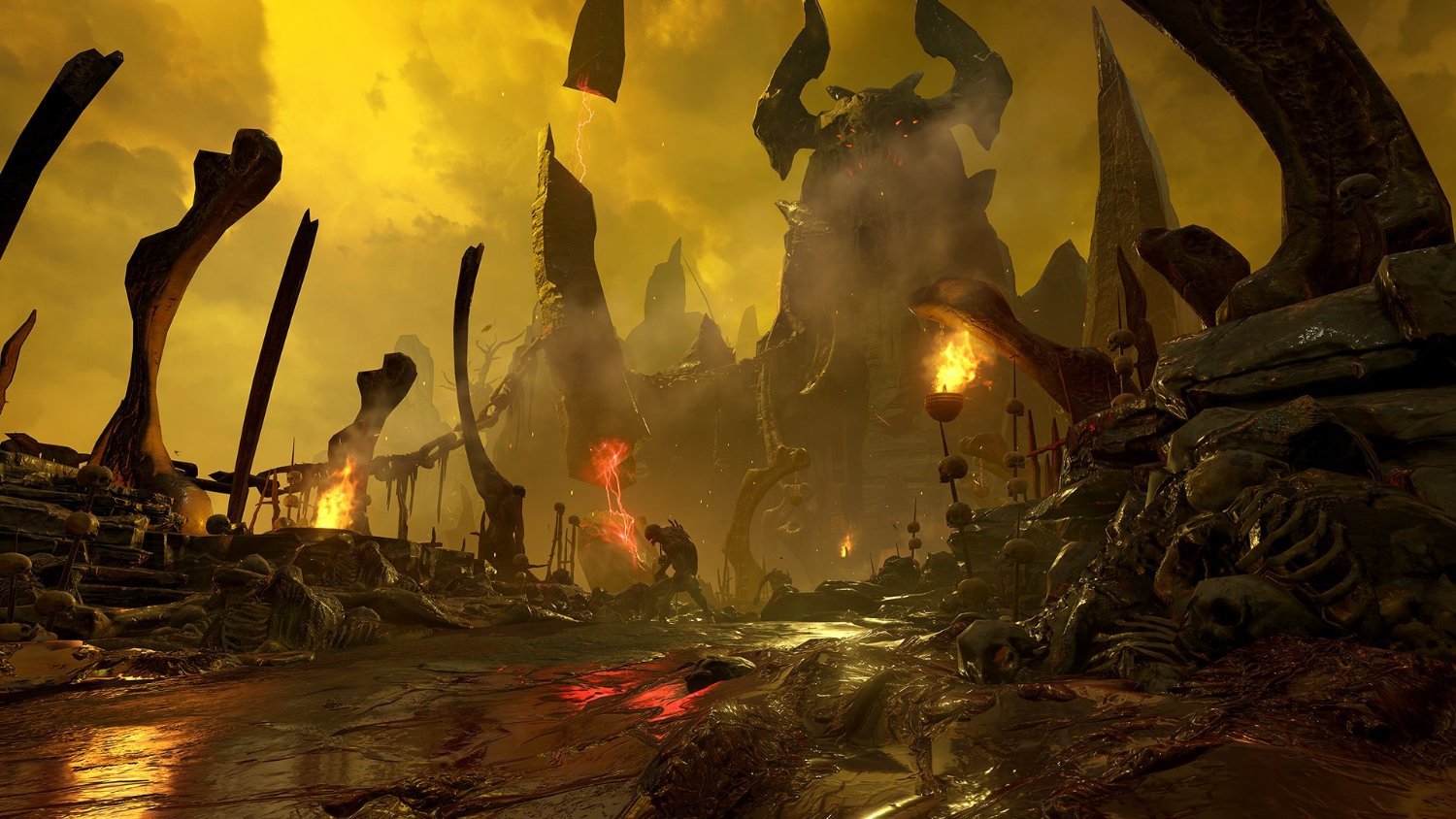
Image: A desolate, fiery landscape of Hell with demonic structures and glowing lava.

Obrázek: Interiér view of a large, industrial UAC facility with glowing orange elements.
4. Multiplayer
DOOM features signature fast-paced, arena-style combat in its multiplayer modes. Compete against other players in various game types.
- Herní režimy: Engage in classic and all-new game modes designed for competitive play.
- Power-ups: Utilize unique power-ups, including the ability to transform into a demon, to gain an advantage nad soupeři.

Image: A player character facing multiple Imp demons in a metallic corridor.
5. DOOM SnapMap
DOOM SnapMap is an in-game editor that allows players to create, play, and share new content. No prior experience or special expertise is required.
- Stvoření: Easily snap together and visually customize maps.
- Gameplay Logic: Add pre-defined or completely custom gameplay elements and edit game logic to create new modes.
- Sdílení: Instantly play your creations, share them with friends, or make them available to players worldwide directly from within the game.
6. Údržba
6.1 Péče o herní disk
- Herní disk vždy držte za okraje, abyste zabránili otiskům prstů a poškrábání.
- Pokud disk nepoužíváte, uložte jej do originálního obalu.
- Disk čistěte měkkým hadříkem, který nepouští vlákna, a v případě potřeby jej otírejte od středu směrem ven. Nepoužívejte abrazivní čisticí prostředky.
6.2 Aktualizace systému
Ensure your PlayStation 4 system software is always up to date. System updates often include performance improvements and bug fixes that can enhance your gaming experience.
6.3 Digital Storage
Periodically check your PlayStation 4's storage to ensure sufficient space for game installations, updates, and save data. Delete unnecessary games or applications if storage becomes low.
7. Řešení problémů
7.1 Game Not Loading or Freezing
- Ujistěte se, že herní disk je čistý a bez škrábanců.
- Restartujte konzoli PlayStation 4.
- Check for any pending game or system software updates and install them.
- If the issue persists, try reinstalling the game.
7.2 Problémy s online připojením
- Verify your PlayStation 4's internet connection settings.
- Restartujte router a modem.
- Check the PlayStation Network (PSN) status for any service outages.
7.3 Obecné problémy s výkonem
If you experience consistent performance problems, ensure your console has adequate ventilation and is not overheating. Close any other applications running in the background.
8. Specifikace
| Hodnoceno | Ages 18 & Over |
| Rozměry balení | 17 x 13.2 x 1.2 cm |
| Hmotnost položky | 110 g |
| Datum vydání | 13. května 2016 |
| ASIN | B01E75FK1C |
| Země původu | Indie |
| Výrobce | Bethesda |
9. Informace o záruce
This product is covered by the standard manufacturer's warranty provided by Bethesda. For detailed information regarding warranty terms, conditions, and duration, please refer to the documentation included with your game purchase or visit the official Bethesda support webmísto.
10. Podpora
For technical assistance, gameplay questions, or any other support inquiries, please visit the official Bethesda Support webmísto:
You may also find community forums and FAQs that can provide solutions to common issues.