
Zavedení
The ThermoPro TP06S Digital Grill Meat Thermometer is designed to help you achieve perfectly cooked meals every time. This professional-grade thermometer features preset temperatures for various meat types and doneness levels, a versatile timer, and a clear, colored backlight display. Its durable stainless steel probe ensures accurate and fast temperature readings, making it ideal for grilling, smoking, baking, and deep frying.

Figure 1: ThermoPro TP06S Digital Grill Meat Thermometer with probe.
Nastavení
1. Vybalení a komponenty
Opatrně vyjměte všechny součásti z obalu. Ujistěte se, že máte následující položky:
- 1 x ThermoPro TP06S Digital Meat Thermometer Unit
- 1 x Food Grade Stainless Steel Temperature Probe with Cable
- 2 x AAA baterie (součástí balení)
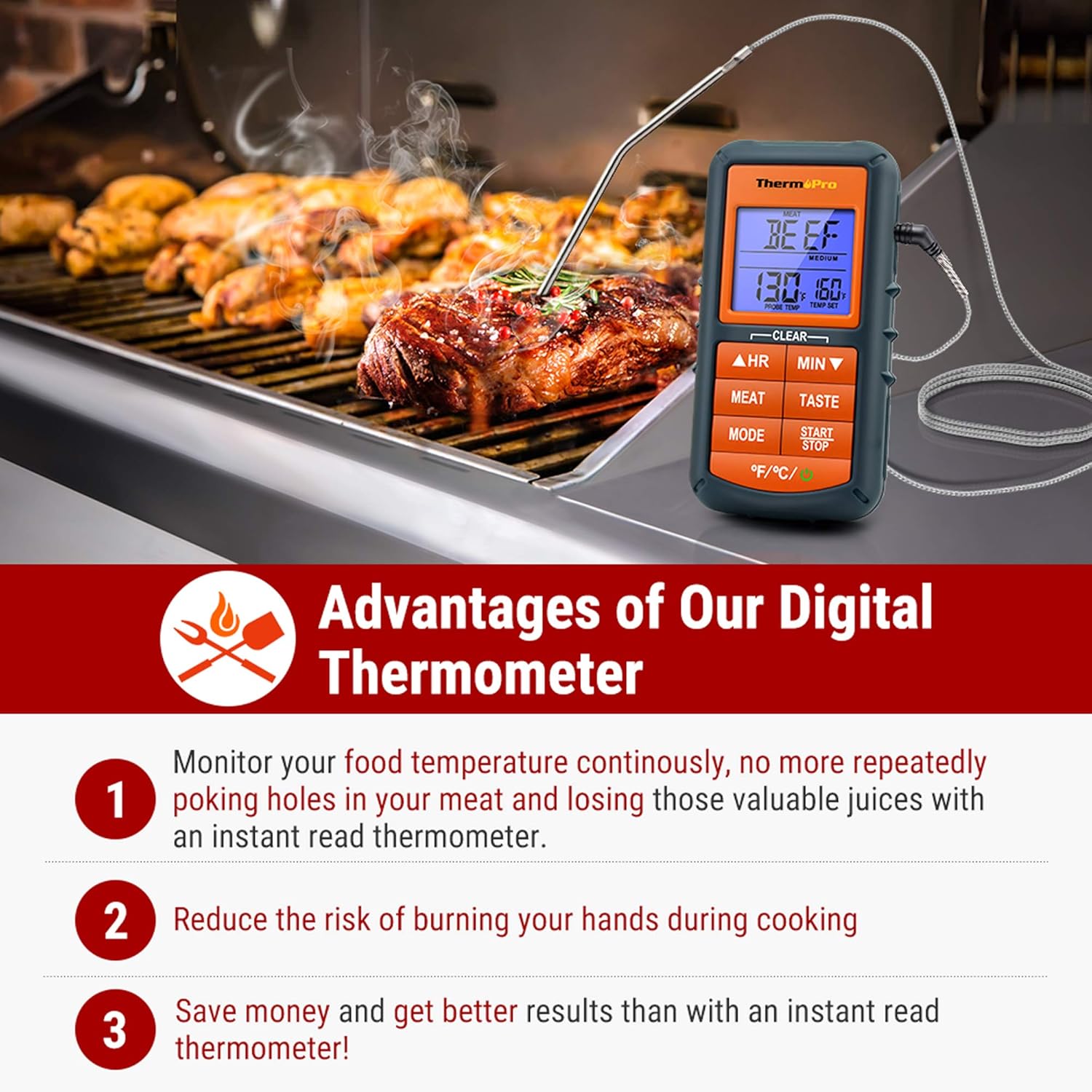
Figure 2: The ThermoPro TP06S thermometer in use on a grill, highlighting its benefits.
2. Instalace baterie
The ThermoPro TP06S requires 2 AAA batteries for operation. To install the batteries:
- Vyhledejte přihrádku na baterie na zadní straně teploměru.
- Vysuňte kryt přihrádky na baterie.
- Vložte 2 baterie typu AAA a dbejte na správnou polaritu (+ a -) vyznačenou uvnitř přihrádky.
- Bezpečně zavřete kryt bateriového prostoru.
3. Připojení sondy
Connect the stainless steel temperature probe to the jack located on the side of the main thermometer unit. Ensure the connection is firm.

Obrázek 3: Detailní view of the food-grade stainless steel probe, emphasizing its accuracy and heat resistance.
Návod k obsluze
1. Zapnutí/vypnutí
Stiskněte tlačítko MOC button (located at the bottom right) to turn the unit ON or OFF.
2. Výběr jednotky teploty
Stiskněte tlačítko °F/°C button (located at the bottom left) to switch between Fahrenheit and Celsius temperature readings.
3. Preset Meat Settings
The thermometer comes with preset temperatures for 9 types of meat recommended by USDA. Press the MASO button to cycle through the different meat types:
- Ground Beef (Gbeef)
- Ground Poultry (Gpoult)
- Hovězí
- Telecí maso
- Chicken (Chcke)
- Vepřové
- Poultry (Poult)
- Jehněčí
- Ryba
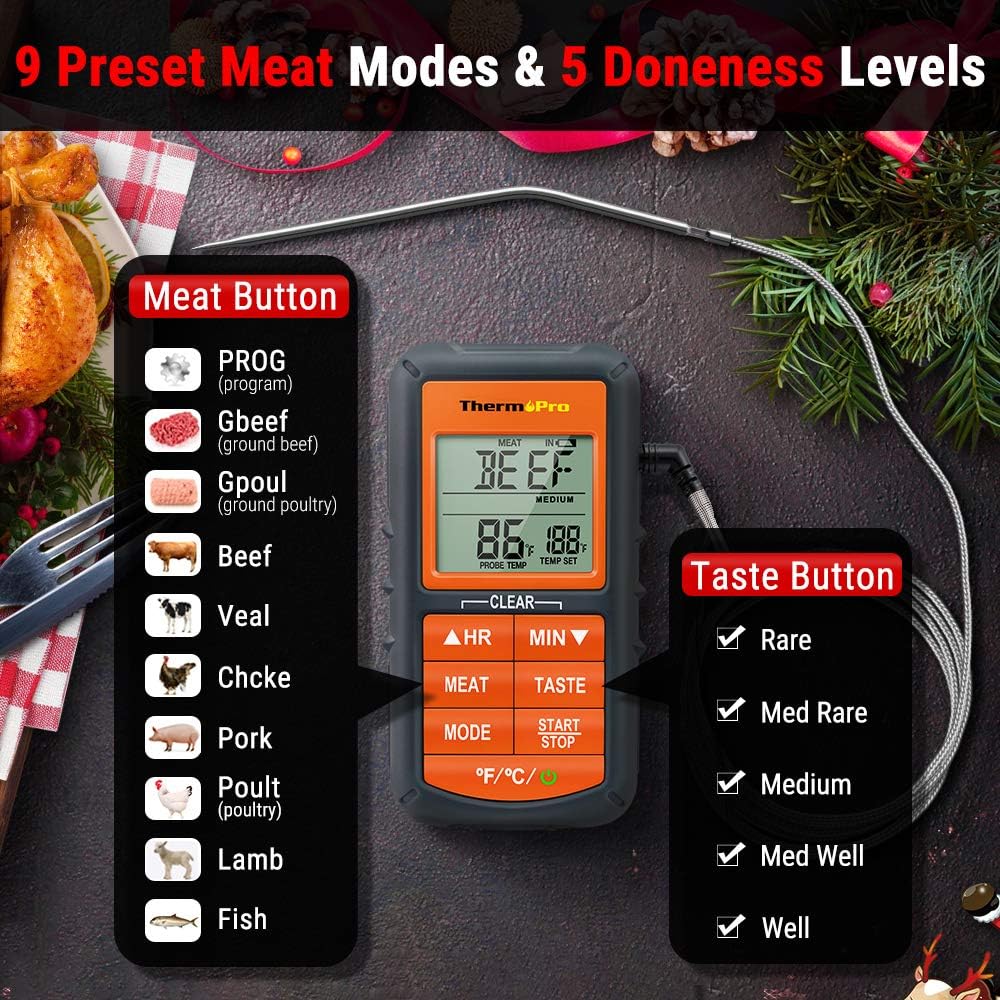
Figure 4: Display showing the 9 preset meat modes and 5 doneness levels available on the TP06S.
4. Doneness Level Selection
Po výběru druhu masa stiskněte tlačítko CHUŤ a vyberte požadovanou úroveň propečení (např. Rare, Medium Rare, Medium, Medium Well, Well Done). Cílová teplota se odpovídajícím způsobem upraví.
5. Custom Temperature Setting (PROG Mode)
To set a custom target temperature:
- Stiskněte tlačítko MODE button until "PROG" appears on the display.
- Použijte HR (Hodina) a MIN (Minute) buttons to adjust the target temperature up or down.
- Stiskněte START/STOP to confirm your custom setting.
6. Funkce časovače
The TP06S includes a count-up and countdown timer. To use the timer:
- Stiskněte tlačítko MODE tlačítko pro přepnutí do režimu časovače.
- Použijte HR a MIN buttons to set the desired countdown time (up to 23 hours, 59 minutes).
- Stiskněte START/STOP to begin or pause the timer.
- To reset the timer, press and hold both HR a MIN tlačítka současně.
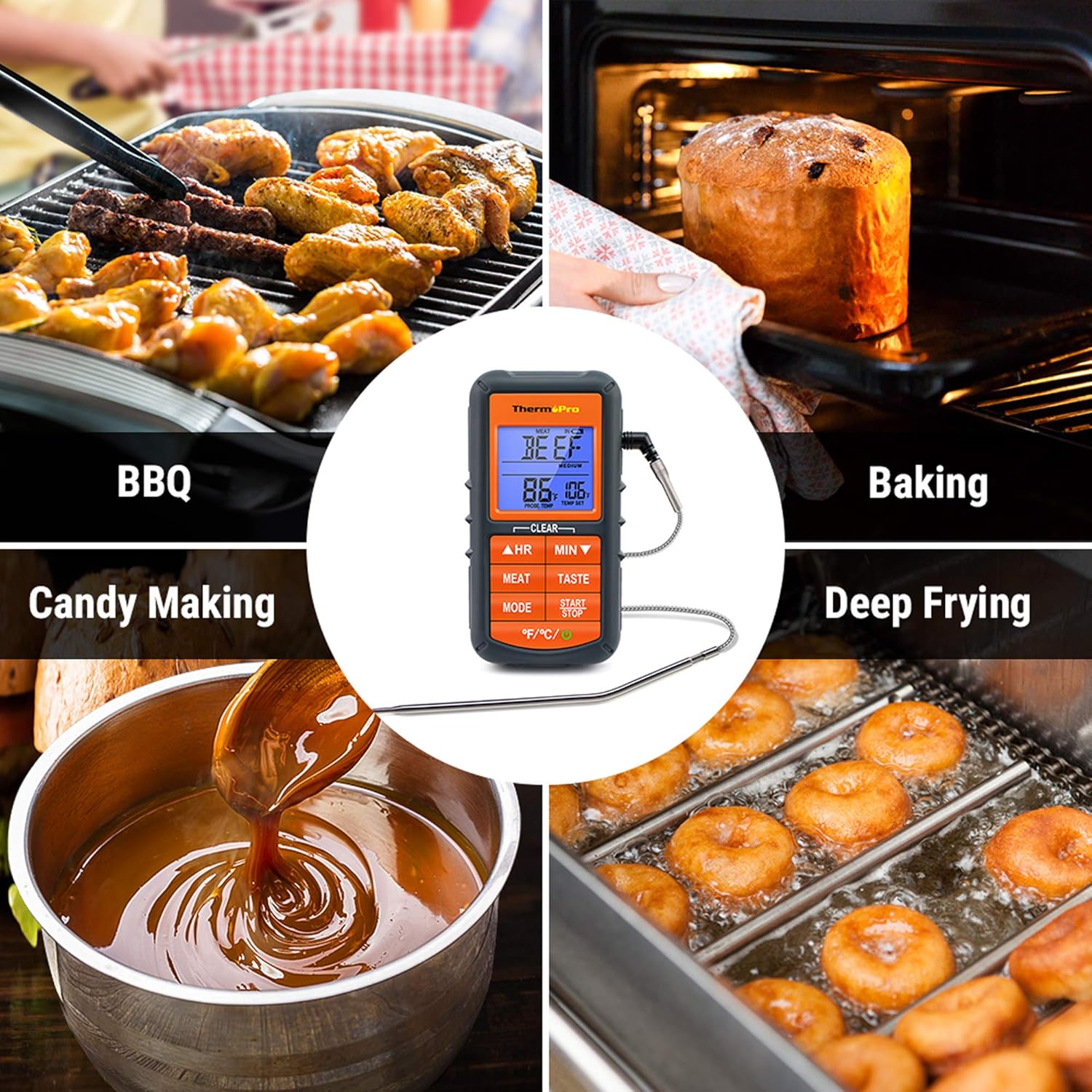
Figure 5: The TP06S unit showing both the current temperature and the countdown timer on its display.
7. Smart Backlight and Alarm
The display backlight changes color to indicate temperature progression:
- Modrý: Temperature increases by 10°F.
- Zelený: Temperature is within 15°F of the set target temperature.
- Červený: Current temperature reaches the set target temperature, and an alarm sounds.

Figure 6: Visual representation of the smart backlit LCD, indicating temperature status with different colors.
Údržba
1. Čištění
The stainless steel probe can be cleaned with warm soapy water. Wipe the main thermometer unit with a damp tkanina. NE immerse the main unit in water or place it in a dishwasher, as this can damage the electronic components.
2. Skladování
Store the thermometer and probe in a dry place at room temperature when not in use. Ensure the probe tip protector is in place to prevent damage.
Odstraňování problémů
1. Nepřesné údaje o teplotě
- Ensure the probe is fully inserted into the thickest part of the meat, avoiding bones or gristle.
- Check that the probe cable is securely connected to the main unit.
- Verify that the probe cable is not damaged or frayed. A damaged probe may need replacement.
- Test the probe in boiling water (212°F / 100°C at sea level) or ice water (32°F / 0°C) to check its accuracy.
2. Display Not Working / No Power
- Zkontrolujte, zda jsou baterie správně vloženy se správnou polaritou.
- Vyměňte baterie za nové AAA baterie.
- Ujistěte se, že je tlačítko napájení pevně stisknuto.
3. Alarm nezní
- Confirm that a target temperature has been set.
- Check if the unit's volume is not set to mute (if applicable, though this model typically has a fixed alarm sound).
Specifikace
| Značka: | ThermoPro |
| Název modelu: | Digital Grill Meat Thermometer with Probe for Smoker Grilling Food |
| Číslo modelu položky: | TP06S |
| Zdroj napájení: | Napájení z baterií (2 baterie AAA jsou součástí balení) |
| Rozsah teplot: | Až 482 °F (250 °C) |
| Materiál sondy: | Nerezová ocel potravinářské jakosti |
| Probe Wire Rating: | Rated for 716°F (380°C) |
| Typ displeje: | LCD with Smart Backlight |
| Speciální funkce: | Alarm, Preset Temperatures, Timer |
| certifikace: | Certifikace NSF |

Figure 7: Certifications for the ThermoPro TP06S, including NSF, CE, and RoHS compliance.
Záruka a podpora
For warranty information, technical support, or to purchase replacement parts, please visit the official ThermoPro website or contact their customer service. You can also refer to the detailed user guides available online: