
Zavedení
The Rocketek FBA_RT-CR7 is a versatile USB 3.0 7-in-1 multi-memory card reader designed for efficient data transfer from various memory card types to your computer. It supports simultaneous reading and writing of up to 5 cards, offering high-speed performance and broad compatibility across multiple operating systems.
Vlastnosti produktu
- Čtečka karet 7 v 1: Supports CF, XD, MS, SD, and Micro SD card types.
- Simultaneous Read/Write: Capable of reading and writing to 5 different memory cards concurrently.
- USB 3.0 SuperSpeed: Achieves data transfer speeds up to 5Gbps, significantly faster than USB 2.0.
- Široká kompatibilita: Works with Mac OS, Linux, Chrome OS, and Windows XP/Vista/7/8/8.1/10.
- Plug & Play: K instalaci nejsou potřeba žádné ovladače.
- Kompaktní design: Portable and easy to carry, ideal for travel.
- Vestavěná ochrana: Funkce nadproud, přepětítage a ochranu proti zkratu.
- LED indikátor: A blue LED light indicates connection and data activity.
Obsah balení
- 1 x Rocketek FBA_RT-CR7 USB 3.0 7-in-1 Multi Memory Card Reader
- 1 x USB 3.0 Cable (with USB-C to USB-A adapter)
Pokyny pro nastavení
- Připojení čtečky karet: Plug the USB 3.0 cable from the card reader into an available USB port on your computer. If your computer has a USB-C port, use the provided USB-C to USB-A adapter.
- Indikátor napájení: The blue LED indicator on the card reader will light up when successfully connected to your computer.
- Vložte paměťovou kartu: Carefully insert your memory card into the corresponding slot on the card reader. Ensure the card is inserted correctly according to its orientation. The LED indicator will flicker during data transfer.
- Přístupová data: Your computer will automatically detect the card reader and the inserted memory card. You can then access the card's contents through your file explorer (Windows) or Finder (Mac OS).

Obrázek 1: Přesview of card reader slots and supported card types.
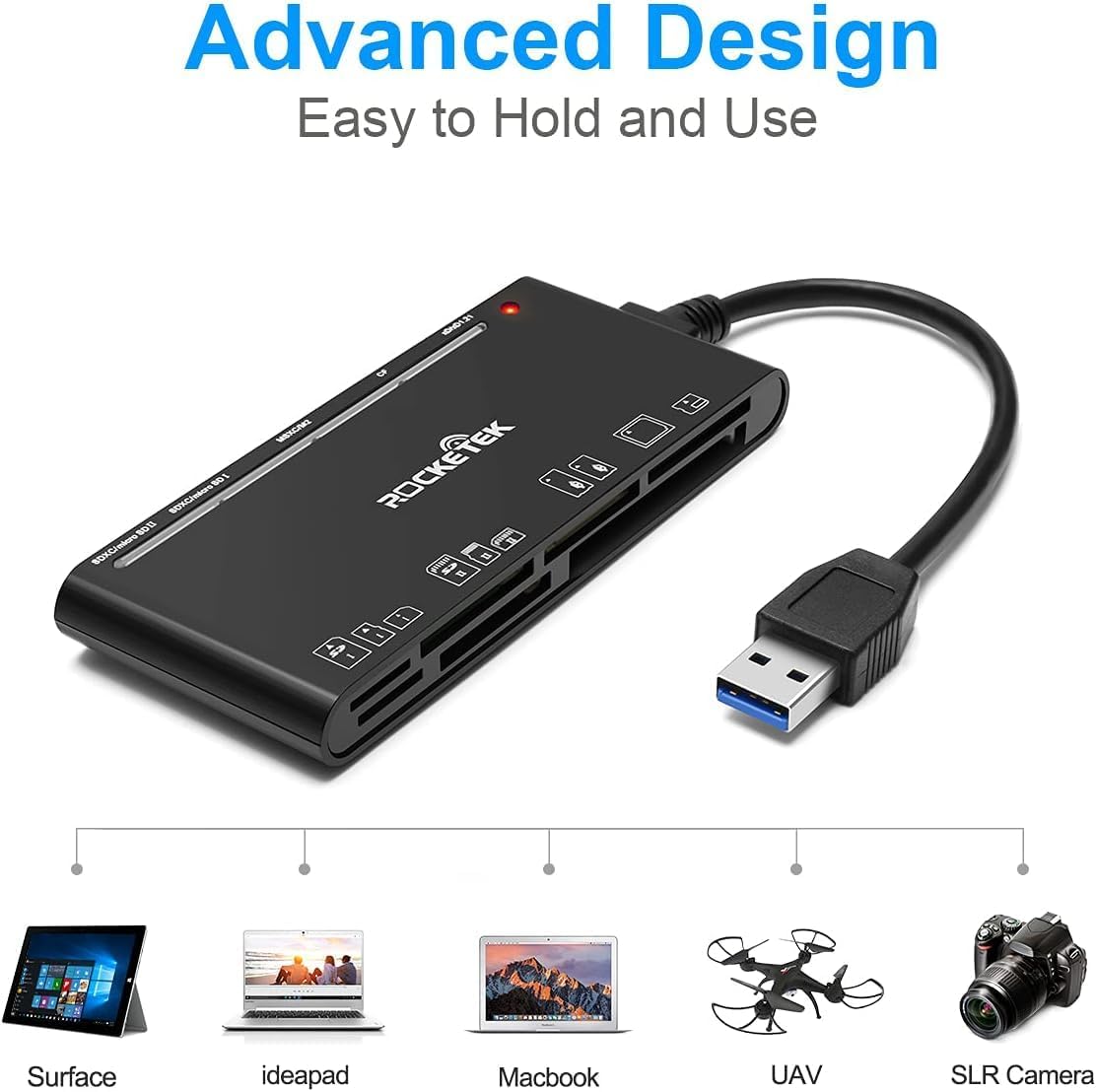
Figure 2: Card reader connected to a laptop, showing operating system compatibility.
Video 1: Demonstration of the Rocketek 7-in-1 Multi Memory Card Reader, showcasing its various card slots, USB 3.0 connectivity, and LED indicator light during operation.
Návod k obsluze
- Vkládání karet: Gently push the memory card into the appropriate slot until it clicks into place. Do not force the card.
- Čtení/zápis dat: Once the card is inserted and detected, you can drag and drop files to and from the card. The blue LED indicator will blink during active data transfer.
- Současné použití: The card reader supports reading and writing to multiple cards simultaneously. Ensure proper file management to avoid data conflicts.
- Ejecting Cards: Before removing a memory card, always safely eject it from your computer's operating system to prevent data corruption.

Figure 3: Multiple memory cards inserted into the reader, demonstrating simultaneous access.
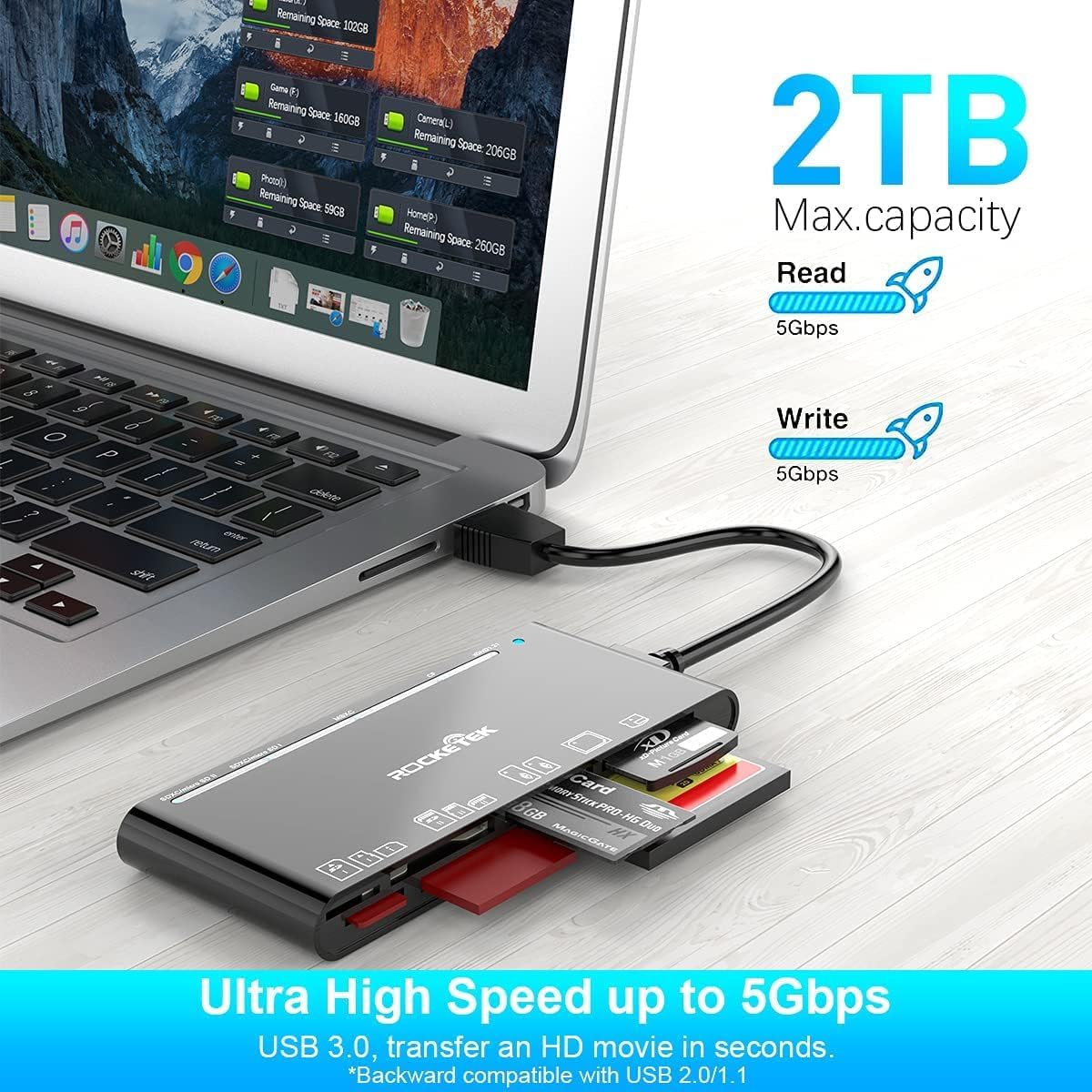
Figure 4: Highlighting the 5Gbps data transfer speed and 2TB maximum capacity.
Kompatibilita
Podporované operační systémy:
- Windows XP / Vista / 7/8 / 8.1 / 10
- Mac OS (including MacBook Pro/Air)
- Linux
- Chrome OS
Podporované typy médií:
- CompactFlash (CF card, high-speed CF UDMA)
- SD Card (SD, SDXC up to 2TB, SDHC, RS-MMC, miniSD)
- Micro SD (Micro SD, Micro SDXC, Micro SDHC)
- Memory Stick (MS, M2, MSXC, Memory Stick PRO Duo, Memory Stick Pro)
- xD Picture Card
Specifikace
| Značka | Rocketek |
| Název modelu | FBA_RT-CR7 |
| Technologie připojení | USB typ A |
| Hardwarové rozhraní | USB 3.0 |
| Rychlost přenosu dat | 5 Gbps |
| Slot Count | 7 (supporting 5 simultaneous reads/writes) |
| Barva | Černý |
| Rozměry položky (D x Š x V) | 6.1 cm x 2.9 cm x 0.4 cm |
| Hmotnost položky | 9.07 g |
Údržba a péče
- Čištění: K čištění vnější strany čtečky karet použijte měkký, suchý hadřík. Nepoužívejte tekuté čisticí prostředky ani rozpouštědla.
- Skladování: Čtečku karet skladujte na chladném a suchém místě mimo dosah přímého slunečního záření a extrémních teplot.
- Zacházení: Avoid dropping the device or subjecting it to strong impacts. Do not bend or twist the cable excessively.
- Ochrana portů: Udržujte sloty pro karty čisté od prachu a nečistot.
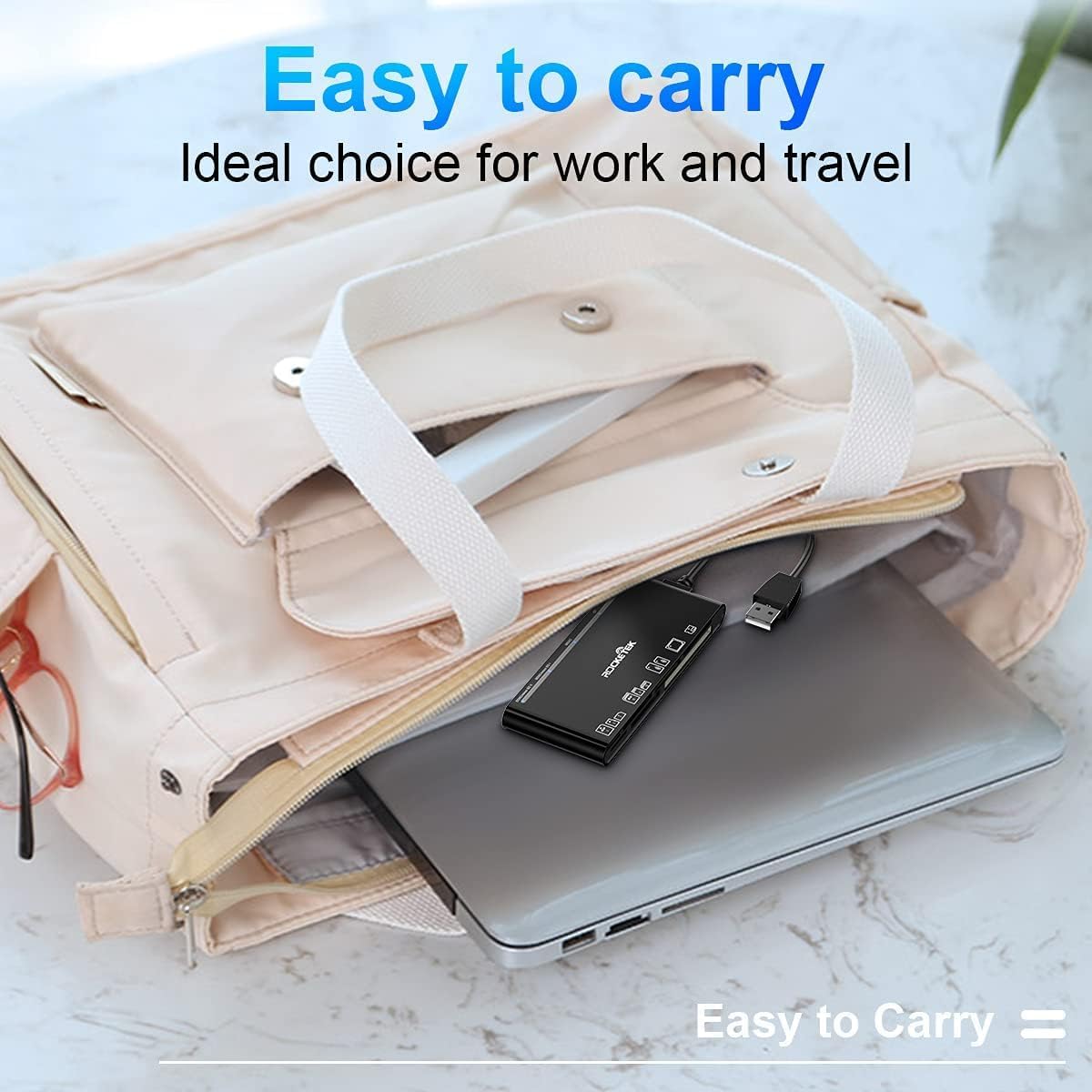
Figure 5: The card reader's compact size, suitable for portability.
Odstraňování problémů
- Zařízení nebylo detekováno:
- Ensure the USB cable is securely connected to both the card reader and your computer.
- Zkuste se připojit k jinému portu USB na počítači.
- Restartujte počítač.
- Memory Card Not Recognized:
- Verify that the memory card is fully inserted into the correct slot.
- Check if the memory card is damaged or corrupted. Try it in another device if possible.
- Ensure your operating system supports the file systém paměťové karty.
- Pomalý přenos dat:
- Ensure the card reader is connected to a USB 3.0 port on your computer for optimal speed.
- Verify that your memory card itself supports high-speed data transfer.
- Vyhněte se spouštění více náročných aplikací během velkých file převody.
- LED indikátor nesvítí:
- Confirm the card reader is properly connected to a powered USB port.
- Pokud používáte USB rozbočovač, ujistěte se, že je napájen.
Záruka a podpora
The Rocketek FBA_RT-CR7 USB 3.0 7-in-1 Multi Memory Card Reader comes with a 2-letá záruka od data nákupu. Tato záruka se vztahuje na výrobní vady a zajišťuje, že výrobek bude fungovat tak, jak je popsáno, při běžném používání.
For technical support, warranty claims, or any inquiries regarding your product, please contact Rocketek customer service through the retailer's platform or visit the official Rocketek webstránky pro kontaktní informace.