
1. Úvod
The HP JL188A E 103 Instant 802.11N (Ww) Access Point is a wireless networking device designed to provide high-speed wireless connectivity for various environments. This manual provides essential information for the proper installation, configuration, operation, and maintenance of your access point. Please read these instructions carefully before using the device.
2. Obsah balení
Ověřte, zda váš balíček obsahuje následující položky:
- HP JL188A E 103 Instant 802.11N (Ww) Access Point
- Dokumentace (tato příručka, bezpečnostní informace)
If any items are missing or damaged, please contact your vendor or HP customer support.
3. Fyzický overview
Familiarize yourself with the physical components and labels of your access point.
Obrázek 3.1: Nahoře view of the Access Point with serial number label. The label includes Serial Number CN62HHD2W5 and MAC Address F05C19CB87BE.

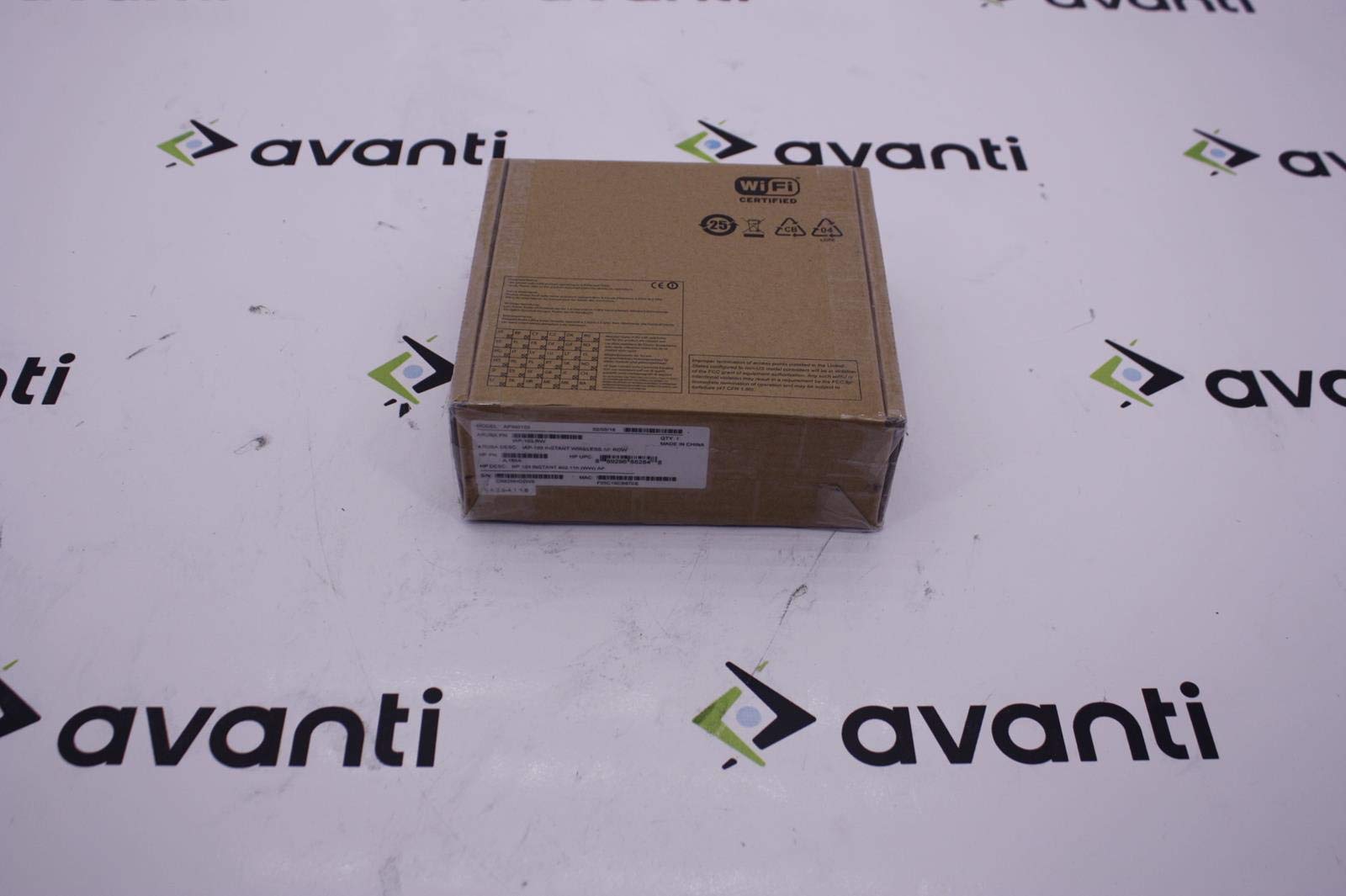
Figure 3.2: Product box label. Key identifiers include Model APIN0103, Aruba PN IAP-103-RW, HP PN JL188A, HP UPC 0889296882848, S/N CN62HHD2W5, and MAC F05C19CB87BE.

Obrázek 3.3: Spodní část view of the Access Point, showing the Ethernet port, power input, and mounting points.
4. Nastavení
Follow these steps to set up your HP JL188A E 103 Instant Access Point:
- Rozbalte zařízení: Carefully remove the access point from its packaging.
- Vyberte umístění: Select a central location for optimal wireless coverage. Avoid placing the device near large metal objects, concrete walls, or other sources of interference.
- Připojte napájení: Connect the power adapter to the access point's power input port and then plug the adapter into a power outlet. The power LED should illuminate.
- Připojit k síti: Connect an Ethernet cable from your network switch or router to the Ethernet port on the access point. The Ethernet LED should indicate network activity.
- Počáteční konfigurace: The HP Instant Access Point is designed for easy deployment. It will automatically form a cluster with other Instant APs or can be configured individually via a web browser. Refer to the HP Aruba Instant User Guide for detailed configuration steps, including setting up SSIDs, security, and network parameters.
5. Návod k obsluze
Once the access point is set up and configured, it will begin broadcasting wireless networks (SSIDs) as defined during configuration.
- Connecting Clients: Wireless clients (laptops, smartphones, tablets) can connect to the broadcasted SSIDs using the configured security keys (e.g., WPA2-PSK).
- Sledování: The status LEDs on the access point provide visual feedback on its operational status. Consult the full product documentation for a detailed explanation of LED indicators.
- Řízení: Přístup k webrozhraní pro správu pomocí a web browser and the IP address of the access point (or the virtual controller IP in an Instant AP cluster) to monitor performance, adjust settings, and perform administrative tasks.
6. Údržba
Regular maintenance ensures optimal performance and longevity of your access point.
- Aktualizace firmwaru: Pravidelně kontrolujte podporu HP webweb s novými verzemi firmwaru. Udržování aktualizovaného firmwaru zajišťuje přístup k nejnovějším funkcím, bezpečnostním záplatám a vylepšením výkonu.
- Čištění: Keep the access point clean and free from dust. Use a soft, dry cloth to wipe the exterior. Do not use liquid cleaners or aerosols. Ensure ventilation openings are not obstructed.
- Podmínky prostředí: Operate the device within its specified environmental ranges (temperature, humidity) to prevent damage and ensure reliable operation.
7. Řešení problémů
If you encounter issues with your access point, refer to the following common troubleshooting steps:
- Bez napájení:
- Ensure the power adapter is securely connected to both the access point and a working power outlet.
- Ověřte funkčnost elektrické zásuvky zapojením jiného zařízení.
- Bez síťového připojení:
- Check the Ethernet cable connection between the access point and your network device.
- Verify that your network switch or router is operational.
- Confirm that the access point has obtained a valid IP address (check via the management interface).
- Slabý bezdrátový výkon:
- Relocate the access point to a more central position or away from potential interference sources.
- Check for overlapping Wi-Fi channels with neighboring networks and adjust your access point's channel if necessary.
- Zajistěte, aby klientská zařízení byla v optimálním dosahu.
- Obnovení továrního nastavení: If the device is unresponsive or you need to revert to default settings, perform a factory reset. Consult the full product documentation for the specific procedure, which typically involves pressing and holding a reset button for a certain duration.
8. Specifikace
| Funkce | Specifikace |
|---|---|
| Číslo modelu | JL188A |
| Bezdrátový typ | 802.11b, 802.11g, 802.11n |
| Hmotnost položky | 10.6 unce (cca 300 gramů) |
| Rozměry produktu (DxŠxV) | 7 x 2 x 7 palců (přibližně 17.8 x 5.1 x 17.8 cm) |
| Výrobce | HP Inc-613567 |
| ASIN | B00YRANCJA |
| Datum první dostupnosti | 6. června 2015 |
9. Záruka a podpora
For detailed warranty information, technical support, and additional resources, please refer to the official HP website or contact HP customer service. Keep your purchase receipt and product serial number (found on the device and packaging) handy when seeking support.
Online zdroje: Podpora HP Webmísto