
Zavedení
This manual provides instructions for the Datalogic Barcodescanner Touch TD1100 90 Light, model TD1120-BK-90K1. It covers essential information for setting up, operating, maintaining, and troubleshooting your device to ensure optimal performance. Please read this manual thoroughly before using the scanner.
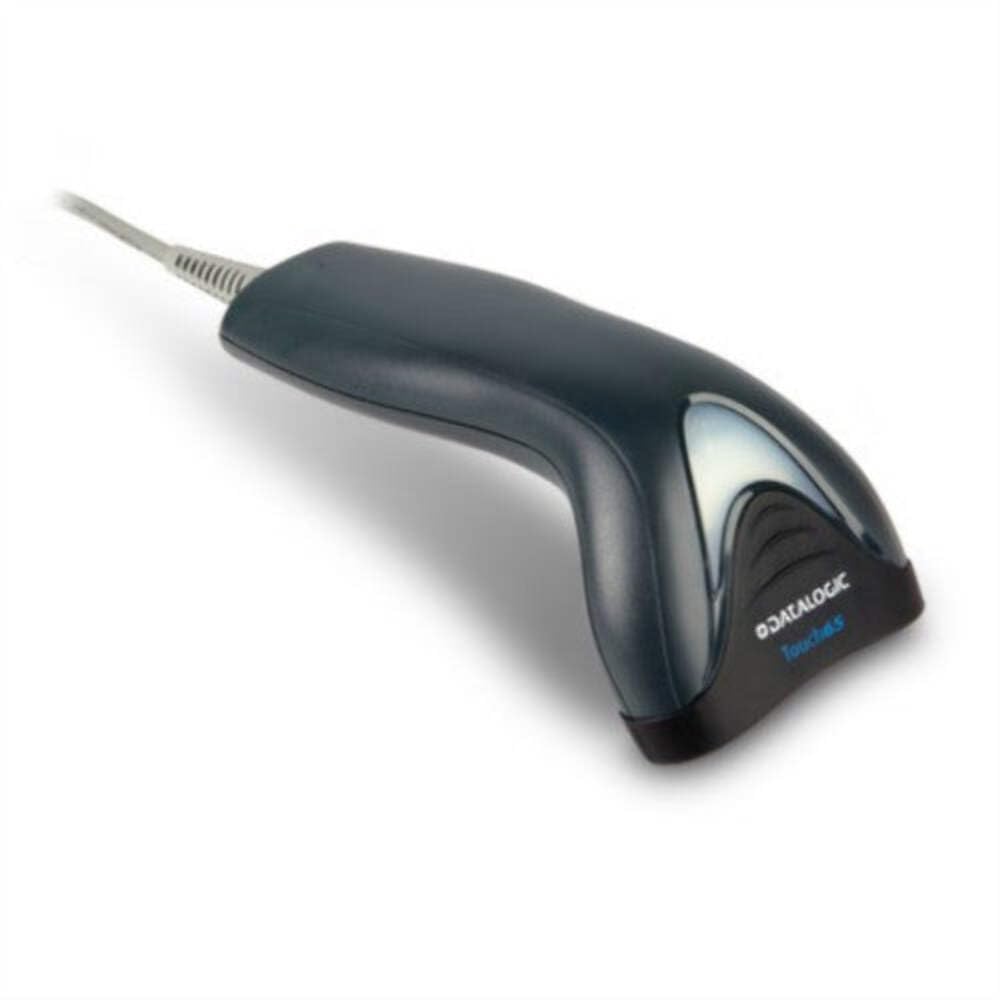
Image: The Datalogic Touch TD1100 90 Light barcode scanner, showing its ergonomic design and integrated cable.
Nastavení
1. Vybalování
Opatrně vyjměte všechny součásti z obalu. Zkontrolujte, zda jsou všechny položky přítomny:
- Datalogic Touch TD1100 90 Light Barcode Scanner
- USB kabel (integrovaný)
- Stručný průvodce (pokud je součástí dodávky)
2. Připojení skeneru
The TD1120-BK-90K1 model connects via a USB interface. Follow these steps:
- Vyhledejte volný USB port na vašem počítači (stolním počítači nebo notebooku).
- Insert the USB connector of the scanner's cable firmly into the USB port.
- The operating system should automatically detect the new hardware and install the necessary drivers. This process may take a few moments.
- Once drivers are installed, the scanner will typically emit a short beep or an indicator light will illuminate, signifying it is ready for use.
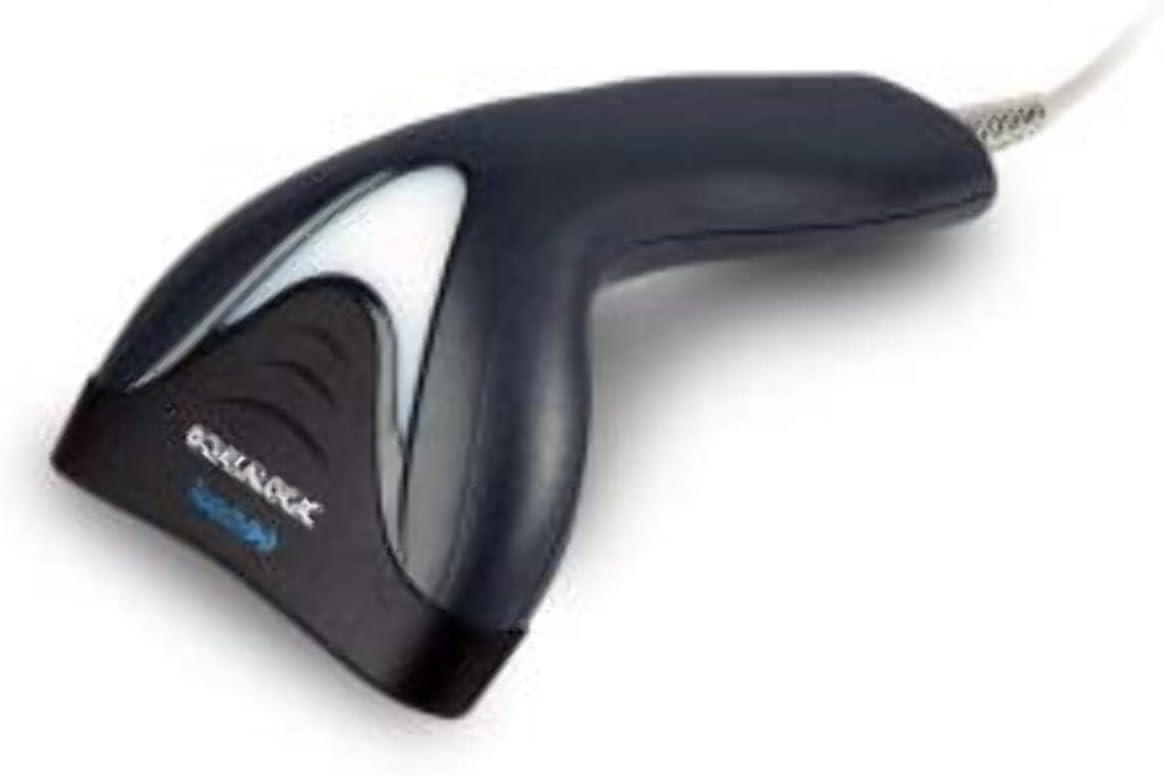
Obrázek: Boční view of the Datalogic Touch TD1100 90 Light barcode scanner, highlighting the integrated cable for connection.
Návod k obsluze
1. Základní postup skenování
Chcete-li naskenovat čárový kód:
- Ujistěte se, že je skener připojen a zapnutý.
- Open an application on your computer where you want the scanned data to appear (e.g., a text editor, spreadsheet, or POS software).
- Držte skener skenovacím okénkem směrem k čárovému kódu.
- Press and hold the trigger button. A red aiming line or light will project from the scanning window.
- Position the aiming line across the entire barcode.
- Once the barcode is successfully read, the scanner will emit a beep and/or the indicator light will flash green. The data will then appear in your active application.
- Uvolněte spoušť.
2. Scanning Techniques
- Optimální vzdálenost: Hold the scanner at an appropriate distance from the barcode, typically between 2-10 cm (1-4 inches), depending on the barcode size and density.
- Úhel: Scan barcodes at a slight angle to avoid direct reflection, which can interfere with reading.
- Damaged Barcodes: For poorly printed or damaged barcodes, try scanning from different angles or distances.
Údržba
1. Čištění skeneru
Regular cleaning helps maintain optimal scanning performance.
- Okno skenování: Použijte měkký hadřík, který nepouští vlákna dampened with a mild, non-abrasive cleaner (e.g., isopropyl alcohol or glass cleaner) to gently wipe the scanning window. Avoid harsh chemicals or abrasive materials.
- Vnější: Otřete vnější část casing s měkkým, damp cloth. Do not allow liquids to enter the scanner.
- Ensure the scanner is disconnected from the power source before cleaning.
2. Skladování
When not in use, store the scanner in a clean, dry environment, away from direct sunlight, extreme temperatures, and corrosive materials.
Odstraňování problémů
If you encounter issues with your Datalogic TD1100 scanner, refer to the following common problems and solutions:
| Problém | Možná příčina | Řešení |
|---|---|---|
| Skener se nezapne ani nereaguje. | Uvolněné kabelové připojení, vadný USB port, problém s napájením. |
|
| Skener nečte čárové kódy. | Incorrect scanning technique, damaged barcode, dirty scanning window, incompatible barcode type, application not ready. |
|
| Naskenovaná data se zobrazují nesprávně. | Keyboard wedge settings, incorrect language settings. |
|
Specifikace
Key technical specifications for the Datalogic Touch TD1100 90 Light (TD1120-BK-90K1):
- Číslo modelu: TD1120-BK-90K1
- Značka: Datalogic
- Rychlost skenování: 90 snímků za sekundu (fps)
- Technologie připojení: Bluetooth
- Kompatibilní zařízení: Stolní počítač, notebook
- Zdroj napájení: Napájení z baterie
- Hmotnost položky: 153 gramů
- Skutečný úhel View: 3.5 stupňů
- Výrobce: Datalogic
Note: Some specifications like "Battery Powered" and "Bluetooth" might be generic for the TD1100 series. The TD1120-BK-90K1 is primarily a wired USB scanner.
Záruka a podpora
Informace o záruce
Datalogic products are covered by a standard manufacturer's warranty. For specific warranty terms and conditions, please refer to the warranty card included with your product or visit the official Datalogic webUschovejte si doklad o koupi pro případ reklamace.
Technická podpora
For technical assistance, troubleshooting beyond this manual, or to inquire about repairs, please contact Datalogic customer support. You can typically find contact information on the Datalogic webwebu nebo v dokumentaci dodané se skenerem.
- Oficiální společnost Datalogic Webmísto: www.datalogic.com
- Zdroje podpory: Check the support section of the webstránky s nejčastějšími dotazy, ovladači a další dokumentací.