
BLACK+DECKER TR1478BD
BLACK+DECKER 4-Slice Toaster Instruction Manual
Model: TR1478BD
Značka: BLACK+DECKER
Konec produktuview
The BLACK+DECKER 4-Slice Toaster is designed for convenience and versatility, allowing you to toast a variety of bread types, including thick bagels and artisan breads, thanks to its extra-wide slots. It features multiple shade settings, specialized functions for bagels and frozen items, and an extra-lift lever for easy retrieval of smaller toasted goods. Cleanup is simplified with a removable crumb tray, and integrated cord wrap ensures tidy storage.
Klíčové vlastnosti
- EXTRA-WIDE TOASTING SLOTS: Accommodates thick breads and bagels.
- FUNKCE BAGEL: Toasts the cut side of bagels while gently warming the other.
- EXTRA LIFT: Lever lifts toast safely within reach.
- DROP-DOWN CRUMB TRAY: Pro snadné čištění a údržbu.
- SHADE SELECTOR: Offers 7 different toast shade settings.
Bezpečnostní informace
- Always unplug the toaster when not in use or before cleaning.
- Neponořujte topinkovač, kabel ani zástrčku do vody nebo jiné tekutiny.
- Neprovozujte toustovač s poškozeným kabelem nebo zástrčkou.
- Keep hands and utensils out of the toasting slots while the toaster is in operation.
- Neumisťujte toustovač do blízkosti horkých plynových nebo elektrických hořáků ani do rozehřáté trouby.
- Ensure adequate ventilation around the toaster during use.
Nastavení
1. Unpack the toaster and remove all packaging materials, including any protective films or inserts from the toasting slots.
2. Place the toaster on a stable, flat, heat-resistant surface, ensuring there is sufficient clearance from walls, cabinets, and other appliances.
3. Ensure the drop-down crumb tray is properly inserted at the bottom of the toaster.
4. Plug the power cord into a standard 120V AC electrical outlet.
Návod k obsluze
Opékání chleba
1. Place up to four slices of bread into the extra-wide toasting slots. The self-adjusting guides will center the bread for even toasting.

Popis obrázku: Pohled shora dolů view of the BLACK+DECKER 4-Slice Toaster highlighting its extra-wide toasting slots, designed to accommodate various bread types.
2. Select your desired toast shade using the shade selector knob. Settings range from 1 (lightest) to 7 (darkest).

Image description: A close-up of the toaster's control panel, focusing on the toast shade selector knob with numerical settings from 1 to 7.
3. Press down the toast lever until it locks into place. The toaster will begin the toasting cycle.
4. When toasting is complete, the toast will automatically pop up. For smaller items, use the extra-lift lever to raise them higher for safe retrieval.

Image description: The toaster with slices of toast partially elevated, demonstrating the extra-lift feature for easy removal.
Funkce bagel
For toasting bagels, place the bagel halves into the slots with the cut side facing inwards. Press the Bagel button (indicated by a bagel icon) before lowering the toast lever. This function toasts the cut side while gently warming the outer side.
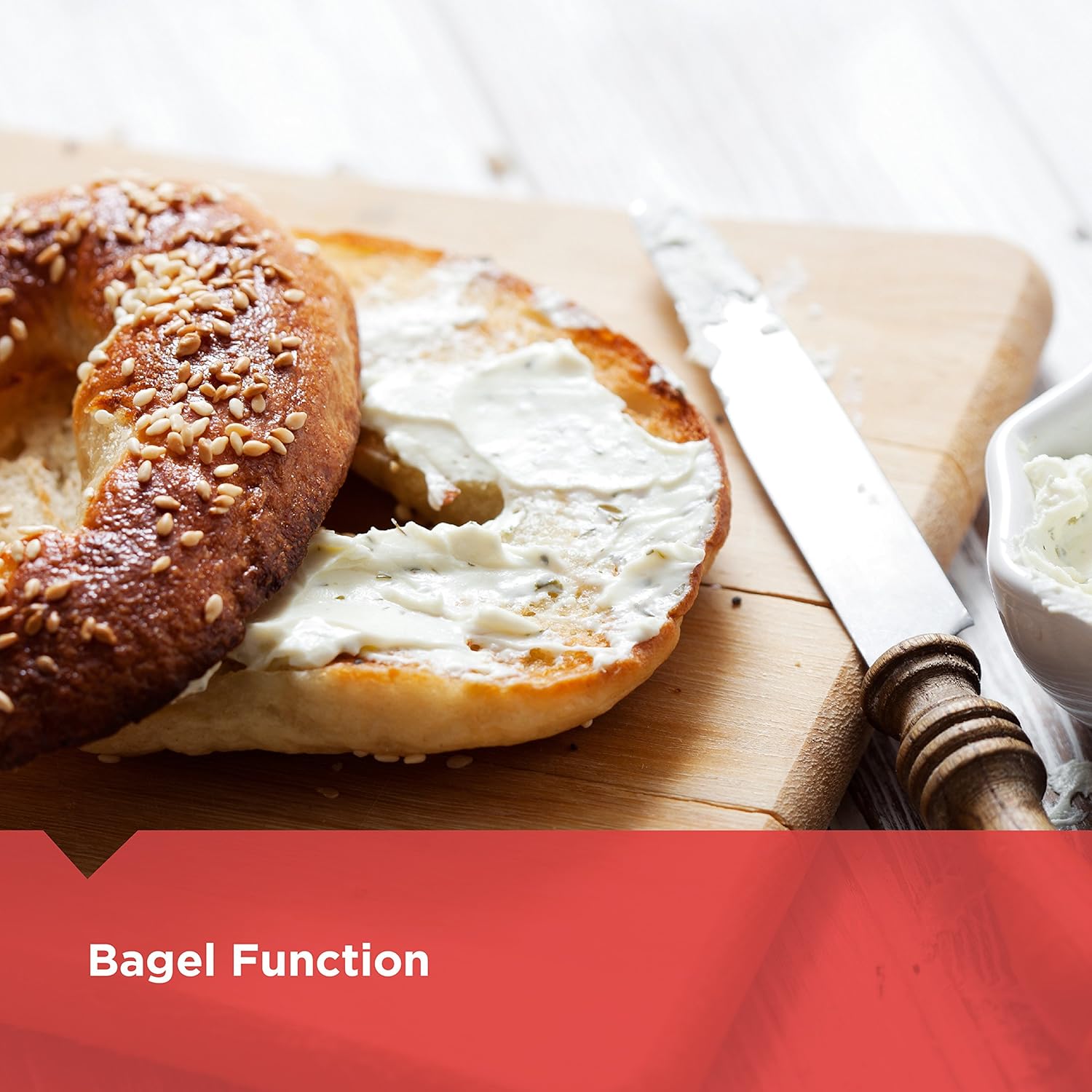
Image description: A sliced bagel with cream cheese on a wooden cutting board, illustrating the use of the bagel function.
Funkce Frozen
To toast frozen bread, waffles, or pastries, place the frozen item into the slots and press the Zmrazené button (indicated by a snowflake icon) before lowering the toast lever. This function automatically adjusts the toasting time to defrost and toast the item.
Zrušit funkci
Chcete-li kdykoli zastavit cyklus opékání, jednoduše stiskněte tlačítko Zrušit button (indicated by a circle with a line through it).
Údržba a čištění
Proper maintenance ensures the longevity and performance of your toaster.
1. Always unplug the toaster from the electrical outlet and allow it to cool completely before cleaning.
2. Zásobník na drobky: Slide out the drop-down crumb tray located at the bottom of the toaster. Discard accumulated crumbs. Wipe the tray clean with a damp cloth and dry thoroughly before reinserting it. Ensure the crumb tray is fully pushed in before using the toaster.
3. Vnější: Vnější povrchy toustovače otřete měkkým hadříkem.amp cloth. For stubborn spots, a mild household cleaner can be used, but ensure it is wiped off completely. Do not use abrasive cleaners, scouring pads, or harsh chemicals, as they may damage the finish.
4. Interiér: Do not attempt to clean the inside of the toaster with any tools or liquids. Any food particles stuck inside should be carefully shaken out over a sink or trash can once the toaster is completely cool and unplugged.
5. Never immerse the toaster in water or any other liquid for cleaning.
Odstraňování problémů
Topinkovač se nezapíná:
- Ujistěte se, že je napájecí kabel bezpečně zapojený do funkční elektrické zásuvky.
- Check your household circuit breaker or fuse box to ensure there is power to the outlet.
Toast is too light/dark:
- Adjust the shade selector knob to a higher number for darker toast or a lower number for lighter toast.
- Consider the type and freshness of bread, as these factors can significantly affect toasting results. Drier or thinner bread may toast faster.
Bread stuck in toaster:
- Immediately unplug the toaster from the electrical outlet.
- Carefully remove the bread using non-metallic utensils (e.g., wooden tongs). Never use metal objects, as this can cause an electrical shock.
Specifikace
| Funkce | Detail |
|---|---|
| Značka | ČERNÁ+DECKER |
| Barva | Černá s akcenty z nerezové oceli |
| Materiál | Hliník |
| Rozměry produktu | 11.1"H x 10.67"Š x 6.89"V |
| Specifické použití pro produkt | Chléb |
| Wattage | 1400 wattů |
| Počet řezů | 4 |
| Speciální funkce | Zrušit funkci |
| Styl | Klasický |
| Hmotnost položky | 3 libry |
| svtage | 120 voltů |
| Počet nastavení | 7 |
| UPC | 050875810341 |
| Výrobce | Spektrum značek |
Oficiální videa produktů
Pro tento produkt momentálně nejsou k dispozici žádná oficiální videa prodejce.
Záruka a podpora
For detailed warranty information, product registration, or further assistance, please refer to the official user guide or contact BLACK+DECKER customer support directly.
Oficiální uživatelská příručka (PDF): Stáhnout PDF
Ask a question about this manual
Ask about setup, troubleshooting, compatibility, parts, safety, or missing instructions. Manuals+ will review the question and use this page’s manual context to help answer it.