
1. Úvod
This manual provides essential information for the proper use and maintenance of your Transcend 8GB SDHC Class 4 Memory Card, model HDR-XR160-KSD48GB. This memory card is designed for compatibility with devices such as the Sony HDR-XR160 Camcorder, offering reliable storage for your digital content.
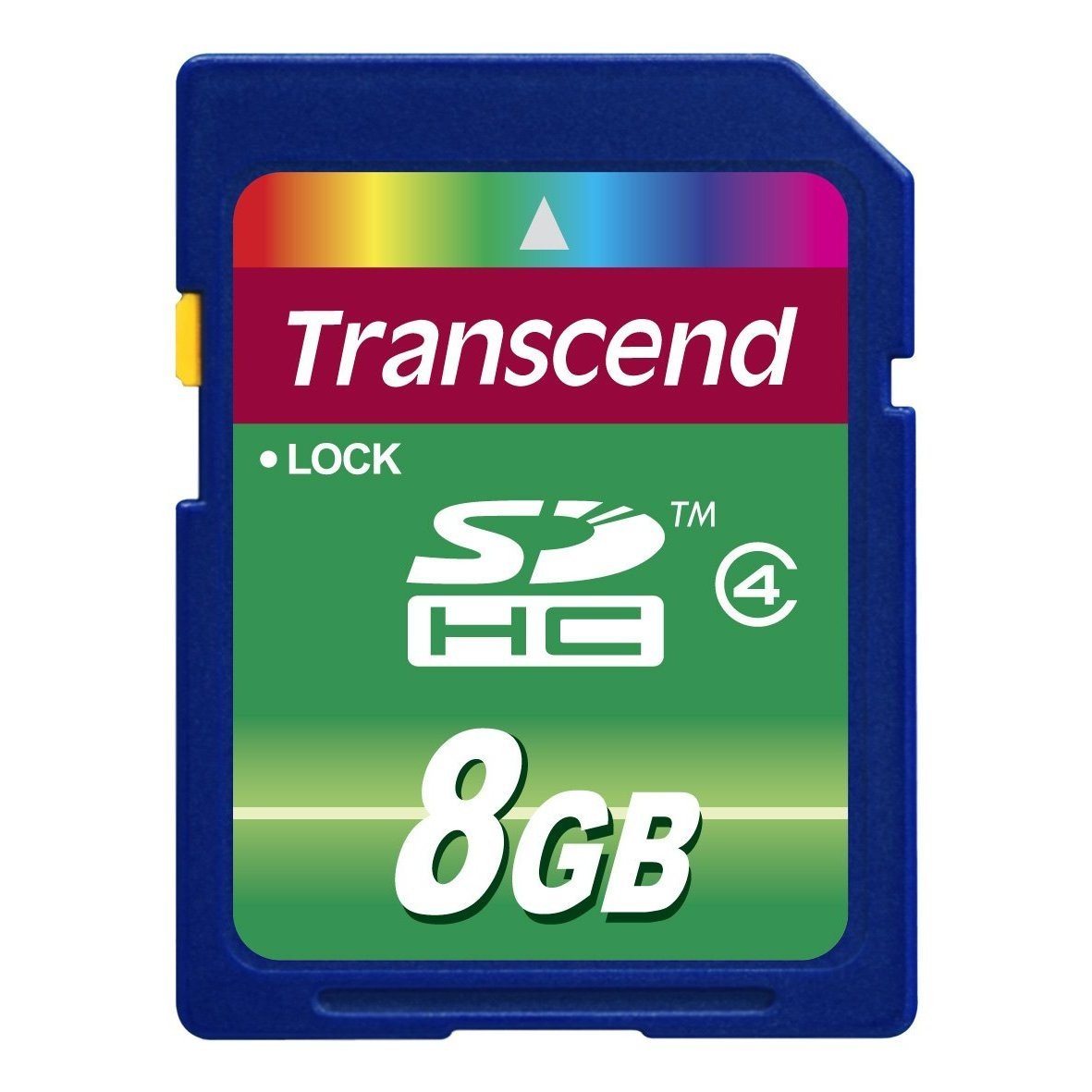
Image 1: Transcend 8GB SDHC Class 4 Memory Card. This image displays the physical appearance of the memory card, highlighting its compact design and branding.
2. Vlastnosti
The Transcend 8GB SDHC Class 4 Memory Card offers the following key features:
- Kapacita: 8GB (Gigabytes) of storage, suitable for recording videos and storing photos.
- Typ: SDHC (Secure Digital High Capacity) format, designed for larger storage needs.
- Rychlostní třída: Class 4 rating, ensuring a minimum write speed of 4 MB/s, which is suitable for standard definition video recording and continuous shooting of still images.
- Kompatibilita: Specifically designed for use with compatible devices such as camcorders, including the Sony HDR-XR160.
- Trvanlivost: Lehké provedení pro snadnou manipulaci.
3. Nastavení a instalace
Follow these steps to properly install your memory card into a compatible device:
- Vypínací zařízení: Ensure your camcorder or other compatible device is powered off before inserting the memory card. This prevents potential data corruption or damage to the card or device.
- Locate Card Slot: Identify the SD card slot on your device. Refer to your device's user manual for the exact location.
- Vložte paměťovou kartu: Gently slide the Transcend SDHC card into the slot with the gold contacts facing down (or as indicated by your device's manual). Push until it clicks into place. Do not force the card, as this may cause damage.
- Zapnutí zařízení: Turn on your device. It should recognize the newly inserted memory card.
- Format Card (Optional but Recommended): For optimal performance and to ensure compatibility, it is recommended to format the memory card using your device's internal formatting function before first use. Note: Formatting will erase all data on the card. Back up any important data before proceeding.
4. Návod k obsluze
Once installed and formatted, your Transcend SDHC memory card is ready for use.
- Recording/Storing Data: Use your device's functions to record videos, capture photos, or store other digital files directly onto the memory card. The Class 4 speed rating supports standard video recording and photo capture.
- Přístup k datům: Na view or transfer data, connect your device to a computer, or insert the memory card into a compatible card reader connected to a computer. The card will appear as a removable storage device.
- Safely Removing Card: Before physically removing the memory card from your device or card reader, always ensure that all data transfer operations are complete and safely eject the card through your operating system (e.g., "Safely Remove Hardware" on Windows, "Eject" on macOS). This prevents data corruption.
5. Údržba a péče
Proper care extends the life of your memory card and protects your data.
- Fyzická ochrana: Store the memory card in a protective case when not in use to prevent scratches, dust, and static discharge. Avoid bending or dropping the card.
- Podmínky prostředí: Do not expose the card to extreme temperatures, direct sunlight, moisture, or strong magnetic fields.
- Čištění: If necessary, gently wipe the gold contacts with a clean, dry, lint-free cloth. Avoid using harsh chemicals or abrasive materials.
- Záloha dat: Pravidelně zálohujte důležitá data z paměťové karty na jiné úložné zařízení (např. pevný disk počítače, cloudové úložiště), abyste předešli jejich ztrátě.
6. Řešení problémů
If you encounter issues with your Transcend memory card, consider the following:
- Karta nebyla rozpoznána:
- Ensure the card is fully inserted into the device slot.
- Power off and restart your device.
- Vyzkoušejte kartu v jiném kompatibilním zařízení nebo čtečce karet, abyste zjistili, zda je problém s kartou nebo se zařízením.
- Check your device's manual for maximum supported memory card capacity and type (SD, SDHC, SDXC).
- Chyby přenosu dat:
- Ensure the card is securely connected.
- Avoid disconnecting the card during data transfer.
- Try a different USB port or card reader.
- Check for sufficient free space on both the card and the destination device.
- Pomalý výkon:
- Ujistěte se, že vaše zařízení podporuje rychlostní třídu karty.
- Format the card periodically (after backing up data) to optimize performance.
- Vyhněte se naplnění karty až na její absolutní maximum.
7. Specifikace
| Funkce | Detail |
|---|---|
| Číslo modelu | HDR-XR160-KSD48GB |
| Typ paměti Flash | SDHC (Secure Digital High Capacity) |
| Kapacita paměti | 8 GB |
| Třída rychlosti Secure Digital Association | Class 4 (Minimum 4 MB/s write speed) |
| Hardwarové rozhraní | SDHC, karta Secure Digital |
| Kompatibilní zařízení | Camcorders (e.g., Sony HDR-XR160) |
| Rozměry produktu | 0.08 x 1.26 x 0.94 palce (přibližně) |
| Hmotnost položky | 0.16 unce (cca) |
| UPC | 876544745239 |
8. Záruka a podpora
For information regarding warranty coverage, technical support, or frequently asked questions, please visit the official Transcend webUschovejte si účtenku jako doklad o koupi pro případ reklamace.
Oficiální transcend Webmísto: www.transcend-info.com