
Důležité bezpečnostní informace
Please read these instructions carefully before using the shredder. Keep this manual for future reference.
- Udržujte děti a domácí zvířata mimo dosah drtiče.
- Keep loose clothing, jewelry, hair, and other foreign objects away from the shredder opening.
- Do not insert fingers or hands into the shredder opening.
- Odpojte drtič ze zásuvky, když jej nepoužíváte nebo před čištěním.
- Do not shred metal objects, large paper clips, or hard plastic (except credit cards as specified).
- Na drtiči ani v jeho blízkosti nepoužívejte aerosolové výrobky, maziva na bázi ropy ani jiné hořlavé látky.
- Nepoužívejte drtič, pokud je poškozený napájecí kabel.
- The shredder is equipped with overheat protection. If it overheats, it will automatically shut off. Allow it to cool down before resuming operation.
Obsah balení
Ujistěte se, že jsou přítomny všechny položky:
- Amazon Basics AS665C Paper Shredder Unit
- Odpadkový koš
- Návod k použití (tento dokument)
Nastavení
- Vybalte skartovačku: Opatrně vyjměte všechny součásti z obalu.
-
Position the Waste Bin: Place the shredder head securely on top of the provided waste bin. Ensure it is properly seated.
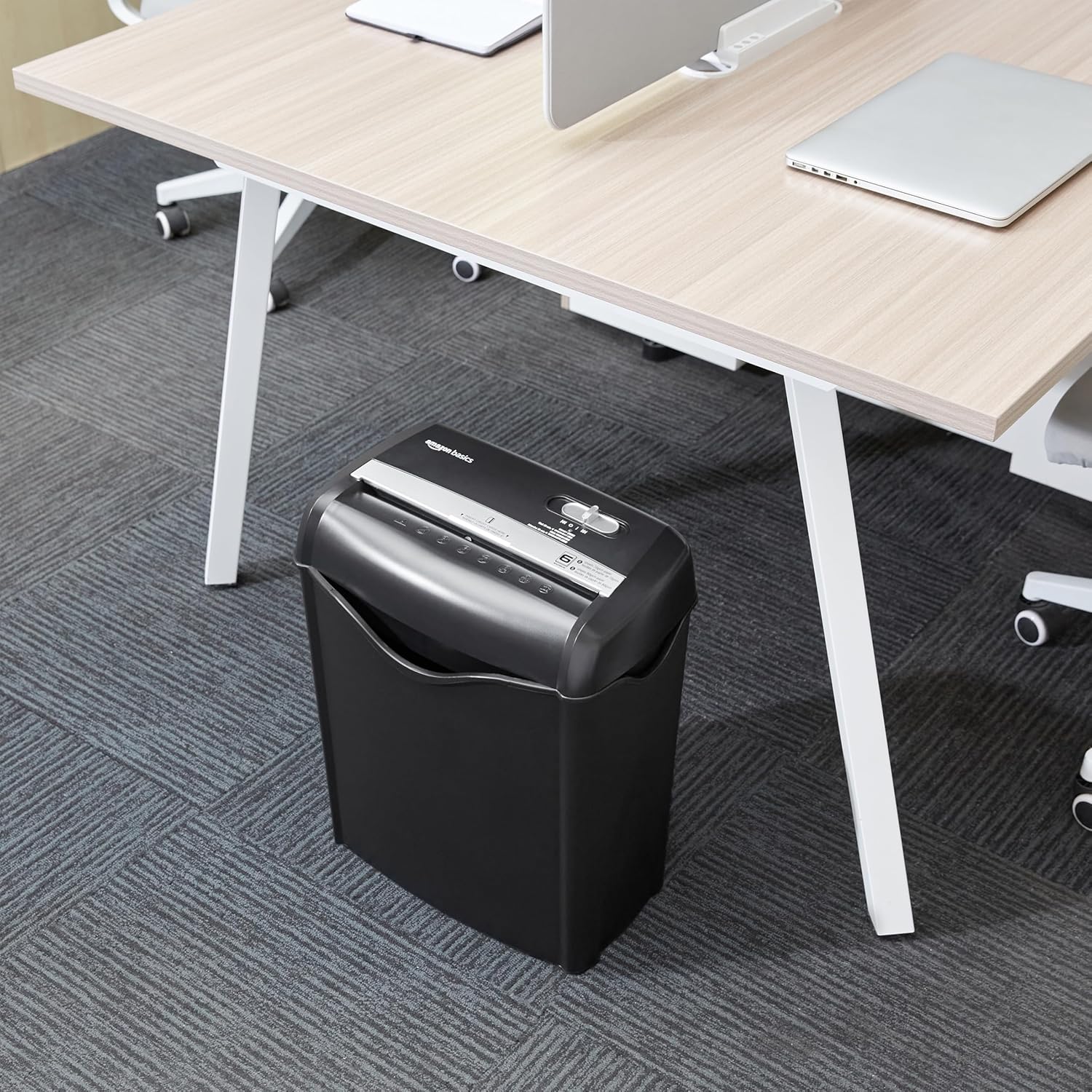
Image: The Amazon Basics AS665C Paper Shredder positioned under a desk, demonstrating its compact size and ease of placement in an office or home environment.
- Připojte napájení: Zapojte napájecí kabel do standardní elektrické zásuvky.
Návod k obsluze
Ovládací spínač
The shredder features a slide switch with three positions:
- AUTO (I): The shredder will automatically start when paper is inserted and stop when shredding is complete.
- VYP (O): Skartovačka je vypnutá.
- REV (<<): Activates the reverse function to clear paper jams.

Obrázek: Podrobný view of the shredder's control switch, showing the "AUTO", "OFF", and "REV" settings, along with the "READY" (green) and "OVERHEAT" (red) indicator lights.
Skartace dokumentů
- Vyberte režim: Nastavte ovládací spínač na AUTO (I) position. The "READY" indicator light (green) will illuminate.
-
Vložte papír: Insert up to 6 sheets of 70gsm paper (or 5 sheets of 80gsm paper) straight into the paper entry slot. The shredder will automatically start and stop.
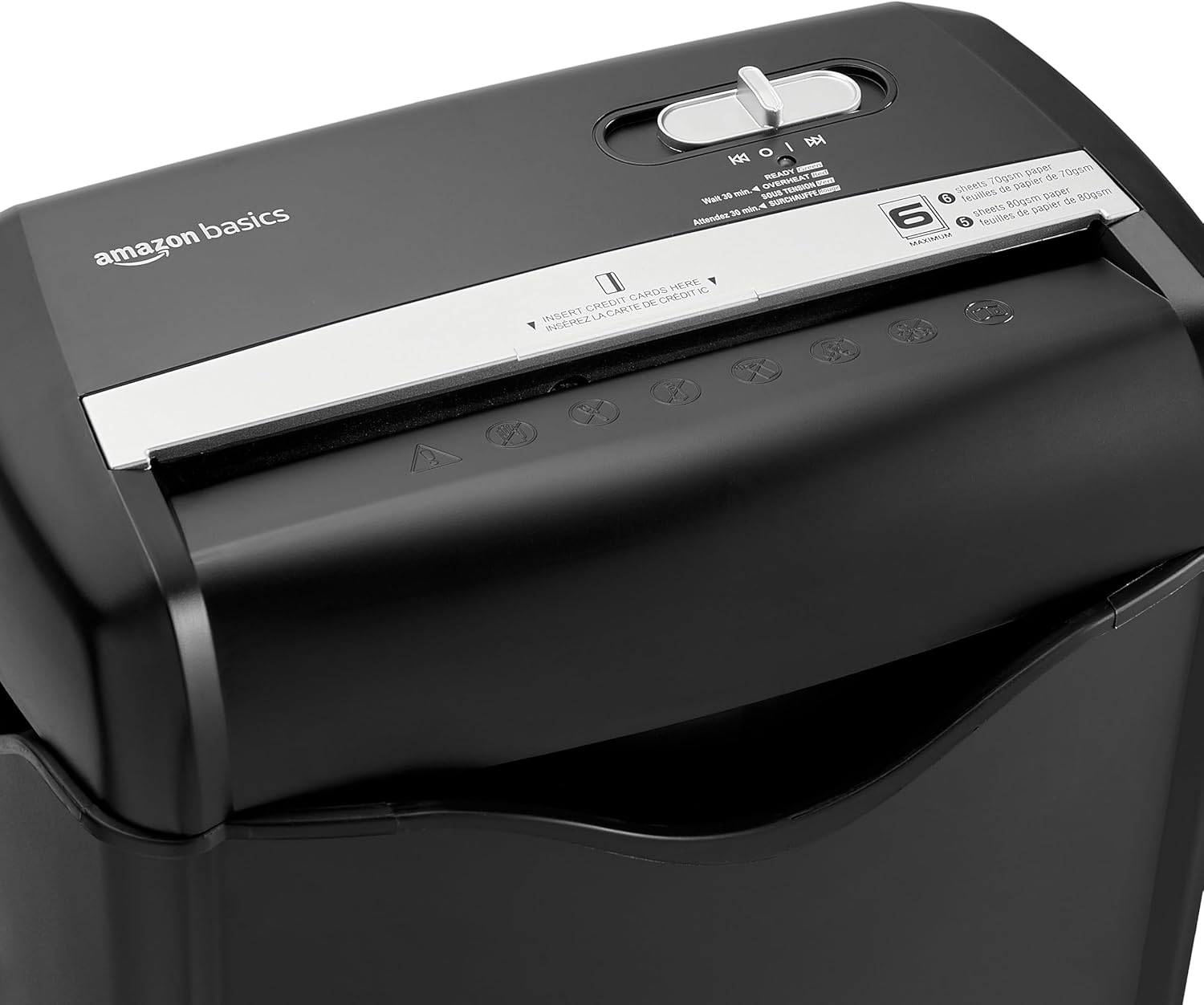
Obrázek: Nahoře view of the shredder, highlighting the paper entry slot, the control switch, and the "MAXIMUM" sheet capacity label.

Image: A close-up of the shredder's label indicating the maximum sheet capacity: 6 sheets of 70gsm paper or 5 sheets of 80gsm paper.
-
Skartování kreditních karet: Insert one credit card at a time into the dedicated credit card slot.

Obrázek: Detailní záběr view of the shredder's dedicated slot for inserting credit cards, clearly labeled "INSERT CREDIT CARDS HERE".
- Ochrana proti přehřátí: The shredder will automatically shut off if it runs continuously for too long or if the motor overheats. The "OVERHEAT" indicator light (red) will illuminate. Allow the shredder to cool down for approximately 30 minutes before resuming operation.

Image: A pile of cross-cut shredded paper, demonstrating the small particle size for enhanced security. A quarter coin is placed next to it for scale.
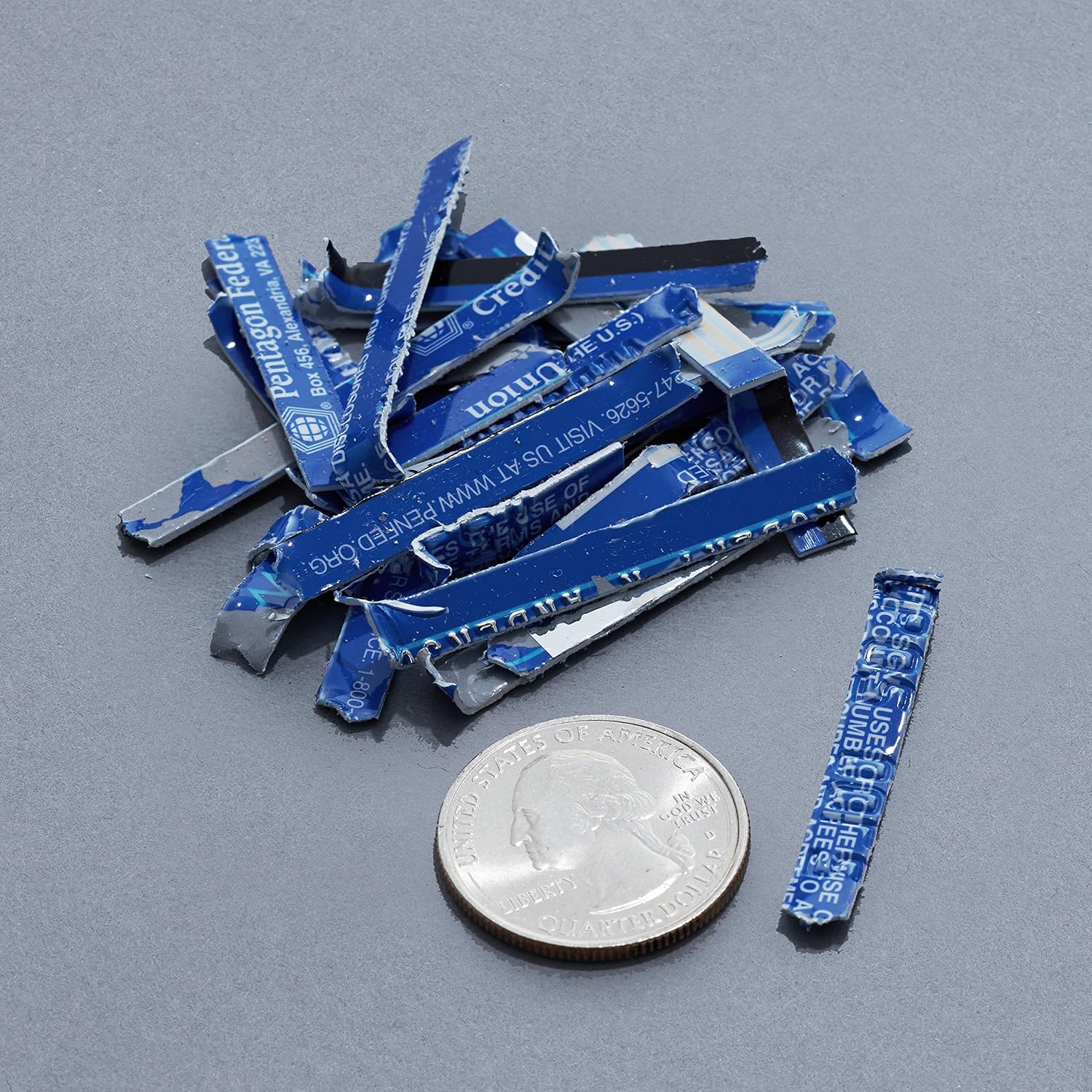
Image: A collection of shredded credit card pieces, illustrating the secure destruction of plastic cards. A quarter coin is included for size reference.
Údržba
Vyprázdnění odpadkového koše
Regularly empty the waste bin to prevent paper jams and ensure optimal performance. Unplug the shredder before removing the head to empty the bin.
Čištění
- Unplug the shredder before cleaning.
- Vnější povrch skartovačky otřete měkkým, suchým hadříkem.
- Nepoužívejte abrazivní čisticí prostředky nebo rozpouštědla.
- For optimal performance, periodically oil the shredder blades with shredder oil sheets or liquid shredder oil. Follow the oil product's instructions.
Odstraňování problémů
| Problém | Možná příčina | Řešení |
|---|---|---|
| Skartovač se nespustí. |
|
|
| Zaseknutý papír. |
|
|
| Drtič se během provozu zastaví. |
|
|
Specifikace
| Funkce | Detail |
|---|---|
| Značka | Základy Amazonu |
| Číslo modelu | AS665C (Manufacturer Model: AS662C-EU) |
| Skartovat typ | Příčný řez |
| Kapacita listu | 6 sheets (70gsm paper) / 5 sheets (80gsm paper) |
| Skartuje | Papír, kreditní karty |
| Zdroj napájení | Elektrický kabel |
| Speciální funkce | Portable, Overheat Protection, Manual Reverse |
| Rozměry produktu (D x Š x V) | 30.7 x 19.6 x 38.1 cm (12.1 x 7.7 x 15 palce) |
| Hmotnost produktu | 3.72 kg (8.2 lb) |
| Materiál | Plast a kov |
Záruka a podpora
For warranty information and customer support, please refer to the Amazon Basics webwebu nebo se přímo obraťte na zákaznický servis Amazonu. Uschovejte si účtenku pro případ reklamace.