
1. Úvod
The Beat-Sonic AVC38 is an Audio Video RCA Input Cable Harness designed to integrate external audio and video sources with your factory-installed navigation screen in select Lexus and Toyota vehicles. This product allows you to display video and play audio from devices equipped with RCA outputs directly on your OEM monitor, enhancing your in-car entertainment experience.
The AVC38 replaces the AUX input function on your OEM monitor with a new video input option, providing a seamless integration without modifying the original vehicle wiring. It features an OEM-grade harness with a heavy-duty coaxial cable for optimal signal quality and uses original equipment manufacturer connector housings for a perfect connection.
2. Obsah balení
- Beat-Sonic AVC38 Audio Video RCA Input Cable Harness (1 unit)
Please inspect the package contents upon receipt to ensure all components are present and undamaged.

Image 1: The Beat-Sonic AVC38 Audio Video RCA Input Cable Harness. This image displays the main cable harness with its various connectors, including the RCA input jacks, designed for connecting external audio and video devices to compatible Lexus and Toyota factory navigation systems.
3. Kompatibilita
The Beat-Sonic AVC38 is compatible with the following Lexus and Toyota models equipped with factory navigation:
- 2013-2017 Lexus CT 200h
- 2013-2018 Lexus GS 200t / 300 / 350 / 450h / GS F
- 2014-2018 Lexus GX 460
- 2013-2017 Lexus LS 460 / 600h / 600h L
- 2013-2018 Lexus LX 570
- 2013-2018 Lexus RX 350 / 450h
- 2015-2018 Lexus ES 350 / 300h
- 2013-2018 Lexus IS 200t / 250 / 300 / 350
- 2015-2017 Lexus RC 200t / 300 / 350 / RC-F
- 2015-2017 Lexus NX 200t / 300h
- 2013-2018 Toyota Landcruiser
Important: Always verify compatibility with your specific vehicle model and year before installation. Compatibility information may change without notice. Refer to the official Beat-Sonic website for the most current compatibility list.
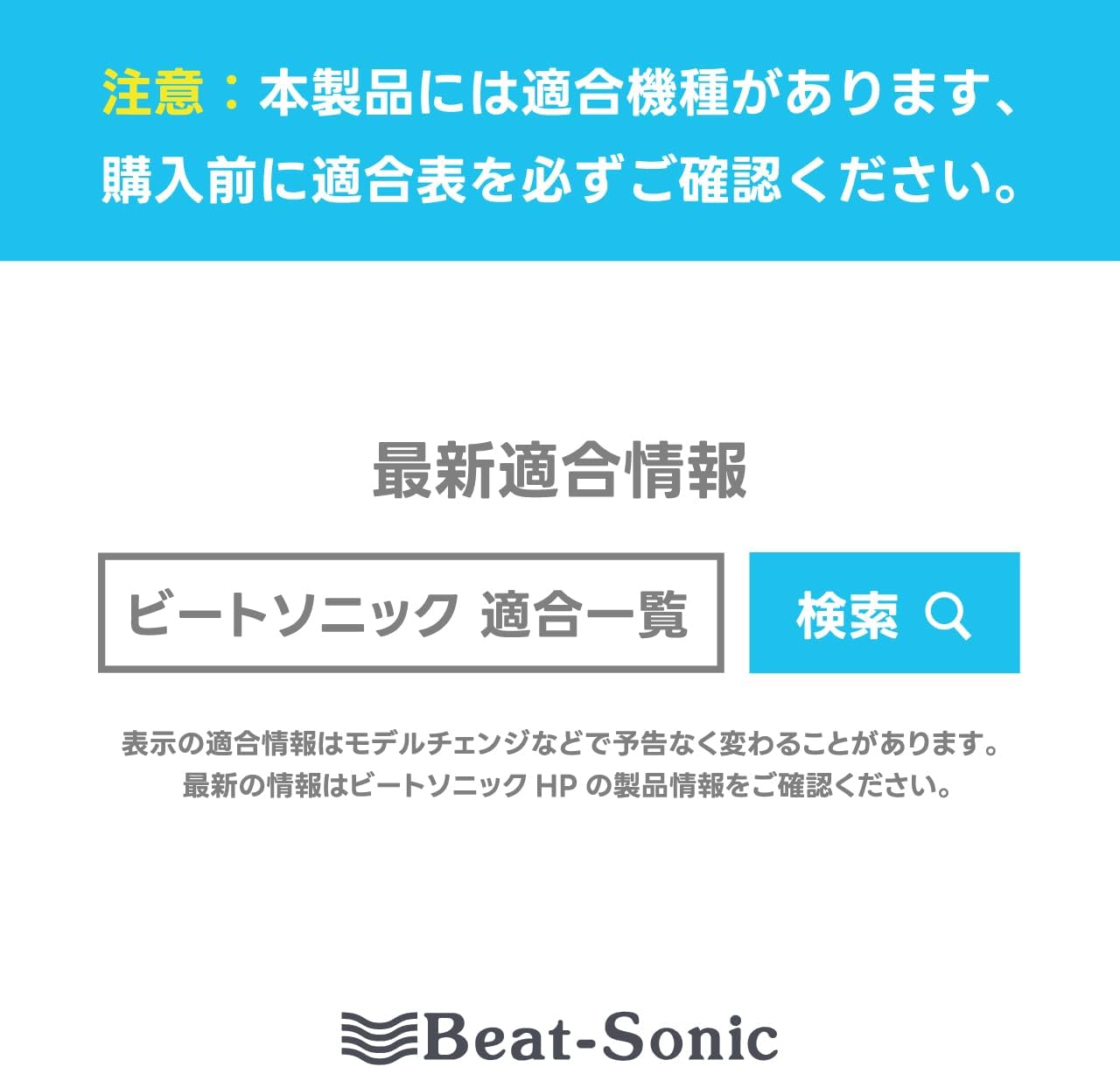
Image 2: A warning message in Japanese emphasizing the importance of checking product compatibility before purchase. It directs users to the Beat-Sonic website for the latest compatibility information, highlighting that model changes can affect compatibility.
4. Instalační příručka
Installation of the AVC38 involves connecting the harness between your vehicle's factory navigation unit and the existing wiring. Due to the complexity of automotive electronics, professional installation is highly recommended.
Obecné kroky instalace:
- Příprava: Ensure the vehicle's ignition is off and the battery is disconnected to prevent electrical damage.
- Přístupová navigační jednotka: Carefully remove the necessary trim panels and components to gain access to the rear of your factory navigation unit. Refer to your vehicle's service manual for specific instructions on panel removal.
- Vyhledejte konektory: Identify the relevant connectors on the back of your navigation unit that correspond to the AVC38 harness. The AVC38 is designed to integrate seamlessly with OEM connectors.
- Connect AVC38: Disconnect the factory harness from the navigation unit. Connect the AVC38 harness in-line, ensuring all connections are secure. The AVC38 will have connectors that plug into the navigation unit and also accept the original vehicle harness.
- Route RCA Cables: Route the RCA input cables from the AVC38 to a convenient location where you intend to connect your external audio/video devices. Ensure cables are routed safely, away from moving parts or heat sources, and secured to prevent rattling.
- Test připojení: Before reassembling the dashboard, reconnect the battery and test the functionality of the AVC38.
- Znovu sestavit: Once confirmed working, carefully reassemble all removed panels and components.

Image 3: A diagram illustrating the connection of the Beat-Sonic AVC38. It shows how the adapter connects between the genuine navigation unit and the vehicle coupler, allowing an RCA output device (like an iPhone, Android, DVD player, or game console) to input audio and video signals. It also notes that an extension cable or terminal conversion might be needed depending on the connected device.
Video Installation Guide:
Vizuální návod k procesu instalace naleznete v následujícím videu:
Video 1: Toto video poskytuje obecný přehledview or demonstration related to the Beat-Sonic AVC38. It may include installation steps, feature highlights, or usage examples. Please note that specific vehicle models may have variations in the installation process.
5. Návod k obsluze
Once the AVC38 is installed, the external audio/video input can be accessed through your vehicle's factory navigation system.
- Připojit zařízení: Connect your external audio/video device (e.g., DVD player, smartphone with RCA adapter) to the RCA input jacks provided by the AVC38 harness.
- Vyberte vstup: On your factory navigation screen, navigate to the audio/video input selection menu. The AVC38 will typically replace or add a new input option, often labeled as 'Video Input' or similar, which will replace the standard AUX input.
- Přehrávání: Start playback on your external device. The audio and video will now be displayed on your OEM monitor.
Important Note on Video in Motion:
Due to factory safety lockout systems, video input will only function while the vehicle is parked with the parking brake engaged. This is a safety feature implemented by vehicle manufacturers. If you require video to function while the vehicle is in motion, a separate Video In Motion (VIM) bypass product is necessary. Please inquire with Beat-Sonic or an authorized dealer for compatible VIM bypass solutions.
6. Volitelné příslušenství
To expand the connectivity options for your AVC38, consider the Beat-Sonic IF36 HDMI to RCA Interface Adapter (sold separately).
- Beat-Sonic IF36 HDMI to RCA Interface Adapter: This adapter allows you to connect modern devices with HDMI output, such as smartphones (with appropriate adapters), streaming sticks (e.g., Fire TV Stick), or other HDMI-enabled media players, to the RCA inputs of the AVC38.
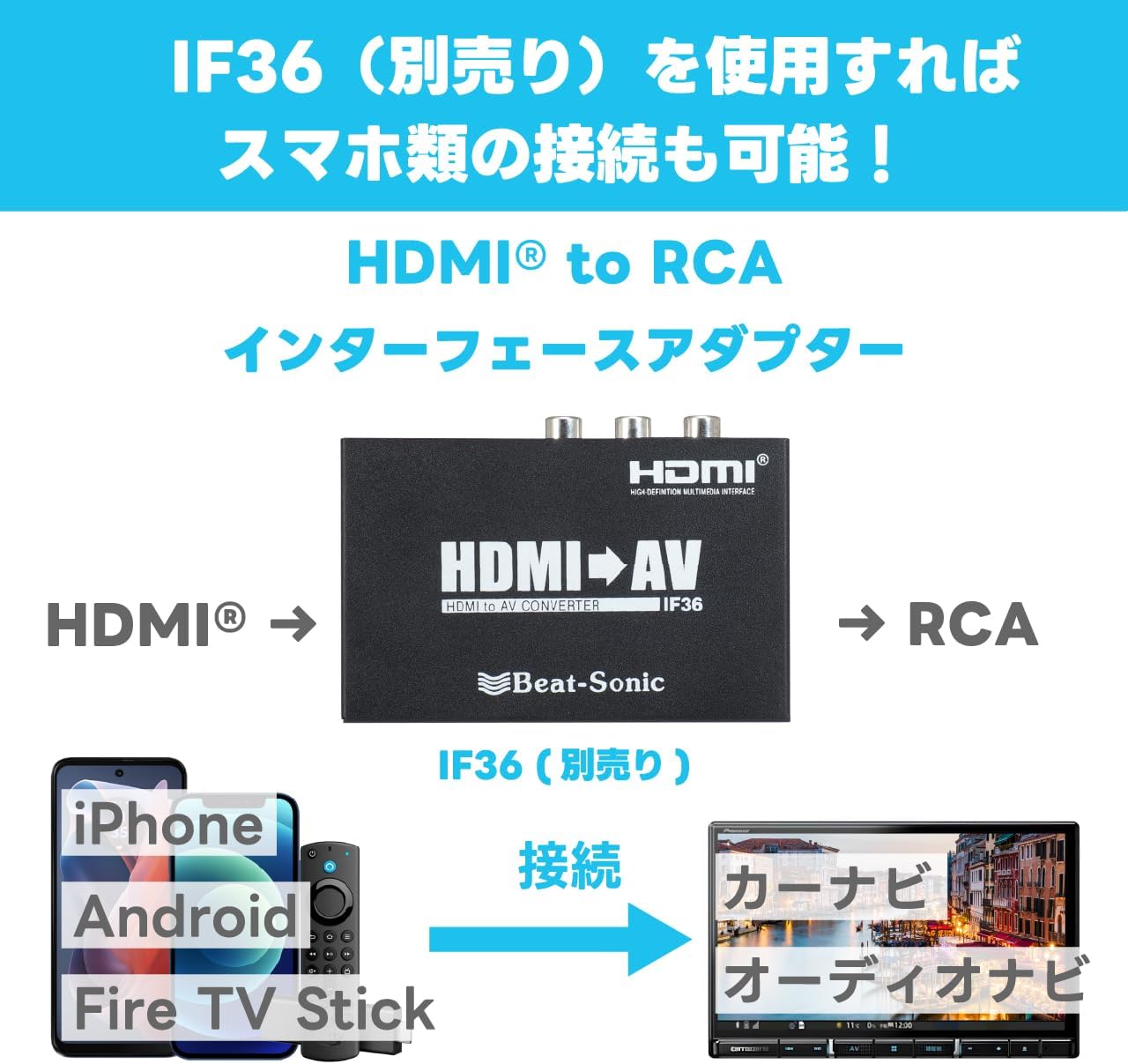
Image 4: This image showcases the Beat-Sonic IF36 HDMI to RCA Interface Adapter. It illustrates how the IF36 converts an HDMI signal to an RCA signal, enabling devices like iPhones, Android phones, or Fire TV Sticks to be connected to the AVC38 for display on the car's navigation screen.
7. Údržba
The Beat-Sonic AVC38 cable harness requires minimal maintenance. Follow these guidelines to ensure longevity:
- Zajistěte bezpečné připojení: Pravidelně kontrolujte, zda jsou všechna kabelová spojení bezpečná a bez koroze.
- Vyhněte se fyzickému poškození: Ensure cables are not pinched, cut, or exposed to excessive tension.
- Čistota: Keep the RCA input jacks clean and free of dust or debris. Use a dry, soft cloth for cleaning.
- Ochrana životního prostředí: Avoid exposing the harness to extreme temperatures or moisture.
8. Řešení problémů
If you encounter issues with your Beat-Sonic AVC38, consider the following troubleshooting steps:
- Žádný video/audio výstup:
- Ensure the external device is powered on and playing content.
- Verify that the correct input source is selected on your factory navigation screen.
- Check all RCA and harness connections for proper seating.
- Confirm the external device's RCA output is functioning correctly by testing it with another display if possible.
- Video Only Works When Parked:
- This is a normal safety feature. Video input is designed to operate only when the parking brake is engaged. For video in motion, a separate VIM bypass module is required.
- Špatná kvalita videa/zvuku:
- Ensure the RCA cables are of good quality and not damaged.
- Zkontrolujte případné rušení od jiných elektronických zařízení.
- Verify the external device's output settings.
If problems persist after attempting these steps, please contact Beat-Sonic customer support or consult a qualified automotive electronics technician.
9. Specifikace
| Značka | Beat-Sonic |
| Číslo modelu | AVC38 |
| Materiál | Měď |
| Délka kabelu | 1 metrů |
| Typ konektoru | Koaxiální, RCA |
| Hmotnost položky | 135 gramů (přibližně 4.8 unce) |
| Výrobce | Beat-Sonic |
| Datum první dostupnosti | 19. prosince 2012 |
10. Záruka a podpora
Beat-Sonic products are manufactured with high-quality standards. For specific warranty information, please refer to the documentation included with your purchase or visit the official Beat-Sonic website. For technical support, installation assistance, or inquiries regarding compatible accessories, please contact Beat-Sonic customer service through their official channels.