
Zavedení
Welcome to the Pronomic M8B Active Studio Monitor user manual. This guide provides essential information for the proper setup, operation, and maintenance of your studio monitors. Please read this manual thoroughly before using the product to ensure optimal performance and longevity.
The Pronomic M8B studio monitors are designed to deliver professional audio quality with a punchy, clean bass from an 8-inch woofer and clear highs from a 1-inch tweeter. The 2-way system allows for individualized settings, making them suitable for monitoring and mixing various music styles across a wide frequency range of 45Hz - 20kHz.
Bezpečnostní pokyny
Při používání tohoto výrobku vždy dodržujte základní bezpečnostní opatření, abyste snížili riziko požáru, úrazu elektrickým proudem a zranění.
- Nevystavujte toto zařízení dešti nebo vlhkosti.
- Nezakrývejte žádné větrací otvory. Nainstalujte v souladu s pokyny výrobce.
- Neinstalujte v blízkosti zdrojů tepla, jako jsou radiátory, tepelné regulátory, kamna nebo jiná zařízení (včetně amplifikátory), které produkují teplo.
- Chraňte napájecí kabel před šlapáním nebo přiskřípnutím, zejména u zástrček, zásuvek a v místě, kde vychází z přístroje.
- Používejte pouze nástavce/příslušenství určené výrobcem.
- Veškeré opravy svěřte kvalifikovanému servisnímu personálu. Servis je nutný, pokud bylo zařízení jakýmkoli způsobem poškozeno, například je poškozen napájecí kabel nebo zástrčka, pokud do zařízení vnikla tekutina nebo do něj spadly předměty, zařízení bylo vystaveno dešti nebo vlhkosti, nefunguje normálně. , nebo byla vypuštěna.
Obsah balení
Ověřte, zda jsou v balení přítomny všechny položky:
- 2 x Pronomic M8B Active Studio Monitors
- 2 x napájecí kabely
- Uživatelská příručka (tento dokument)
Funkce Overview
- Active 2-way studio monitor system
- 8-inch woofer for low frequencies
- 1-inch tweeter for high frequencies
- Wide frequency response: 45Hz - 20kHz
- Individualized settings for acoustic space adjustment
- Balanced XLR and TRS inputs
- Precise stereo imaging and depth
The rear panel of the M8B monitor provides various controls and connections for optimal integration into your studio environment.

Obrázek: Zadní view of the Pronomic M8B studio monitor. It displays XLR and TRS input jacks, a volume control knob, and switches for acoustic space adjustments (e.g., high frequency trim, acoustic space, low frequency cutoff). A power input and switch are also visible, along with a bass reflex port at the bottom.
Nastavení
Umístění
Proper placement of your studio monitors is crucial for accurate sound reproduction.
- Position the monitors at ear level, forming an equilateral triangle with your listening position.
- Ensure the tweeters are aligned with your ears.
- Keep monitors away from walls or corners to avoid exaggerated bass response, or use the acoustic space controls on the rear panel to compensate.
- Avoid placing objects directly in front of the monitors that could obstruct the sound.
Spojení
Connect your audio source to the M8B monitors using balanced XLR or 1/4-inch TRS cables.
- Ensure both the monitors and your audio source (e.g., audio interface, mixer) are powered off.
- Connect one end of the audio cable to the output of your audio source.
- Connect the other end of the cable to either the XLR or TRS input on the rear panel of each M8B monitor.
- Connect the supplied power cables to the power input on each monitor and then to a suitable AC power outlet.

Obrázek: Přední strana view of the Pronomic M8B studio monitor. The image highlights the 8-inch woofer and 1-inch tweeter. Above the woofer, two small indicator lights are visible: a red light for power/clip and a green light for signal presence.
Provozní
Zapnutí/vypnutí
- Before powering on, ensure the volume control on the rear of each monitor is set to its minimum position.
- Power on your audio source first.
- Power on the M8B monitors using the power switch on the rear panel.
- When powering off, turn off the M8B monitors first, then your audio source.
Ovládání hlasitosti
Adjust the volume using the dedicated knob on the rear panel of each monitor. Start with a low volume and gradually increase it to a comfortable listening level.
Acoustic Space Adjustments
The M8B monitors feature switches on the rear panel to tailor their frequency response to your listening environment.
- High Frequency Trim: Adjusts the high-frequency output to compensate for room acoustics or personal preference.
- Akustický prostor: Reduces bass output to compensate for monitors placed near walls or in corners.
- Low Frequency Cutoff: Filters out very low frequencies, useful when using a subwoofer or in rooms with problematic bass resonance.
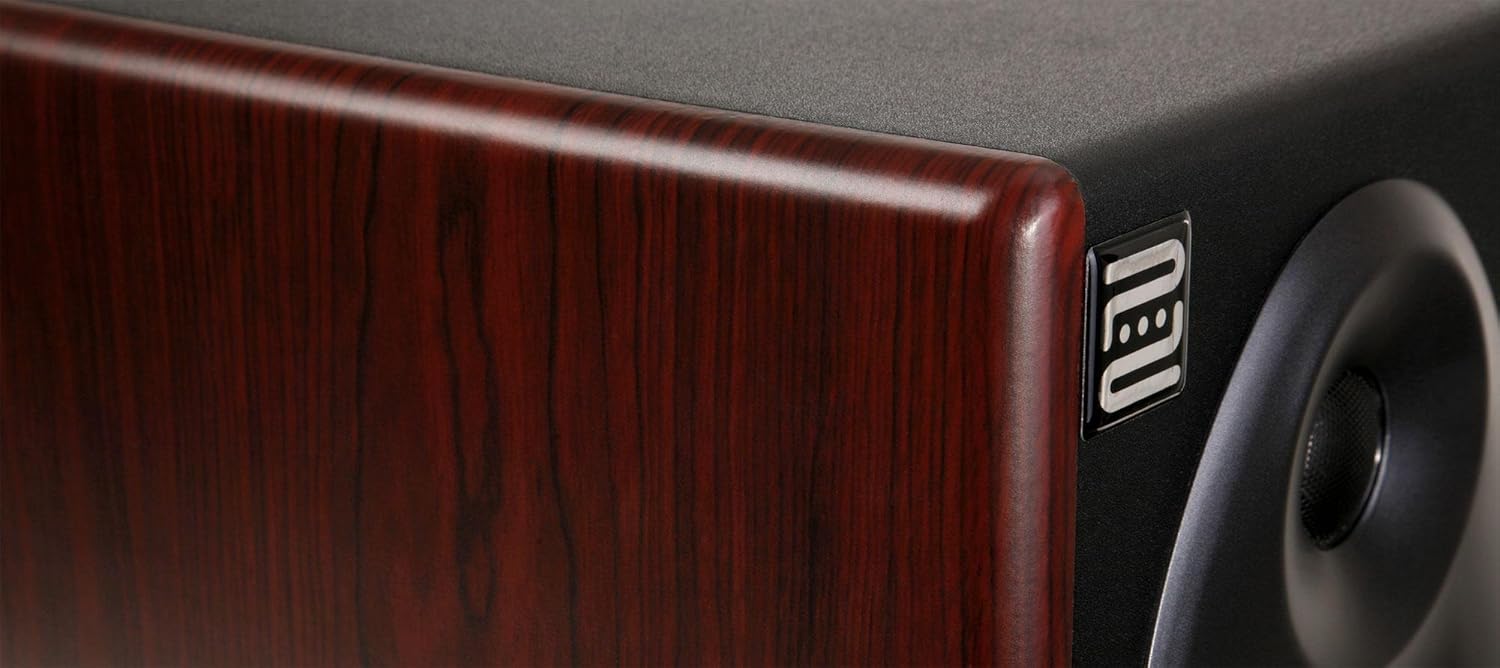
Image: Close-up of the side panel of the Pronomic M8B studio monitor. The image showcases the dark wood grain finish of the cabinet and a small, metallic 'neu' logo embedded on the side, indicating attention to design details.
Údržba
- Clean the monitor cabinets with a soft, dry cloth. Do not use abrasive cleaners or solvents.
- Keep the monitors free from dust and debris.
- Ensure proper ventilation around the monitors to prevent overheating.
- Avoid exposing the monitors to extreme temperatures or humidity.
Odstraňování problémů
Žádný zvuk
- Check if the monitors are powered on and the power indicator light is illuminated.
- Verify all audio cables are securely connected to both the monitors and the audio source.
- Ensure the volume controls on the monitors and your audio source are not set to minimum.
- Test with a different audio source or cables to rule out faulty equipment.
Zkreslený zvuk
- Reduce the input level from your audio source.
- Lower the volume on the monitors.
- Zkontrolujte, zda nejsou kabely poškozené.
- Ensure the monitors are not placed too close to walls or corners, which can cause bass buildup. Adjust acoustic space settings if necessary.
Hum nebo Buzz
- Ensure all equipment is connected to the same electrical outlet or power strip to avoid ground loops.
- Try using balanced cables (XLR or TRS) if you are currently using unbalanced cables.
- Disconnect all inputs to the monitors. If the hum disappears, the issue is with the audio source or cables.
Specifikace
| Funkce | Specifikace |
|---|---|
| Model | M8B |
| Typ | Active 2-way studio monitor |
| Basový reproduktor | 8-palcový |
| Tweeter | 1-palcový |
| Frekvenční odezva | 45 Hz - 20 kHz |
| Vstupy | Balanced XLR, Balanced 1/4-inch TRS |
| Výrobce | Pronomický |
| ASIN | B008743B1G |
Záruka a podpora
For warranty information and technical support, please refer to the documentation provided with your purchase or visit the official Pronomic webUschovejte si doklad o koupi pro případ reklamace.
For further assistance, contact Pronomic customer service.