
Zavedení
This manual provides detailed instructions for the Logilink ID-0062 Flat Style Slim USB Optical Mouse. Please read this manual thoroughly before using the device to ensure proper setup and operation. Keep this manual for future reference.
Obsah balení:
- 1 x Logilink ID-0062 Flat Style Slim USB Optical Mouse
Nastavení
The Logilink ID-0062 mouse is designed for easy installation with its Plug and Play functionality. No additional drivers are typically required for basic operation.
Připojení myši:
- Vyhledejte v počítači volný port USB.
- Insert the USB connector of the Logilink ID-0062 mouse into the USB port.
- Your operating system (Windows or Apple MacOS) will automatically detect and install the necessary drivers. This process may take a few moments.
- Once installation is complete, the mouse is ready for use.
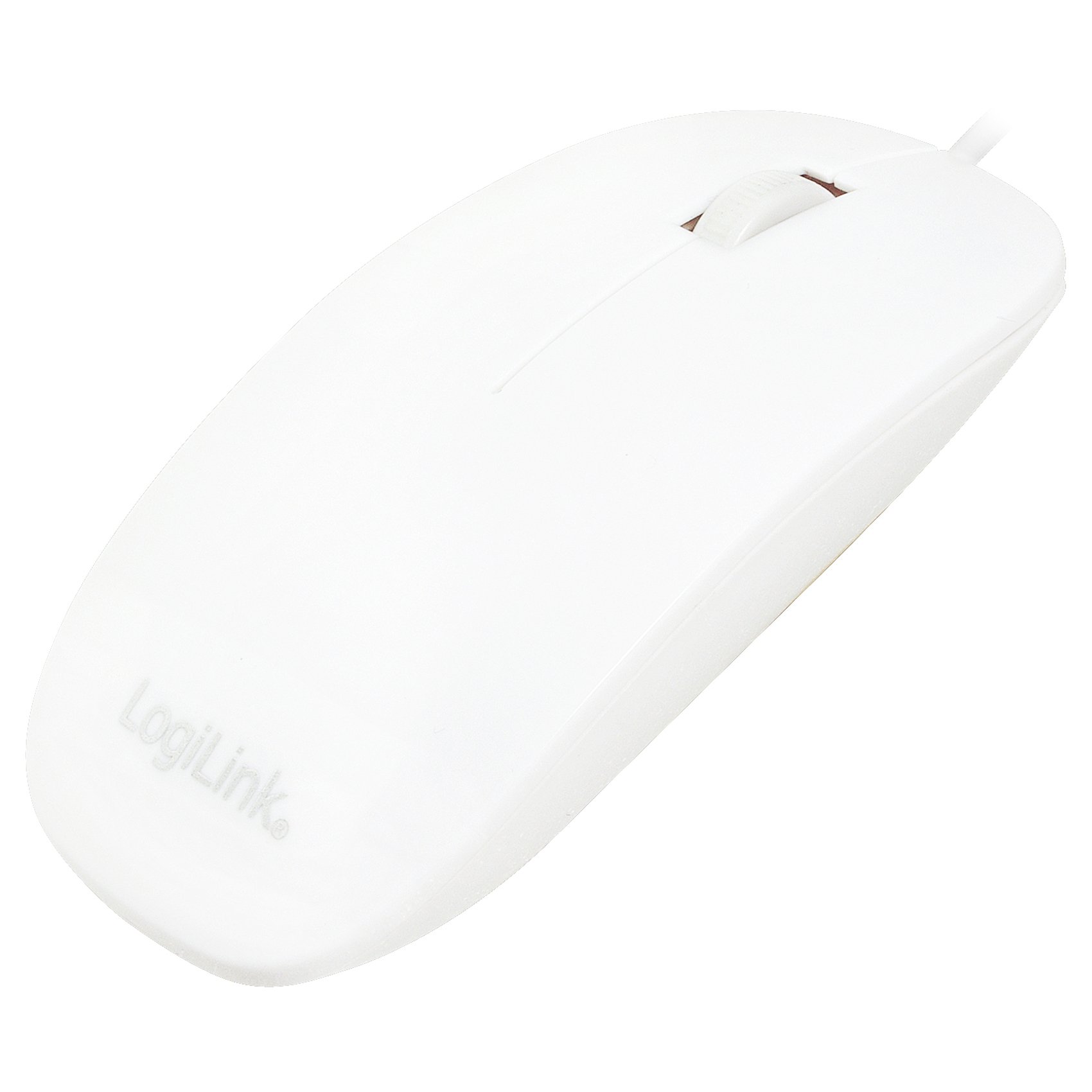
Figure 1: Logilink ID-0062 mouse in its retail packaging, showing the product as received.
Operace
The Logilink ID-0062 is a standard 3-button optical mouse with a scroll wheel, offering precise 1000 dpi movement resolution.
Základní funkce:
- Levé tlačítko: Primární funkce kliknutí, obvykle používaná pro výběr položek, otevírání filenebo aktivace odkazů.
- Pravé tlačítko: Funkce sekundárního kliknutí, obvykle používaná k otevření kontextových nabídek nebo přístupu k dalším možnostem.
- Rolovací kolečko: Používá se pro vertikální posouvání dokumentů a web pages. The scroll wheel also functions as a middle button when pressed.
- Optický senzor: The optical sensor on the underside of the mouse tracks movement on most surfaces, providing accurate cursor control.

Figure 2: The Logilink ID-0062 mouse, showcasing jeho štíhlý profesionálfile a rozložení tlačítek.
Údržba
Proper care and maintenance will extend the lifespan of your Logilink ID-0062 mouse.
Čištění:
- Před čištěním odpojte myš od počítače.
- Použijte měkký, mírně damp cloth to wipe the surface of the mouse. Avoid using harsh chemicals, abrasive cleaners, or excessive moisture.
- For the optical sensor, use a dry cotton swab to gently remove any dust or debris. Do not insert any objects into the sensor opening.
Skladování:
- Myš skladujte v čistém a suchém prostředí mimo dosah extrémních teplot a přímého slunečního záření.
- Abyste předešli poškození, nelámejte ani nelámejte kabel USB nadměrně.
Odstraňování problémů
If you encounter issues with your Logilink ID-0062 mouse, refer to the following common problems and solutions.
Myš nereaguje:
- Zkontrolujte připojení USB: Ensure the USB connector is fully inserted into the computer's USB port. Try unplugging and re-plugging the mouse.
- Zkuste jiný USB port: Connect the mouse to another USB port on your computer to rule out a faulty port.
- Restartujte počítač: Někdy může problémy s připojením vyřešit jednoduchý restart počítače.
- Test na jiném počítači: If possible, test the mouse on a different computer to determine if the issue is with the mouse or your computer's setup.
Nepravidelný pohyb kurzoru:
- Čistý optický senzor: Dust or debris on the optical sensor can interfere with tracking. Refer to the Maintenance section for cleaning instructions.
- Change Surface: The optical sensor may not track well on highly reflective, transparent, or uneven surfaces. Try using a mouse pad or a different surface.
Specifikace
| Funkce | Popis |
|---|---|
| Model | ID-0062 |
| Technologie připojení | Kabelové, USB |
| Rozhraní | 1 x USB - 4 PIN USB Type A |
| Detekce pohybu | Optický |
| Rozlišení pohybu | 1000 dpi |
| Buttons Quantity | 3 (Vlevo, Vpravo, Kolečko/Uprostřed) |
| Vlastnosti | Scrolling wheel, Flat Style, Slim Design, Plug and Play |
| Vyhovující standardům | Plug and Play, RoHS |
| Podpora operačního systému | Apple MacOS, Microsoft Windows |
| Hmotnost položky | 2.46 unce (cca 70 gramů) |
| Rozměry produktu (DxŠxV) | 2.17 x 5.91 x 0.67 palců (přibližně 5.5 x 15 x 1.7 cm) |
| Barva | Bílý |
| Zdroj napájení | Elektrické napájení (přes USB) |
Záruka a podpora
For warranty information, please refer to the documentation provided with your purchase or contact your retailer. For technical support or further assistance, please contact Logilink customer service through their official website or the contact information provided with the product.