
Zavedení
The Ozeri 4x3motion Digital Pocket 3D Pedometer is designed to accurately track your physical activity. It utilizes advanced Tri-Axis technology and a Digital 3D Acceleration Sensor, allowing for precise measurement of steps, distance, speed, calories burned, and exercise time, regardless of the pedometer's orientation. The device features a clear LCD with a backlight for visibility in various lighting conditions. It is engineered to filter out incidental vibrations, ensuring that only continuous steps are counted for improved accuracy. The pedometer includes a Lithium battery and a bonus strap.
Mezi klíčové vlastnosti patří:
- Tri-Axis Technology for accurate tracking in any position.
- Digital 3D Acceleration Sensor for enhanced precision.
- Records steps, distance, average speed, calories burned, and time spent exercising.
- Bright LCD with night view podsvícení.
- Vibration filtering to prevent miscounts.
- Kompaktní a tenký design.
- 7-Day Memory for activity data.
- Built-in Clock, Calendar, and Sports Timer.
- Auto Sleep technology to conserve battery.
Obsah balení
- Ozeri 4x3motion Digital Pocket 3D Pedometer
- CR2032 Lithium Battery (pre-installed or included)
- Bonus Strap / Lanyard
- Návod k použití
Zařízení skončiloview
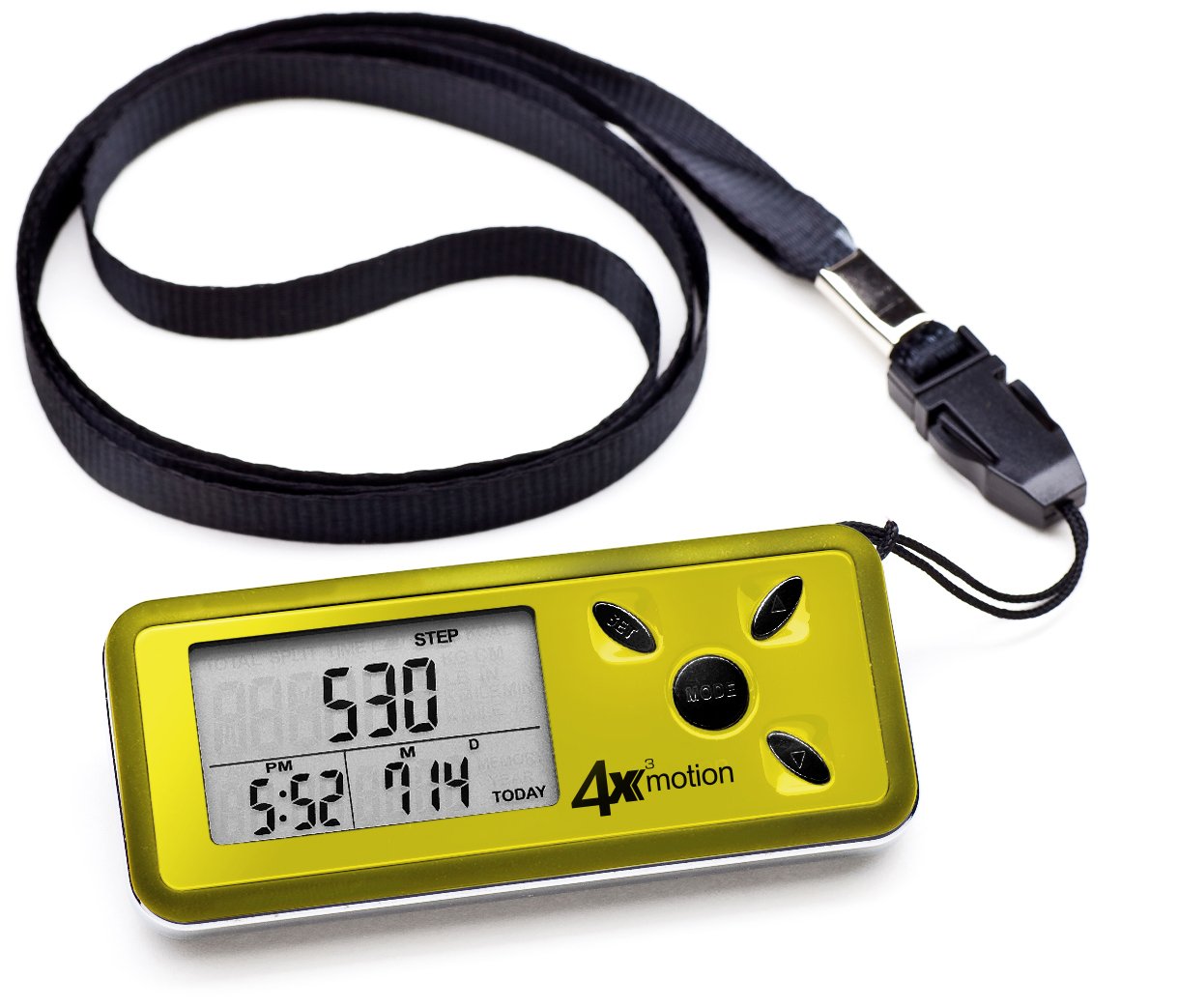
Obraz: Přední view of the Ozeri 4x3motion Pedometer. The display shows "STEP 530" and the time "PM 6:26". Buttons labeled "SET", "MODE", and arrow buttons are visible on the right side.
The pedometer features a clear LCD screen and several control buttons:
- Tlačítko MODE: Used to switch between different display modes (Steps, Distance, Calories, Speed, Exercise Time, Split). Also used to confirm settings.
- Tlačítko SET: Used to enter and exit setup mode for personal data and time.
- Tlačítka se šipkami nahoru/dolů: Used to adjust values during setup or navigate options.
Nastavení
1. Instalace baterie
The pedometer typically comes with a CR2032 Lithium battery pre-installed. If the display is blank or dim, you may need to replace the battery. To install or replace the battery:
- Najděte přihrádku na baterie na zadní straně zařízení.
- Use a small coin or screwdriver to open the battery cover.
- Insert a new CR2032 Lithium battery with the positive (+) side facing up.
- Bezpečně zavřete kryt baterie.
2. Počáteční nastavení
After battery installation or a reset, the pedometer will prompt you to set your personal data. This information is crucial for accurate calorie and distance calculations.
- jednotky: Stiskněte tlačítko SOUBOR button to select between Metric (cm/kg) or Imperial (inches/lbs) units. Use the arrow buttons to change, then MODE potvrdit.
- Výška: Enter your height. Use arrow buttons to adjust, MODE potvrdit.
- Hmotnost: Enter your weight. Use arrow buttons to adjust, MODE potvrdit.
- Délka kroku: Measure your average stride length (distance covered in one step) and enter it. This is vital for accurate distance tracking. Use arrow buttons to adjust, MODE potvrdit.
- Formát času: Select 12-hour or 24-hour format. Use arrow buttons to adjust, MODE potvrdit.
- Čas: Set the current time (hours and minutes). Use arrow buttons to adjust, MODE pro potvrzení každého segmentu.
- Datum: Set the current date (Year, Month, Day). Use arrow buttons to adjust, MODE pro potvrzení každého segmentu.
The pedometer will now be ready for use.
Návod k obsluze
Wearing the Pedometer
Thanks to its Tri-Axis technology, the Ozeri 4x3motion Pedometer can be worn in various positions while maintaining accuracy. You can place it in your pocket, bag, or wear it around your neck using the included strap.
Režimy zobrazení
Stiskněte tlačítko MODE button repeatedly to cycle through the following display screens:
- kroky: Displays the total number of steps taken for the current day.
Obraz: Display showing "STEP 530".
- Vzdálenost: Shows the total distance walked or run for the current day.
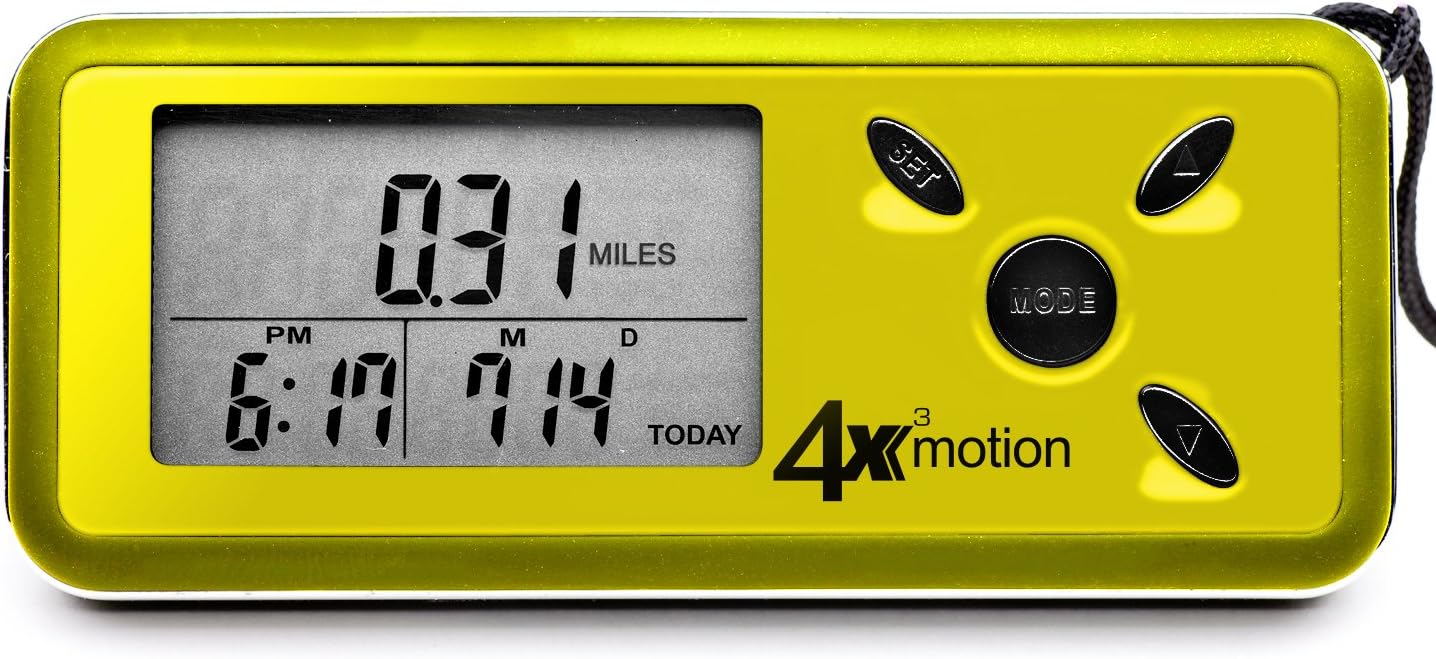
Obraz: Display showing "0.31 MILES".
- Spálené kalorie: Displays the estimated calories burned for the current day.

Obraz: Display showing "KCAL 10.6".
- Průměrná rychlost: Shows your average speed during activity for the current day.

Obraz: Display showing "4.41 MILES /H".
- Doba cvičení: Displays the total active time for the current day.
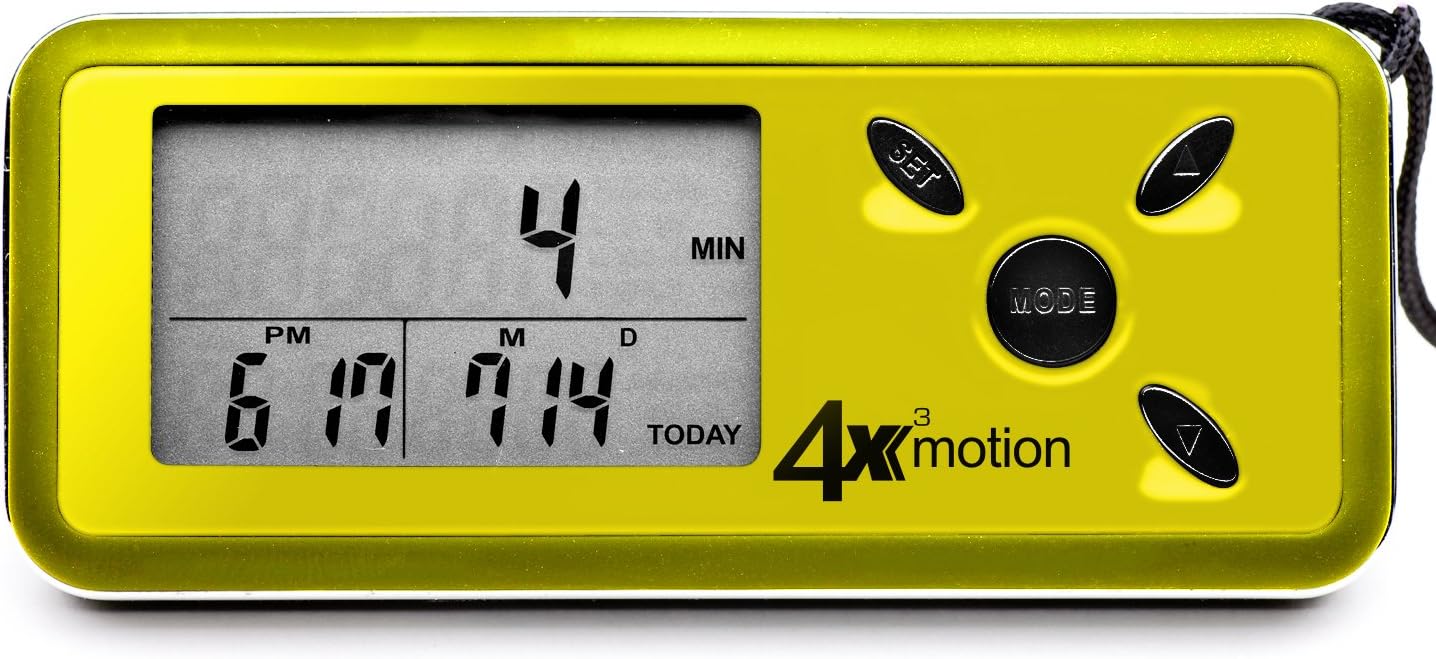
Obraz: Display showing "4 MIN".
- Režim rozdělení: Allows you to track a specific segment of activity independently. Press SOUBOR to start/stop the split timer and reset split data. The main display will continue to track total daily activity.
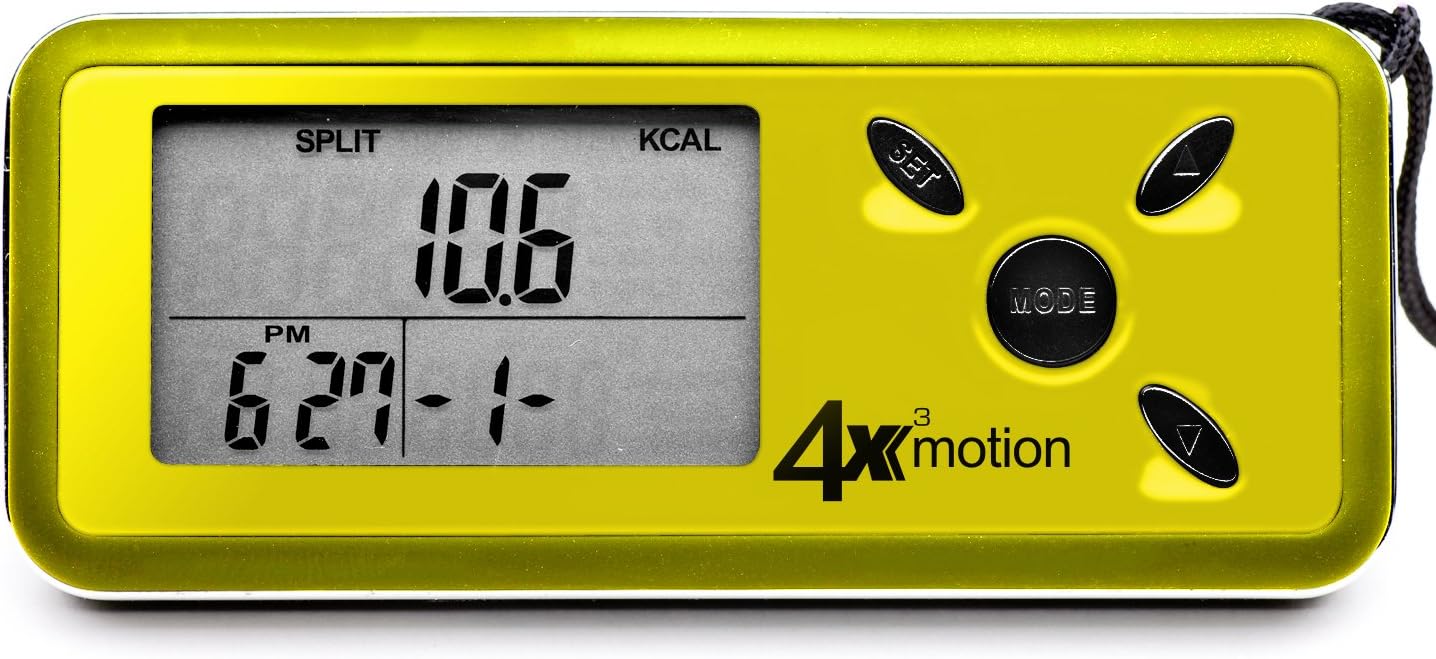
Obraz: Display showing "SPLIT KCAL 10.6".
Daily Reset and Memory
The pedometer automatically resets daily activity data to zero at midnight. It stores up to 7 days of historical data, which can be accessed by pressing the arrow buttons while in the main display modes (Steps, Distance, etc.).
Podsvícení
To activate the blue backlight for night viewing, press any button. The backlight will remain on for a few seconds.
Údržba
Čištění
Wipe the pedometer with a soft, dry cloth. Do not use abrasive cleaners or immerse the device in water.
Výměna baterie
When the display becomes dim or the device stops responding, it's time to replace the CR2032 Lithium battery. Refer to the "Battery Installation" section under Setup for instructions.
Skladování
Store the pedometer in a cool, dry place away from direct sunlight and extreme temperatures.
Odstraňování problémů
- Krokoměr nepočítá kroky:
- Ensure the battery is properly installed and has sufficient charge. Replace if necessary.
- The pedometer is designed to filter out incidental movements and only begins counting after a sequence of continuous steps. Try walking for a short period to see if it registers.
- Verify that your personal settings (height, weight, stride length) are correctly entered. Incorrect stride length can affect accuracy.
- Inaccurate readings (distance/calories):
- Ensure your stride length, height, and weight settings are accurate. Recalibrate if needed.
- The pedometer's accuracy relies on consistent movement. Very short, sporadic movements may not be fully captured.
- Displej je prázdný nebo tmavý:
- Replace the CR2032 Lithium battery.
- Ensure the battery is inserted with the correct polarity (+ side up).
- Device resets unexpectedly:
- This could indicate a low battery. Replace the CR2032 Lithium battery.
- Ensure buttons are not being accidentally pressed for extended periods while in a pocket or bag.
Specifikace
| Funkce | Detail |
|---|---|
| Číslo modelu | PD4X3Y |
| Značka | Ozeri |
| technologie Sensor | Tri-Axis, Digital 3D Acceleration Sensor |
| Typ zobrazení | LCD s podsvícením |
| Velikost obrazovky | 0.96 palce |
| Paměť | 7-Day Activity Data |
| Typ baterie | Lithiová baterie CR2032 |
| Odhadovaná životnost baterie | Přibližně 1 rok (v závislosti na používání) |
| Hmotnost položky | 0.06 libry (přibližně 27 gramů) |
| Materiál | Plast |
| Barva | Žluť |
| UPC | 815817010247, 885354199231 |
Záruka a podpora
For warranty information or technical support, please contact Ozeri customer service. Refer to the product packaging or the official Ozeri webstránky s nejaktuálnějšími kontaktními údaji.