
1. Úvod
The Escali Pico N115S is a compact digital kitchen and office scale designed for precise measurements. Despite its pocket-sized design, it offers an 11 lb (5 kg) capacity, making it suitable for various weighing tasks from food portioning to hobby use. Key features include tare functionality, parts counting, display hold, and automatic shut-off to conserve battery life.

Image: Escali Pico N115S Digital Scale highlighting its features such as pocket size, parts counting, unit selection, easy-to-read display, tare function, and audio control.
2. Nastavení
2.1 Instalace baterie
The Escali Pico N115S scale requires 3 AAA batteries (included). To install or replace batteries:
- Najděte přihrádku na baterie na spodní straně váhy.
- Otevřete kryt bateriového prostoru.
- Vložte 3 baterie typu AAA a dbejte na správnou polaritu (+/-).
- Bezpečně zavřete kryt bateriového prostoru.
2.2 První použití
Place the scale on a flat, stable surface before turning it on to ensure accurate readings.
3. Návod k obsluze
3.1 Zapnutí/vypnutí
Stiskněte tlačítko ON/ZERO button to turn the scale on. The display will show '0.00' when ready. To turn the scale off, press and hold the ON/ZERO button for a few seconds, or it will automatically shut off after five minutes of inactivity.
3.2 Funkce tárování
The tare feature allows you to reset the scale to zero weight, enabling you to measure multiple items consecutively or subtract the weight of a container.
- Položte na váhu prázdnou nádobu. Na displeji se zobrazí její hmotnost.
- Stiskněte tlačítko ON/ZERO tlačítko. Displej se resetuje na '0.00'.
- Add items to the container; only the weight of the added items will be displayed.
3.3 Výběr jednotky
The scale can measure in various units. Press the JEDNOTKA button to cycle through available measurement units: grams (g), pounds (lb), ounces (oz), and pounds + ounces (lb:oz).
3.4 Parts Counting (PCS)
This feature allows you to count large quantities of small items with accuracy.
- Umístit jakoample of 10 items on the scale.
- Stiskněte tlačítko PCS button to enter counting mode. The scale will calibrate based on the sample.
- Add the remaining items; the display will show the total quantity.
3.5 Zobrazit Hold
The display hold function allows you to view weight measurements on screen even after removing large items that might obstruct the display.
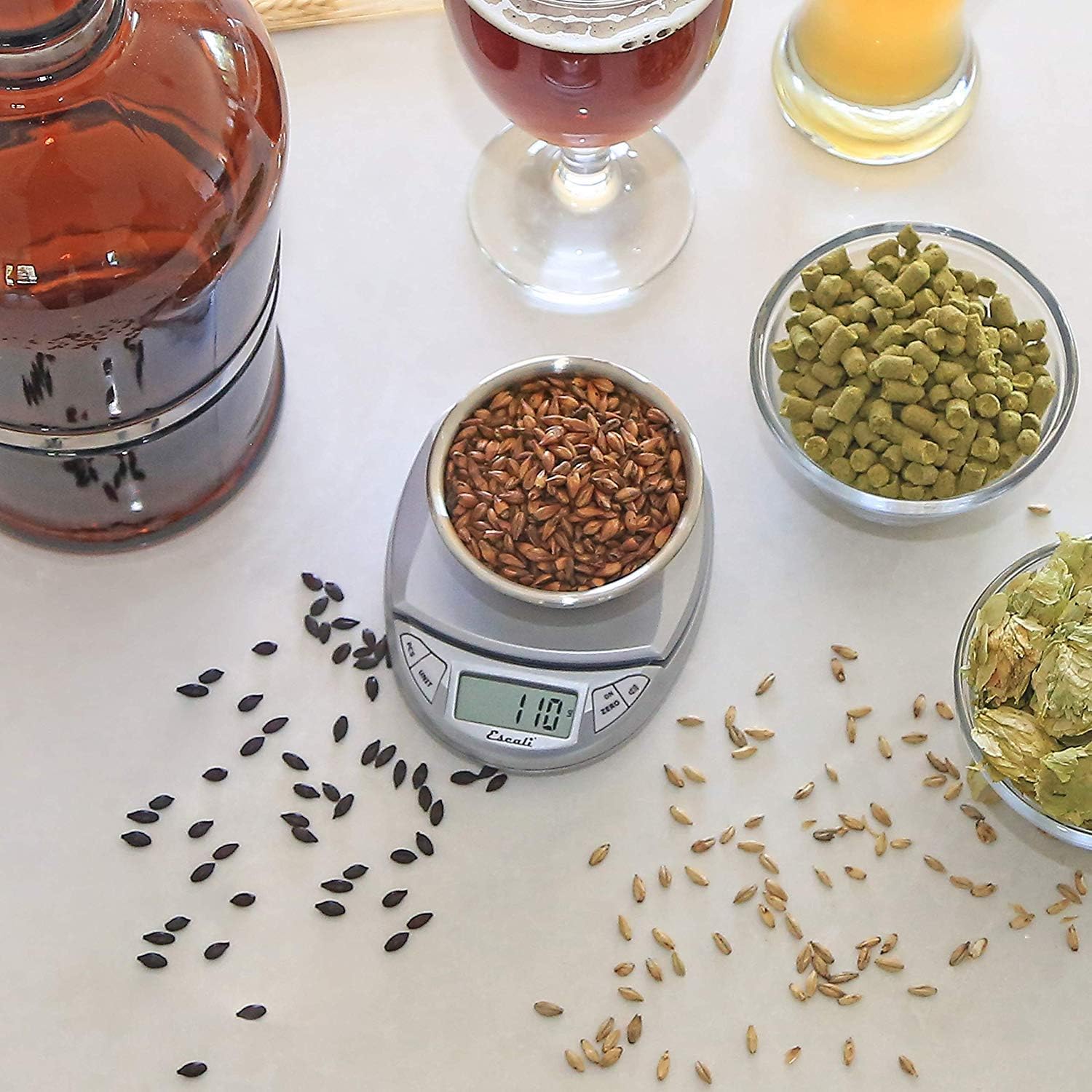
Image: Escali Pico N115S Digital Scale accurately weighing grains in a bowl, demonstrating its use for precise ingredient measurement in brewing.
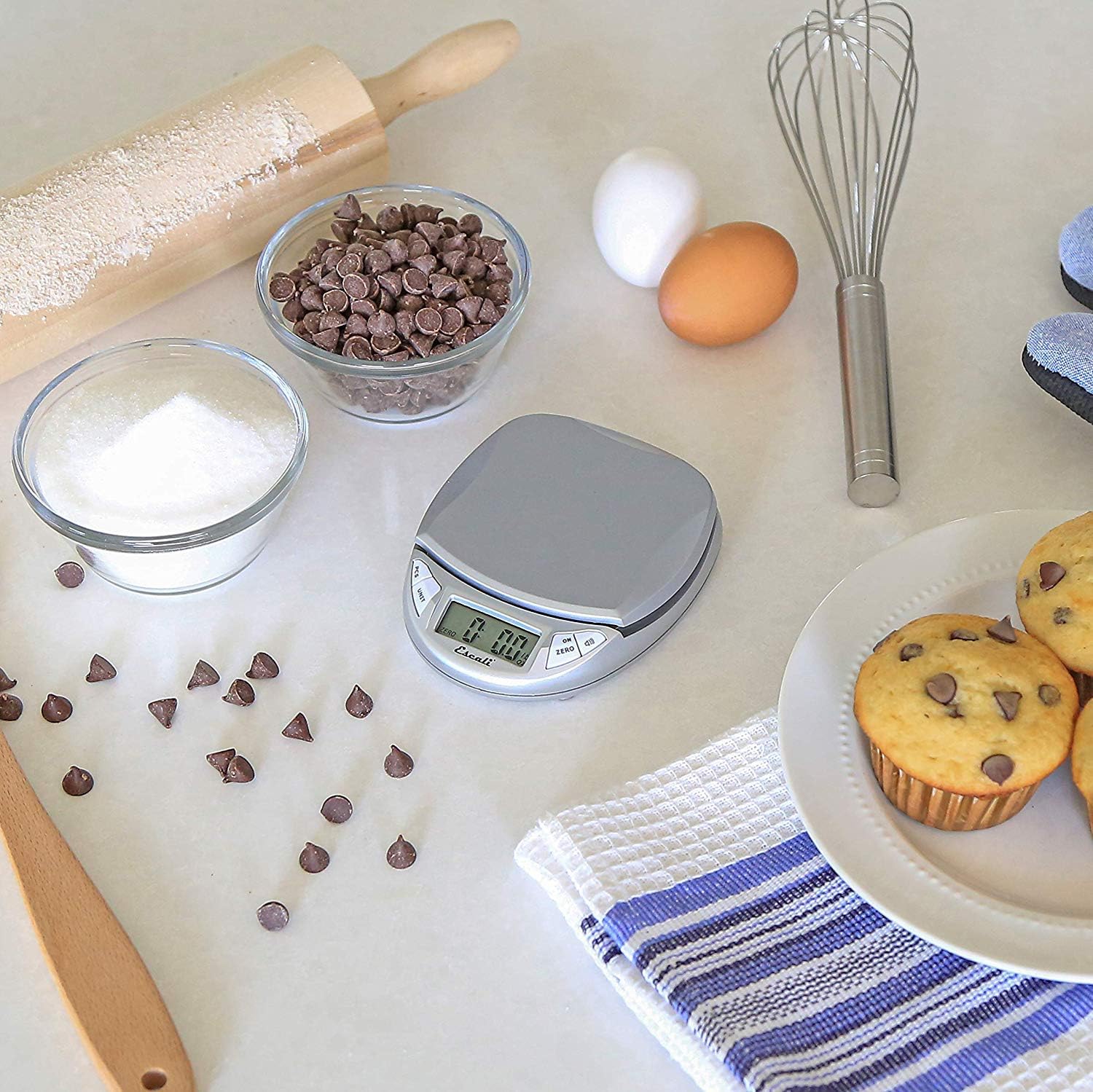
Image: Escali Pico N115S Digital Scale weighing sugar in a bowl, surrounded by other baking ingredients like chocolate chips, eggs, and muffins, illustrating its utility in baking.
3.6 Oficiální produktová videa
Video: Overview of the Escali Pico Digital Scale, demonstrating its compact design, tare function, unit conversion, and parts counting capabilities. This video highlights the scale's versatility for various weighing needs.
Video: A detailed demonstration of the Escali Pico Scale's features, including how to use the tare function, switch between measurement units (grams, pounds, ounces), and utilize the parts counting feature for small items. The video emphasizes the scale's ease of use and accuracy.
4. Údržba
4.1 Čištění
Chcete-li váhu vyčistit, otřete ji reklamouamp hadříkem. Váhu neponořujte do vody ani nepoužívejte abrazivní čisticí prostředky, mohlo by dojít k poškození elektronických součástek.
4.2 Skladování
Store the scale in a dry, cool place. Its compact design allows for easy storage in a drawer or cabinet.
5. Řešení problémů
5.1 Nepřesné hodnoty
- Ujistěte se, že váha je umístěna na rovném, stabilním a vodorovném povrchu.
- Neumísťujte váhu do blízkosti silných elektromagnetických polí nebo vibrujících zařízení.
- Check battery level; replace batteries if the low battery indicator appears.
5.2 Displej nefunguje
- Verify that the batteries are correctly installed and not depleted.
- If the display shows an error message, refer to the specific error codes in the full product manual (if available) or contact customer support.
6. Specifikace
- Značka: Escali
- Model: N115S
- Barva: Stříbrně šedá
- Hmotnostní limit: 11 liber (5 kg)
- Přesnost čtení: 0.1 uncí
- Typ displeje: LCD
- Materiál: Plast
- Rozměry produktu: 4.5 x 3.75 x 1 palce
- Hmotnost položky: 6.2 unce
- Baterie: Vyžaduje 3 AAA baterie (součástí balení)
- Speciální vlastnosti: Auto Shut Off, Tare Feature, Parts Counting, Display Hold
7. Záruka a podpora
7.1 Informace o záruce
The Escali Pico N115S Digital Kitchen Scale is backed by a Doživotní omezená záruka, reflecting its superior build quality and design for lasting performance. For detailed warranty terms and conditions, please refer to the official Escali webwebu nebo kontaktujte zákaznickou podporu.
7.2 Zákaznická podpora
For further assistance, technical support, or warranty claims, please visit the official Escali webnebo kontaktujte jejich oddělení zákaznických služeb. Kontaktní informace obvykle naleznete na obalu produktu nebo na webových stránkách výrobce. webmísto.