
Zavedení
The Kodak EasyShare M530 is a compact digital camera designed for ease of use and sharing. It features a 12-megapixel sensor, a 3x wide-angle optical zoom lens, and a 2.7-inch LCD screen. Key functionalities include Smart Capture for automatic scene detection, Face Recognition for easy organization, and a dedicated Share button for quick uploading to social media platforms and email.
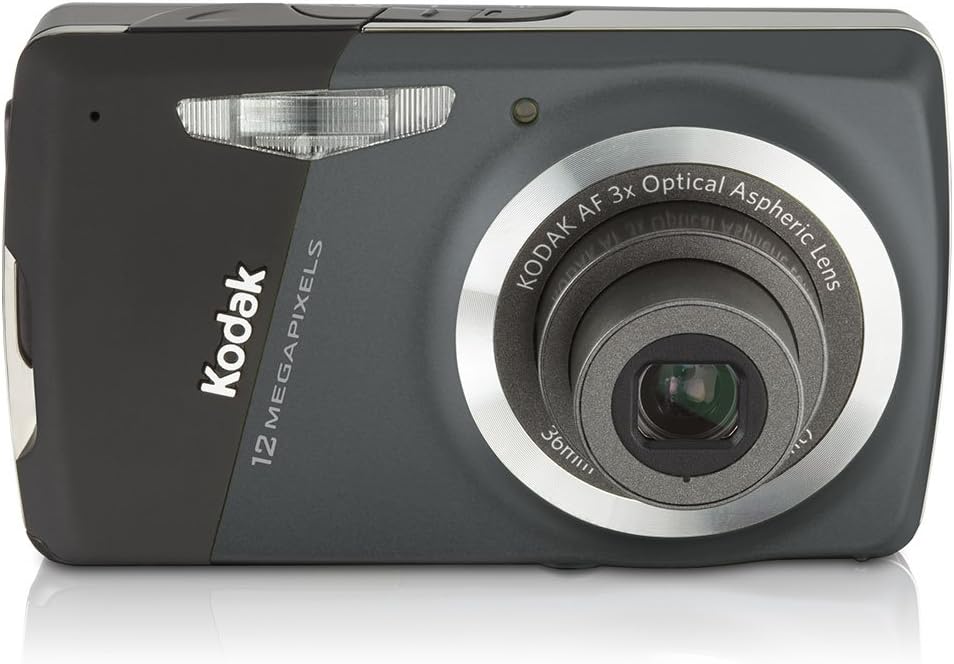
Přední view digitálního fotoaparátu Kodak EasyShare M530, ukázkaasinjeho objektiv a elegantní design.
Počáteční nastavení
Instalace a nabíjení baterie
The Kodak EasyShare M530 uses a Kodak Rechargeable Li-Ion Battery KLIC-7006. To install, open the battery compartment cover, insert the battery with the correct orientation, and close the cover. The camera supports in-camera charging via the included USB AC adapter.

Strana view of the camera, indicating the location of the USB port for charging and data transfer.
Vložení paměťové karty
The camera is compatible with SD/SDHC memory cards (not included). Locate the memory card slot, typically near the battery compartment. Insert the memory card firmly until it clicks into place. Ensure the card is inserted in the correct direction to avoid damage.
Zapnutí/vypnutí
To power on the camera, press and hold the power button located on the top or side of the camera. To power off, press and hold the same button until the camera shuts down.
Obsluha fotoaparátu
Fotografování
To take a photo, frame your shot using the 2.7-inch LCD. Press the shutter button halfway down to focus, then press it completely to capture the image. The camera's Smart Capture feature automatically identifies the scene and adjusts settings for optimal results.
Použití Zoomu
The camera features a 3x optical zoom. Use the zoom controls (often labeled 'W' for wide and 'T' for telephoto) to adjust the focal length and bring distant subjects closer or widen your field of view.
Reviewfotografie a videa
Stiskněte tlačítko Review button (often indicated by a play icon) to view your captured images and videos on the LCD screen. Use the directional pad to navigate through your media.
The camera's 2.7-inch LCD displaying a captured image.
Sharing Features (Kodak Share Button)
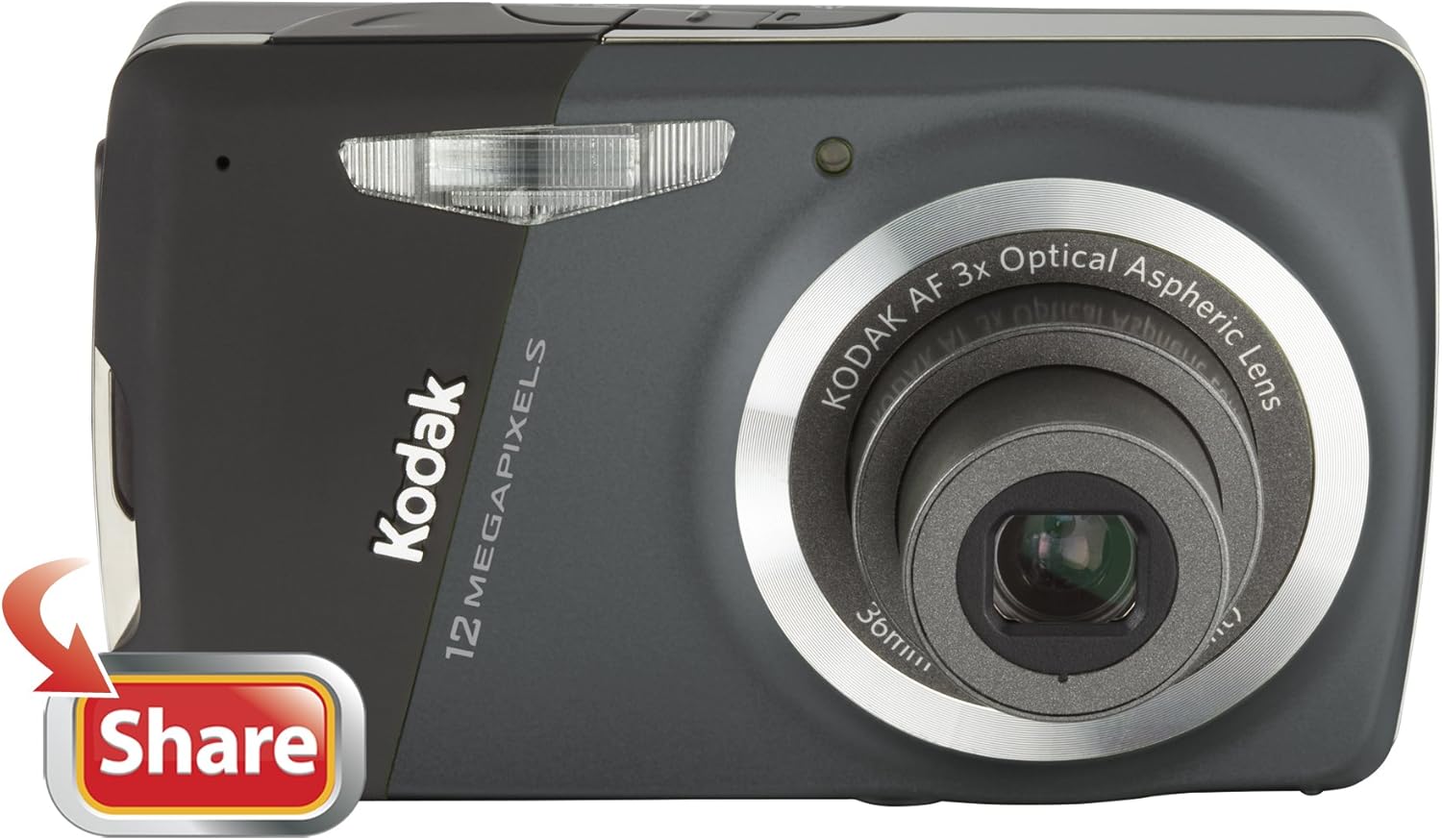
The Kodak EasyShare M530 simplifies sharing. After capturing an image or video, press the red 'Share' button on the camera. A menu will appear allowing you to tag your media for various destinations such as YouTube, Facebook, Flickr, Kodak Gallery, or email. Once tagged, connect your camera to your computer via the USB cable, and the Kodak Share Button App will automatically upload your selected media to the chosen platforms.
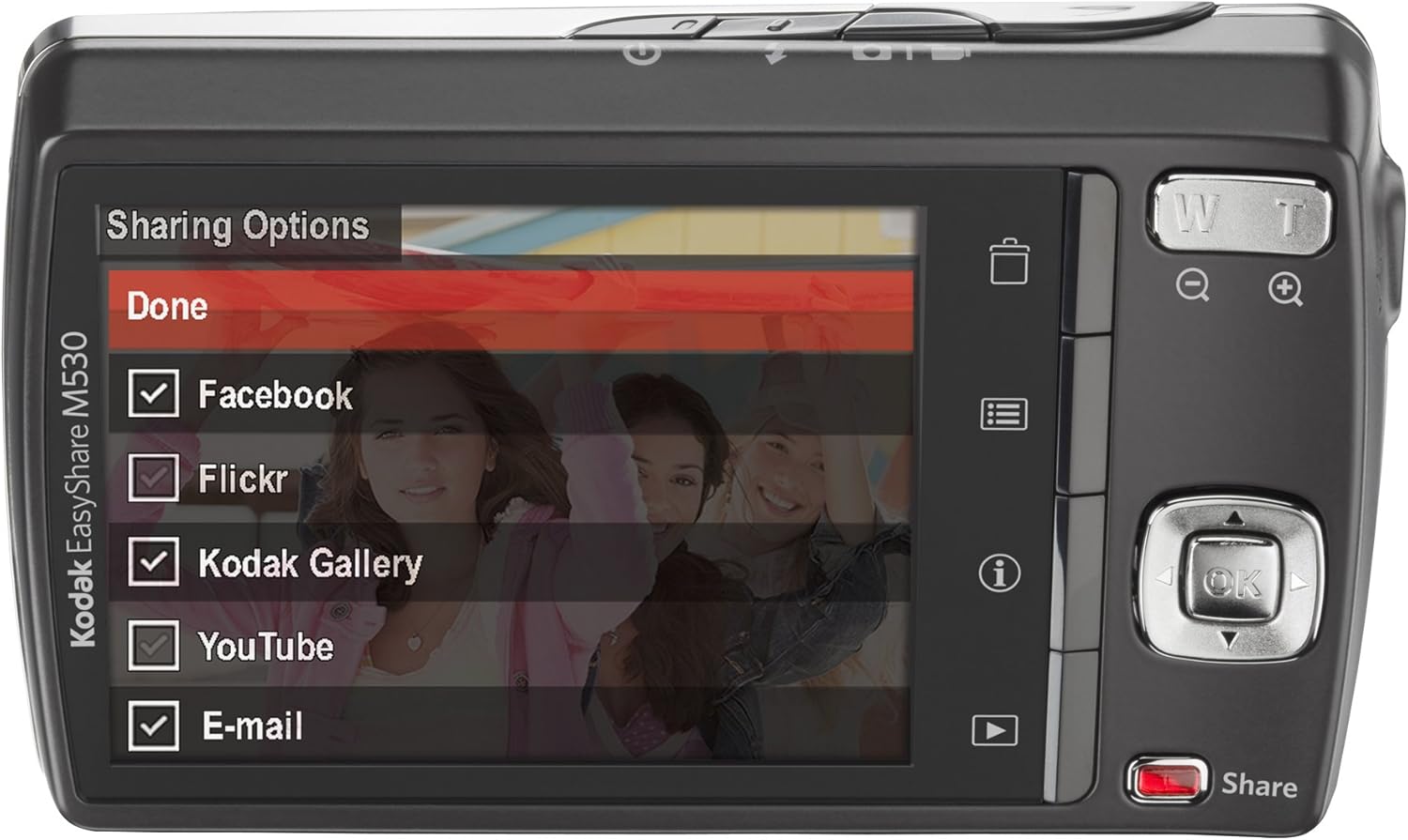
The camera's LCD screen displaying the sharing options menu.
Face Recognition and Keyword Tagging
The camera features Face Recognition, allowing it to automatically recognize up to 20 pre-tagged faces and up to five faces in a single image. This aids in organizing and quickly locating photos of specific individuals. You can also add keyword tags to your photos for further organization based on events, locations, or other criteria.
Official video demonstrating how to use the Kodak M530 camera, including basic operations and sharing features.
Pokročilé funkce
Smart Capture
Kodak's Smart Capture feature automatically identifies the scene and adjusts camera settings, including exposure, focus, and ISO, for clear and sharp pictures in various lighting conditions. It also reduces noise and clears dark shadows for vibrant, true-to-life colors.
HD Picture Capture
The camera is capable of capturing still images in High Definition (HD) format, allowing for viewing on HDTVs or other HD-compatible devices.
Nahrávání videa
Record continuous VGA video (640 x 480) at 30 frames per second. Videos are captured in QUICKTIME Motion JPEG format with audio recording during capture and playback.
Kodak PERFECT TOUCH Technology
This technology, available in manual mode, enhances your pictures by making them more vivid, revealing richer details, clearing up dark shadows, and producing brighter images.
Režim vysoké ISO
Utilize the high ISO mode (up to 1600) to capture details in low-light conditions and fast-action situations, reducing blur caused by subject movement or camera shake.
Multimedia Slideshow
Create dynamic multimedia slideshows directly on your camera, complete with pre-loaded sound themes and creative transitions.
Official video introducing the Kodak EasyShare M-Series Cameras, highlighting their features and ease of use.
Údržba
To ensure the longevity and optimal performance of your Kodak EasyShare M530 camera, follow these maintenance guidelines:
- Čištění objektivu: Use a soft, lint-free cloth specifically designed for camera lenses. Gently wipe the lens surface to remove dust or smudges. Avoid using abrasive materials or harsh chemicals.
- Čištění LCD obrazovky: Wipe the LCD screen with a soft, dry cloth. For stubborn smudges, a slightly dampLze použít navlhčený hadřík s vodou a poté otřít do sucha.
- Čištění těla: Use a soft, dry cloth to clean the camera body. For dirt, a slightly dampened cloth can be used, but ensure no moisture enters the camera's openings.
- Skladování: When not in use, store the camera in a cool, dry place away from direct sunlight, extreme temperatures, and high humidity. Consider using a camera case for added protection against dust and impacts.
- Péče o baterie: Pokud fotoaparát nebudete delší dobu používat, vyjměte baterii. Baterie skladujte na chladném a suchém místě.
Odstraňování problémů
If you encounter issues with your Kodak EasyShare M530, refer to the following common problems and their potential solutions:
| Problém | Možná příčina / řešení |
|---|---|
| Fotoaparát se nezapne. | Ensure the battery is fully charged and correctly inserted. The battery may need to be replaced if it no longer holds a charge. |
| Obrázky jsou rozmazané. | Check for sufficient lighting. Ensure the camera is held steady during capture; use a tripod if necessary. Clean the lens. The Smart Capture feature should help optimize settings for sharpness. |
| Chyba paměťové karty. | Reinsert the memory card. Try a different, compatible SD/SDHC card. Ensure the card is not full or corrupted. |
| Nelze se připojit k počítači. | Ensure the USB cable is securely connected to both the camera and the computer. Verify that the Kodak Share Button App or appropriate drivers are installed on your computer. |
| Share button not working. | Ensure the camera is connected to a computer with the Kodak Share Button App running for automatic uploads. Check camera settings for sharing options. |
Specifikace
| Funkce | Detail |
|---|---|
| Název modelu | M530 |
| Efektivní rozlišení | 12 MP |
| Optický zoom | 3x |
| Velikost obrazovky | 2.7 palce |
| Rozlišení videa | VGA (640 x 480) at 30 fps |
| Technologie fotosenzoru | CCD |
| Typ baterie | Dobíjecí lithium-iontová baterie KLIC-7006 |
| Vnitřní paměť | 32 MB |
| Kompatibilita paměťových karet | SD/SDHC |
| Barva | Uhlík |
| Hmotnost položky | 0.33 libry |
| Číslo modelu | 8085730 |
Co je v krabici
The Kodak EasyShare M530 Digital Camera package typically includes:
- Digitální fotoaparát Kodak EasyShare M530
- Dobíjecí Li-Ion baterie Kodak KLIC-7006
- Napájecí adaptér Kodak USB pro nabíjení ve fotoaparátu
- Pásek na zápěstí
- USB kabel
- Uživatelská příručka (tato příručka)
Volitelné příslušenství
Enhance your camera experience with these recommended accessories:
- SD/SDHC Memory Cards (4GB, 8GB, 16GB or higher, 60x speed recommended)
- Mini Tripods for stable shots
- Extra Kodak Rechargeable Li-Ion Battery KLIC-7006
- Camera Cases for protection and portability
Záruka a podpora
Informace o záruce
This product is covered by a manufacturer's warranty. Please refer to the warranty card included in your package or visit the official Kodak webstránky pro podrobné podmínky.
Zákaznická podpora
For further assistance, technical support, or to download the latest software and drivers, please visit the official KODAK webnebo kontaktujte jejich oddělení zákaznických služeb. Více informací naleznete na Obchod KODAK na Amazonu.