
Zavedení
This manual provides detailed instructions for the setup, operation, maintenance, and troubleshooting of your Escali Primo Digital Food Scale, Model P115. Designed for precise weight measurement in the kitchen, this scale is a versatile tool for cooking, baking, and portion control. Please read this manual thoroughly before using your scale to ensure optimal performance and longevity.
Konec produktuview
The Escali Primo Digital Food Scale features a simple two-button operation, a sealed control panel for easy cleaning, and a compact design. It offers accurate measurements for various ingredients.
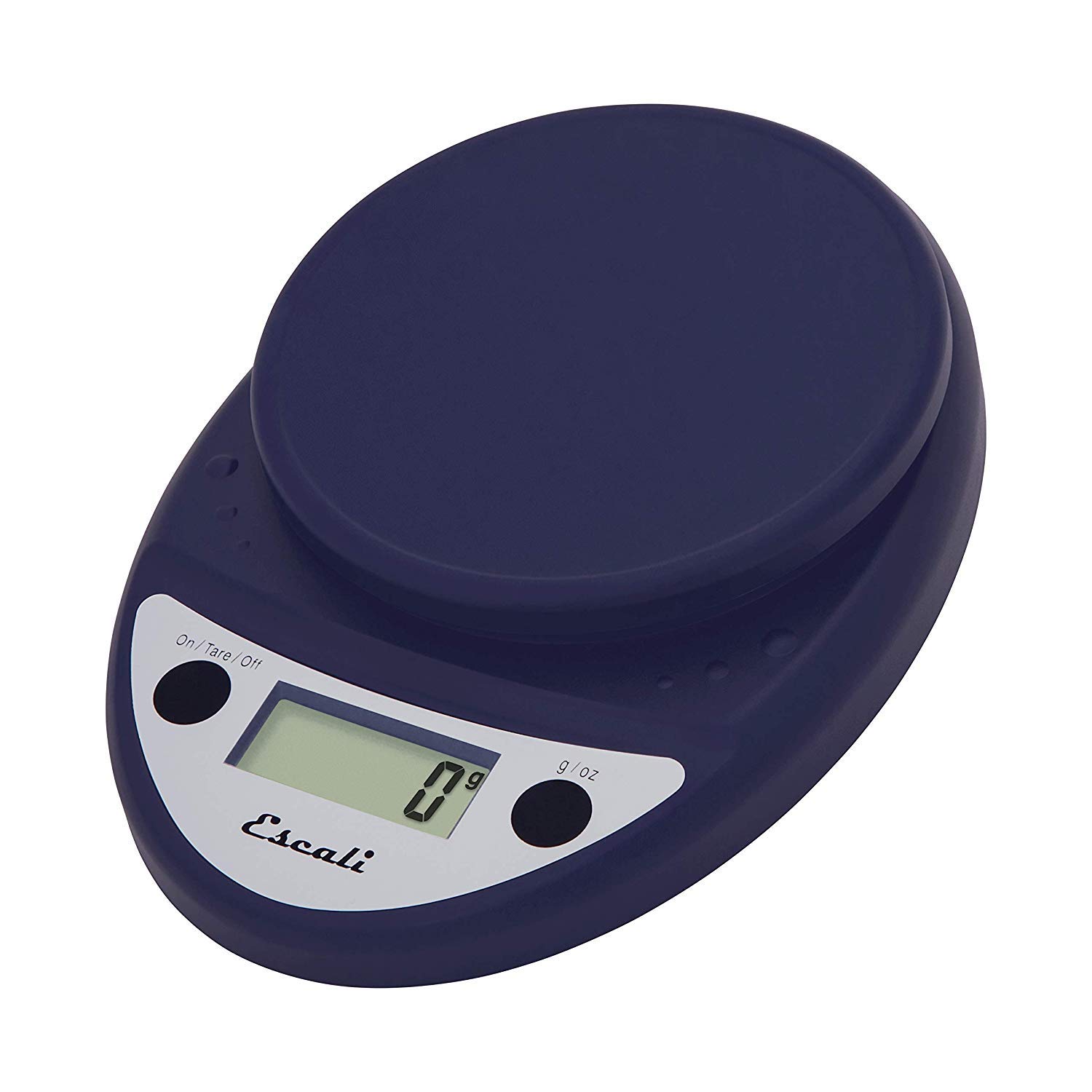
This image displays the Escali Primo Digital Food Scale in royal blue, showcasing its oval shape, weighing platform, digital display, and two control buttons.
Klíčové vlastnosti:
- Odolný design: Lightweight and rounded for enhanced durability.
- Accurate & Capable: Measures up to 11 lb (5,000 g) in 0.1 oz (1 g) increments.
- Funkce Tare: Allows you to reset the scale to zero weight to measure multiple items or subtract container weight.
- Snadno čitelné: Features a crisp digital display.
- Výběr jednotky: Measures in pounds + ounces, ounces, and grams.
- Spill Guard: A clear plastic shield covers the control panel for easy cleaning.
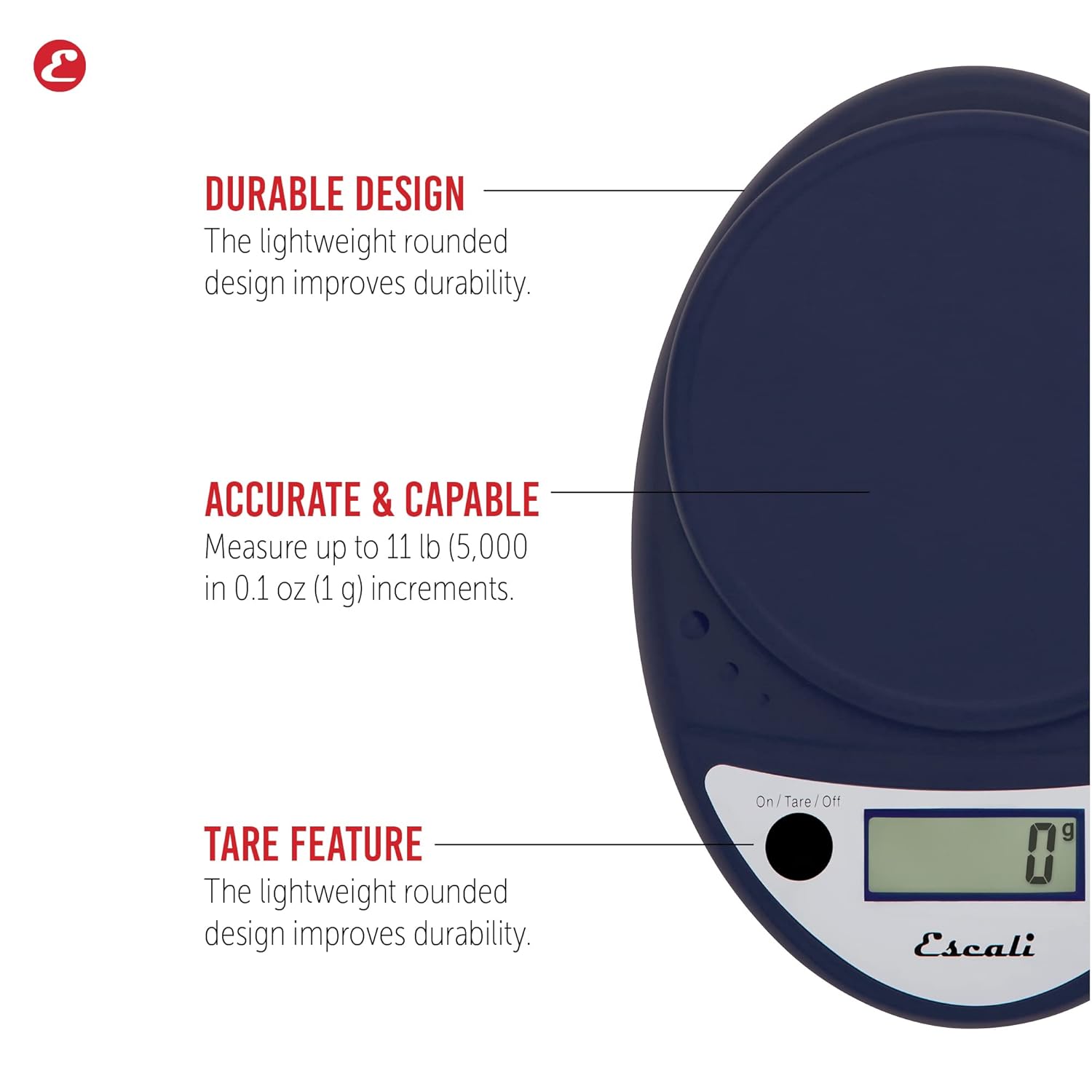
This image highlights the durable design, accurate measurement capabilities (up to 11 lbs / 5000g in 0.1 oz / 1g increments), and the tare feature of the scale.

This image illustrates the easy-to-read digital display, the unit selection function (pounds+ounces, ounces, grams), and the spill guard protecting the control panel.
Nastavení
- Instalace baterie: The scale requires two (2) AA batteries, which are included. Open the battery compartment on the underside of the scale, insert the batteries according to the polarity indicators (+/-), and close the compartment securely.
- Umístění: Umístěte váhu na tvrdý, rovný a stabilní povrch. Nerovný povrch může ovlivnit přesnost.
Návod k obsluze
Zapnutí/vypnutí
- Otočit váhy ON, stiskněte tlačítko On/Tare/Off tlačítko. Na displeji se zobrazí „0“.
- Otočit váhy VYPNUTO, stiskněte a podržte On/Tare/Off button for approximately 3 seconds. The scale also features an automatic shut-off after four minutes of inactivity to conserve battery life.
Výběr jednotky
- Stiskněte tlačítko g/oz button to cycle through the available measurement units: grams (g), ounces (oz), and pounds:ounces (lb:oz). Select your desired unit before weighing.
Vážení položek
- Turn on the scale. Ensure the display shows "0" in your desired unit.
- Opatrně umístěte vážený předmět (předměty) do středu vážící plošiny.
- Přečtěte si hmotnost zobrazenou na obrazovce.
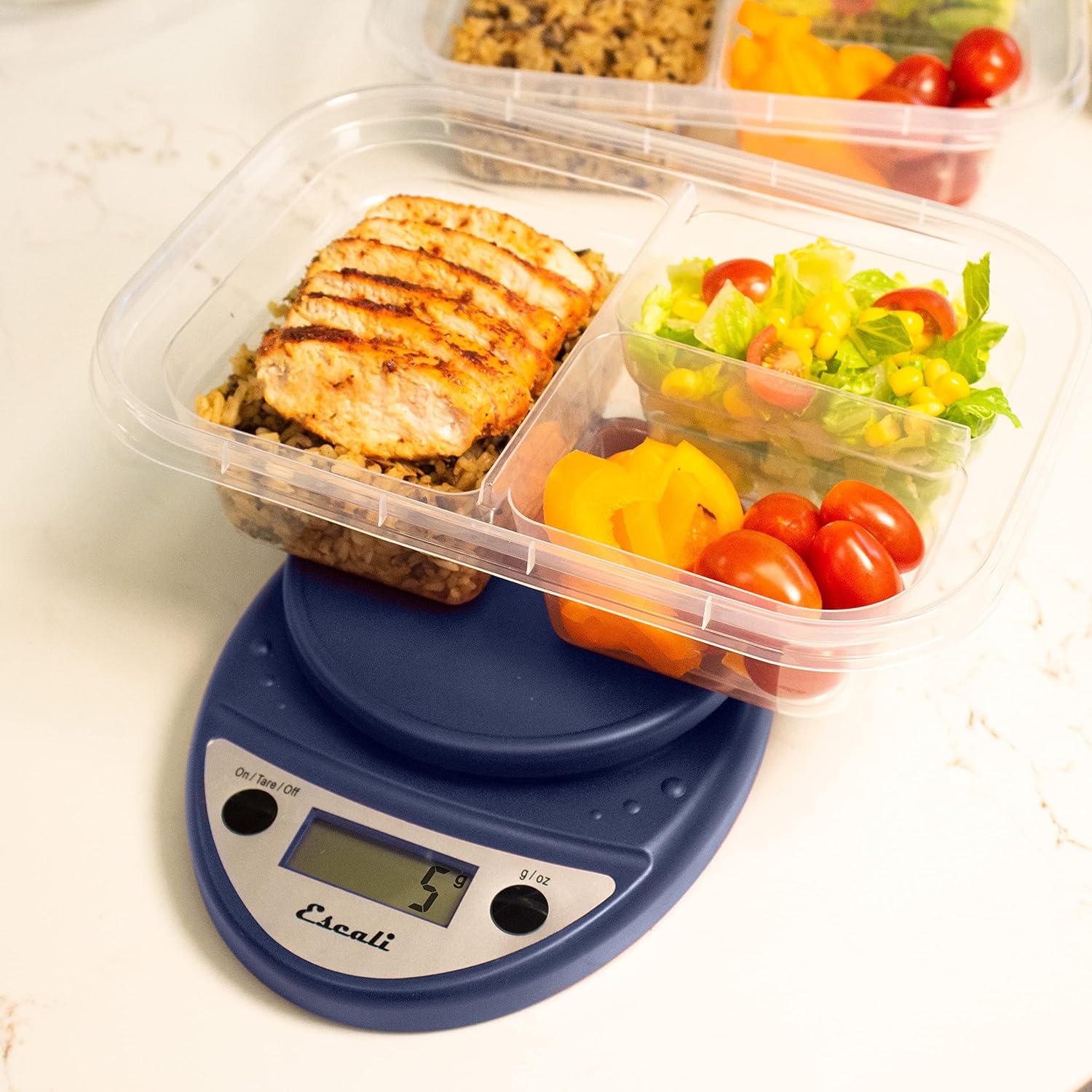
This image shows the Escali Primo Digital Food Scale being used to weigh meal prep containers filled with food, demonstrating its practical application for portion control.
Funkce tary
The tare function allows you to subtract the weight of a container or to weigh multiple ingredients consecutively in the same bowl.
- Umístěte prázdnou nádobu na vážící plošinu. Na displeji se zobrazí její hmotnost.
- Stiskněte tlačítko On/Tare/Off tlačítko. Displej se resetuje na „0“.
- Přidejte ingredienci (ingredience) do nádoby. Na displeji se zobrazí pouze hmotnost přidané (přidaných) ingredience (ingrediencí).
- Repeat step 2 and 3 for additional ingredients.

This image illustrates the scale being used to weigh flour in a glass bowl, demonstrating the tare function's utility in baking by zeroing out the bowl's weight.
Údržba a péče
- Čištění: The sealed control panel and rounded design make the scale easy to clean. Wipe the scale with a damp tkanina. Váhu neponořujte do vody ani nepoužívejte abrazivní čisticí prostředky.
- Skladování: Váhu skladujte na suchém místě při pokojové teplotě.
- Výměna baterie: When the battery indicator appears on the display, replace the two AA batteries.
Odstraňování problémů
| Problém | Možná příčina | Řešení |
|---|---|---|
| Váha se nezapne | Vybité nebo nesprávně nainstalované baterie | Vyměňte baterie nebo zajistěte správnou polaritu. |
| Nepřesné údaje | Uneven surface, overloaded scale, or interference | Place on a flat, stable surface. Do not exceed maximum capacity. Remove any electronic devices nearby. |
| Displej zobrazuje „Err“ | Váha přetížena | Remove items immediately. Do not exceed 11 lb (5,000 g). |
Pokud narazíte na problémy, které zde nejsou uvedeny, obraťte se na sekci podpory, kde vám pomohou.
Specifikace
- Model: P115
- Kapacita: 11 g
- Přírůstky: 0.05 oz (1 g)
- jednotky: oz, lb:oz, g
- Rozměry: 8.5 x 6 x 1.5 palce
- Zdroj napájení: 2 AA baterie (součástí balení)
- Typ displeje: LED
- Speciální vlastnosti: Auto Shut Off, Sealed Control Panel, Tare Function
Záruka a podpora
Informace o záruce
The Escali Primo Digital Food Scale is backed by a Doživotní zárukaTato záruka se vztahuje na vady materiálu a zpracování při běžném používání. Uschovejte si prosím doklad o koupi pro případ uplatnění záruky.
Zákaznická podpora
For further assistance, technical support, or warranty inquiries, please visit the official Escali webwebové stránky nebo kontaktujte jejich oddělení zákaznických služeb. Kontaktní informace obvykle naleznete na obalu produktu nebo na oficiálních stránkách značky webmísto: www.escali.com