
Zavedení
The D-Link DI-604 is a 4-Port Ethernet Broadband Router designed to share your internet connection among multiple computers. This manual provides detailed instructions for setting up, operating, maintaining, and troubleshooting your DI-604 router.
Obsah balení
Ověřte prosím, zda váš balíček obsahuje následující položky:
- D-Link DI-604 4-Port Ethernet Broadband Router
- Napájecí adaptér
- Ethernet Cable (Cat5 UTP)
- Uživatelská příručka (tento dokument)
If any items are missing or damaged, please contact your reseller for assistance.
Konec produktuview

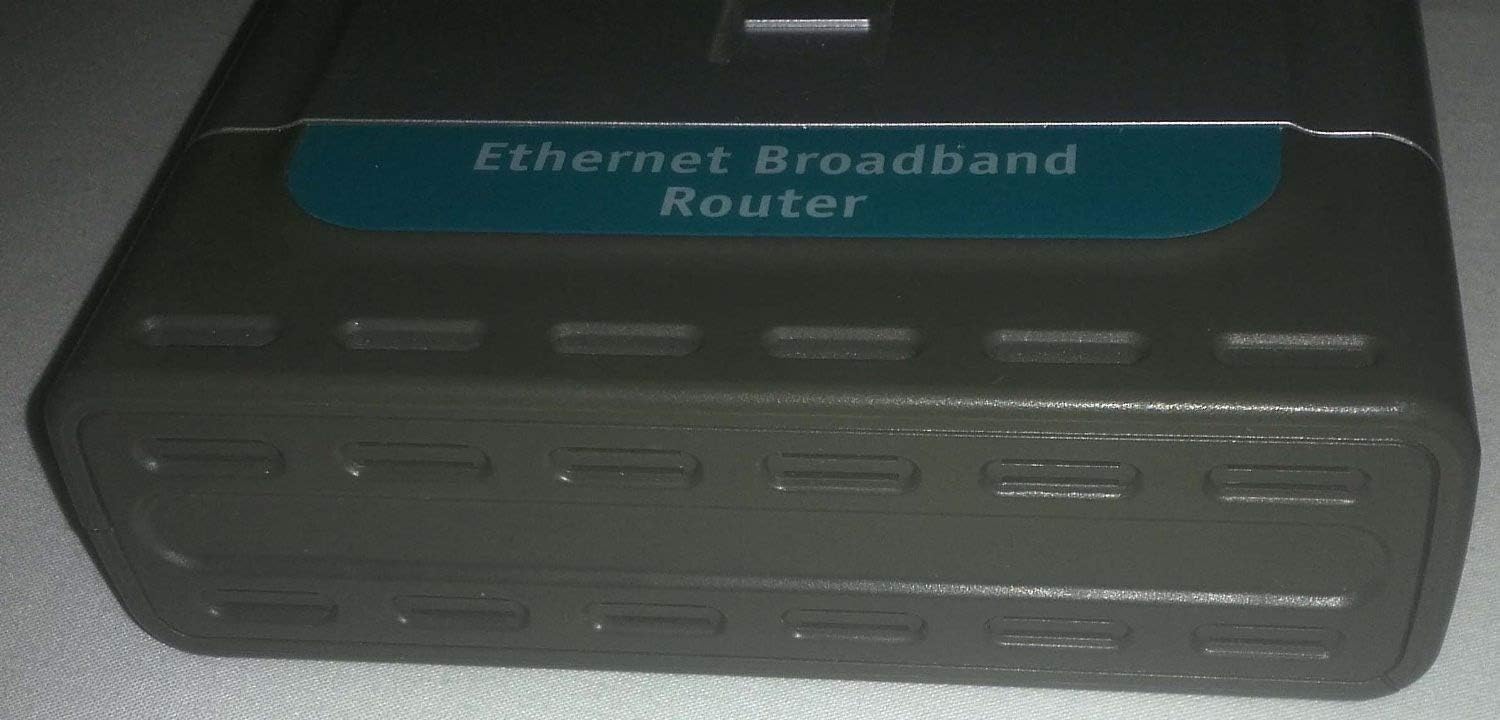
Obraz: Generál view of the D-Link DI-604 4-Port Ethernet Broadband Router, showcasinjeho kompaktní design a přední panel.
Přední panel
The front panel of the DI-604 router features LED indicators that provide status information about the device and its connections.

Obraz: Detailní záběr view of the D-Link DI-604 router's front panel, showing the Power, WAN, and four LAN (1-4) Link/Act LED indicators. The model number DI-604 is visible on the right side.
- LED napájení: Indikuje stav napájení routeru.
- WAN LED: Indicates the status of the connection to the internet (modem).
- LAN (1-4) LEDs: Indicate the link and activity status for each of the four Ethernet ports.
Zadní panel
The rear panel contains all the necessary ports for connecting the router to your network and power source.
Obraz: Zadní view of the D-Link DI-604 router, displaying the WAN port, four LAN ports (1-4), and the power input jack. The reset button is also visible.
- Port WAN: Connects to your broadband modem (DSL or Cable).
- Porty LAN (1-4): Connect to your computers or other network devices.
- Příkon: Připojuje se k přiloženému napájecímu adaptéru.
- Resetovací tlačítko: Používá se k obnovení routeru do továrního nastavení.
Spodní štítek
The bottom label provides important identification information for your router.

Obraz: Underside of the D-Link DI-604 router, showing the product label. This label includes the Model No. DI-604, Serial No., MAC No., Hardware/Firmware versions, and FCC compliance information.
- Číslo modelu: DI-604
- sériové číslo: Unique identifier for your device.
- MAC No.: Media Access Control address, a unique hardware identifier.
- H/W:E1 F/W:2.18: Hardware and Firmware versions.
- Soulad s FCC: Informace o předpisech.
Nastavení
Instalace hardwaru
Follow these steps to connect your D-Link DI-604 router:
- Vypínací zařízení: Turn off your computer and broadband modem.
- Připojení modemu k routeru: Connect one end of an Ethernet cable to the WAN port on the DI-604 router and the other end to your broadband modem's Ethernet port.
- Connect Computer(s) to Router: Connect one end of an Ethernet cable to a LAN port (1-4) on the DI-604 router and the other end to your computer's Ethernet adapter. Repeat for additional computers.
- Připojte napájení: Plug the power adapter into the power input jack on the rear of the DI-604 router, then plug the adapter into an electrical outlet.
- Zapnutí zařízení: First, power on your broadband modem and wait for it to fully initialize (usually indicated by stable status lights). Then, power on the DI-604 router. Finally, power on your computer(s).

Obraz: The D-Link DI-604 router shown alongside its power adapter and an Ethernet cable, illustrating the components typically used during hardware installation.
Počáteční konfigurace
After hardware installation, you will need to configure the router using its web-based utility:
- OTEVŘENO Web prohlížeč: On a computer connected to the router, open a web prohlížeč (např. Chrome, Firefox).
- Přístup k rozhraní routeru: Do adresního řádku zadejte výchozí IP adresu routeru, která je obvykle http://192.168.0.1a stiskněte Enter.
- Přihlášení: When prompted, enter the default username and password. For D-Link routers, the default username is often admin and the password field is usually left prázdný.
- Spusťte Průvodce nastavením: Follow the on-screen instructions of the setup wizard to configure your internet connection settings (e.g., PPPoE, Dynamic IP, Static IP, depending on your ISP).
- Změnit výchozí heslo: For security, it is highly recommended to change the default administrator password immediately after initial setup.
Ovládání routeru
Once configured, the D-Link DI-604 router will automatically manage your network connections. Ensure all connected devices are set to obtain IP addresses automatically (DHCP).
- Přístup na internet: All computers connected to the LAN ports should now have internet access through the router.
- Lokální síť: Devices connected to the LAN ports can communicate with each other within the local network.
- Web Rozhraní: The webrozhraní založené na (http://192.168.0.1) allows for advanced configuration, including firewall settings, port forwarding, and parental controls.
Údržba
Regular maintenance helps ensure optimal performance of your router.
- Pravidelné restarty: Periodically restarting the router (unplugging power for 10 seconds, then plugging back in) can resolve minor connectivity issues and improve performance.
- Aktualizace firmwaru: While this model is older and official firmware support may be limited, checking the D-Link support website for any available firmware updates is generally recommended for network devices. Always follow official instructions carefully when updating firmware.
- Obnovení továrního nastavení: If the router becomes unresponsive or you forget the login password, you can perform a factory reset. To do this, with the router powered on, use a paperclip to press and hold the reset button on the rear panel for approximately 10 seconds. All settings will revert to factory defaults.
Odstraňování problémů
This section addresses common issues you might encounter with your DI-604 router.
Žádný přístup k internetu
- Zkontrolujte kabely: Ensure all Ethernet cables are securely connected to the correct ports (WAN to modem, LAN to computers).
- Zkontrolujte modem: Verify that your broadband modem is working correctly and has an active internet connection.
- LED diody routeru: Check the WAN LED on the router's front panel. If it is off or blinking erratically, there may be an issue with the connection to your modem or ISP.
- Sekvence restartu: Power off your modem, then the router, then your computer. Wait 30 seconds, then power on the modem, wait for it to fully initialize, then power on the router, and finally your computer.
- Konfigurace routeru: Přístup k routeru web interface and verify that your internet connection settings (WAN settings) are correctly configured according to your Internet Service Provider (ISP) details.
Nelze přistupovat k routeru Web Rozhraní
- IP adresa: Ensure you are typing the correct default IP address (http://192.168.0.1) into your browser.
- Internetové připojení: Verify your computer is physically connected to one of the router's LAN ports and that the corresponding LAN LED is lit.
- Nastavení IP: Ensure your computer's network adapter is set to "Obtain an IP address automatically" (DHCP).
- Firewall/Antivirus: Temporarily disable any firewall or antivirus software on your computer to see if it is blocking access.
- Obnovení továrního nastavení: If all else fails, perform a factory reset (see Maintenance section) to revert to default settings, then try accessing the interface again with the default login credentials.
Specifikace
| Číslo modelu | DI-604 |
| Značka | D-Link |
| Rozměry produktu | 110.24 x 82.68 x 25.59 palce |
| Hmotnost položky | 2.12 libry |
| Výrobce | D-Link |
| ASIN | B00009VF6Z |
| Datum první dostupnosti | 12. září 2006 |
| Konektivita | 1 x 10/100Mbps WAN Port, 4 x 10/100Mbps LAN Ports |
Záruka a podpora
For specific warranty information regarding your D-Link DI-604 router, please refer to the documentation provided at the time of purchase or contact your reseller. As this is an older model, direct manufacturer support and firmware updates may be limited. For general support resources, you may visit the official D-Link webmísto.
D-Link Webmísto: https://www.dlink.com